Format your message
Make a long message easier to read with bold text, lists and links.
- 1
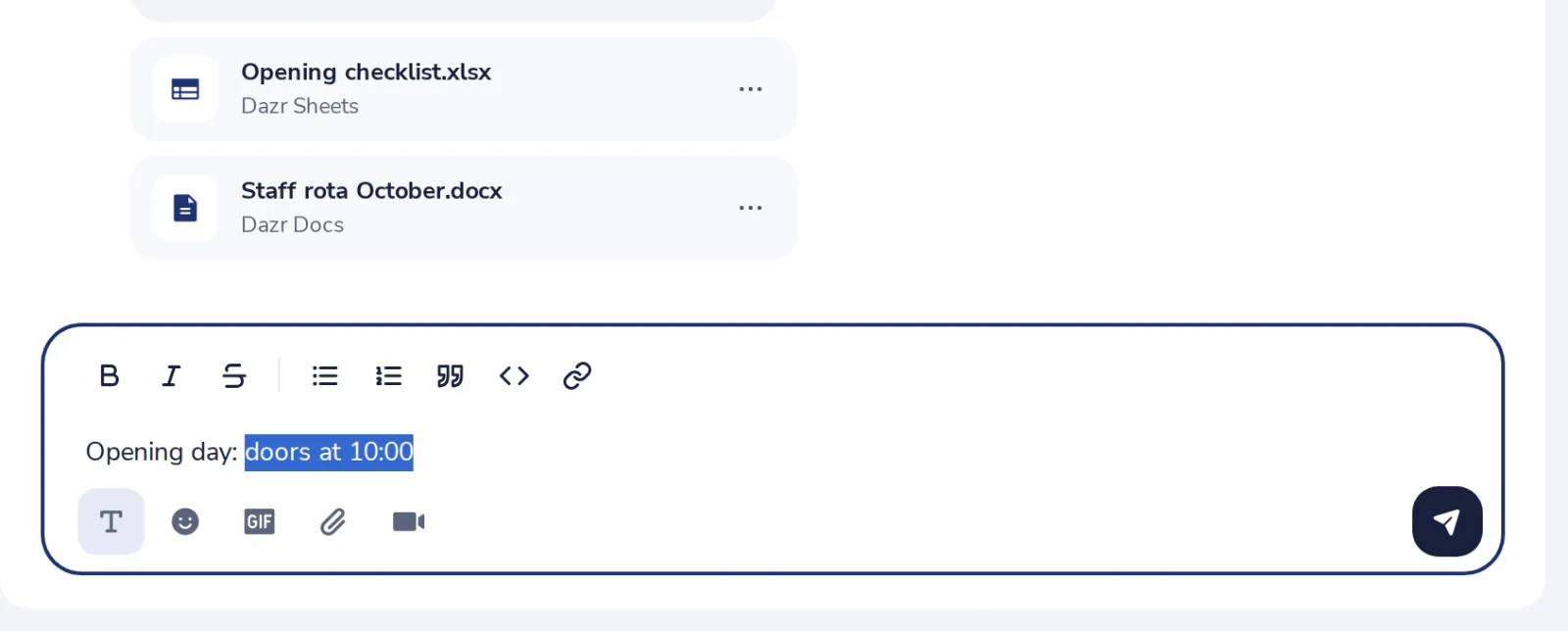
Press the T
Under the message box. The formatting buttons show above your text.
- 2
Select text, press a button
Bold, italic, a list, a quote, code or a link.
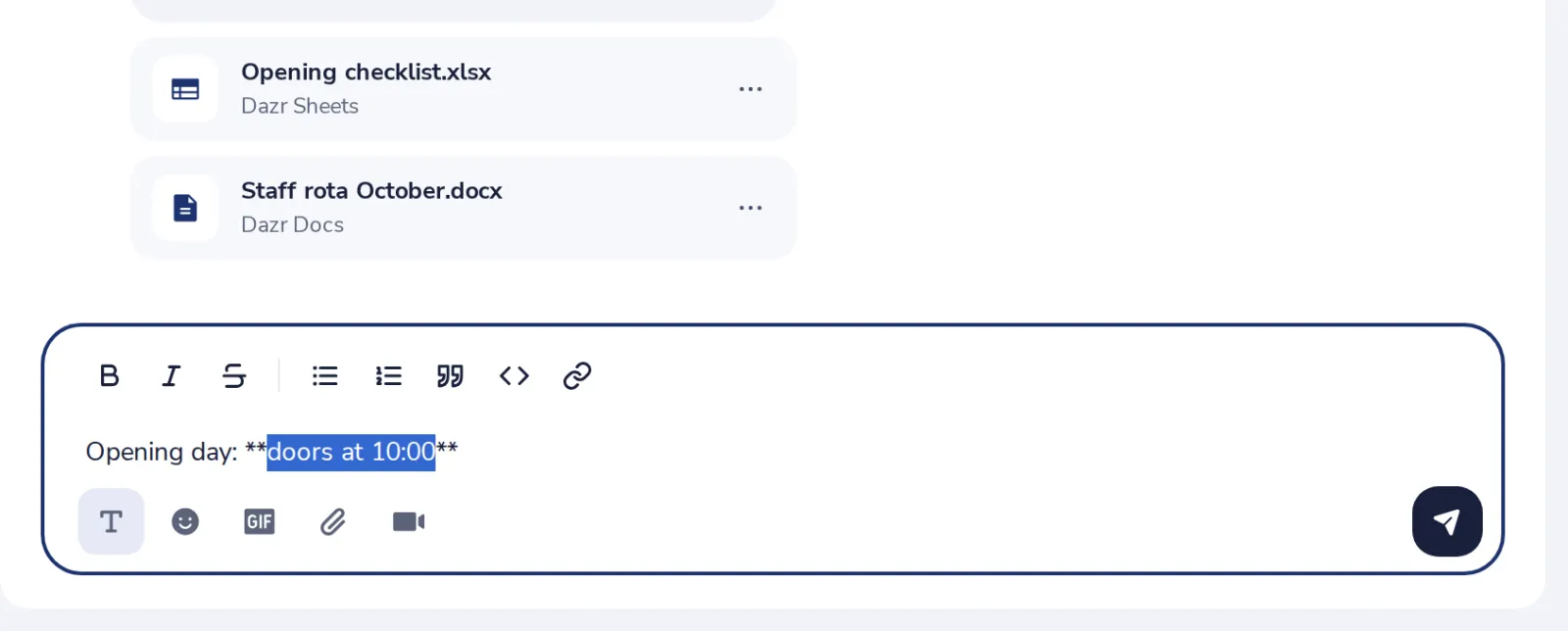
Ctrl and B makes text bold, Ctrl and I italic.
- 3
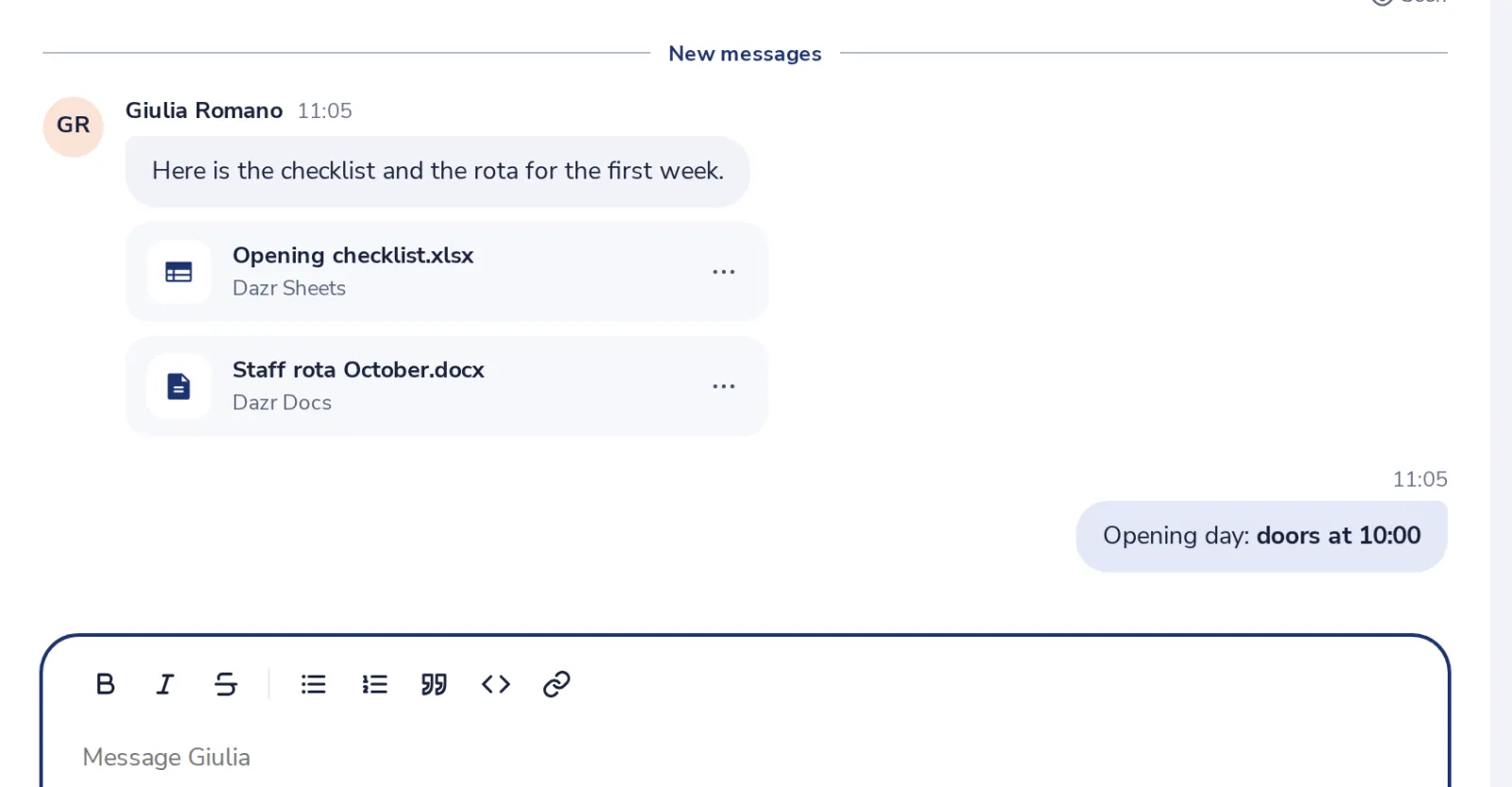
Send it
The others see the formatting in the chat.
Pomohlo vám to?
Co chybělo?
Děkujeme.
Počítáme ano a ne u každého článku. Nic o vás neukládáme.