Schedule a meeting from a chat
The meeting goes into Dazr Calendar for everyone in the chat, and the chat shows it too.
- 1
Press the calendar
At the top of the chat.

- 2
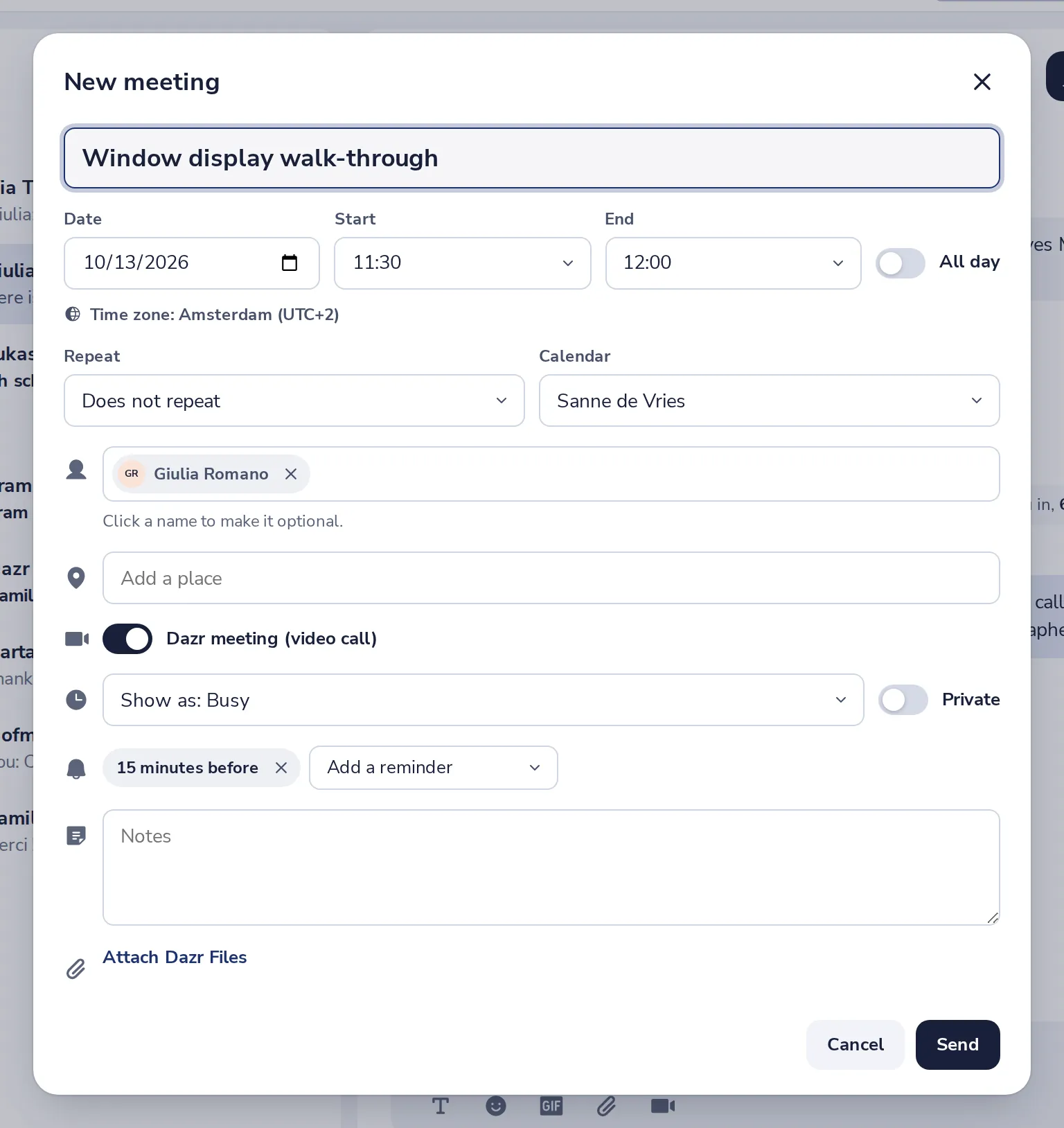
Fill in the meeting
The people of the chat are already invited. Add a title and pick a time.
- 3
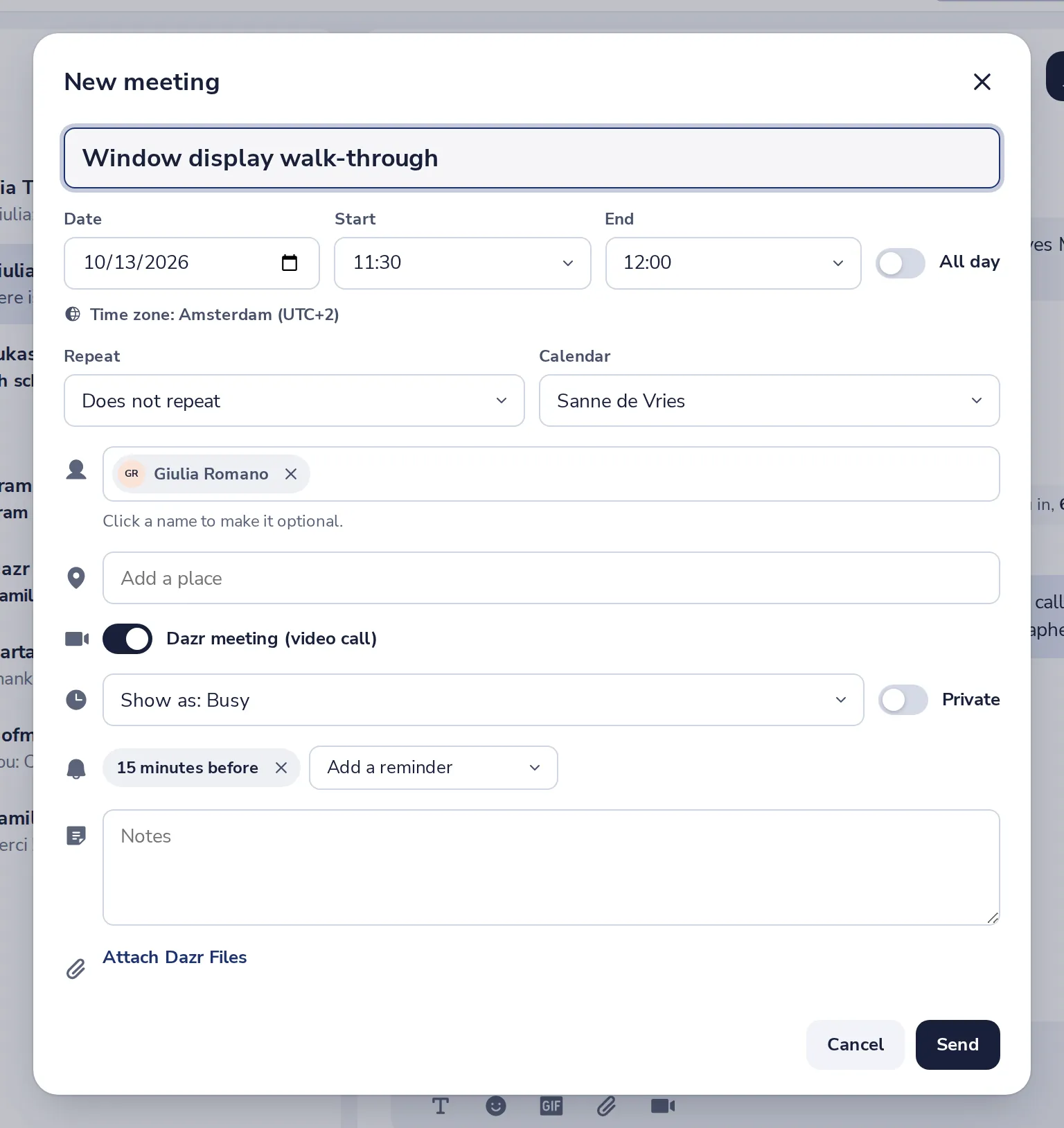
Press Send
Everyone gets the invitation in Dazr Calendar.
- 4
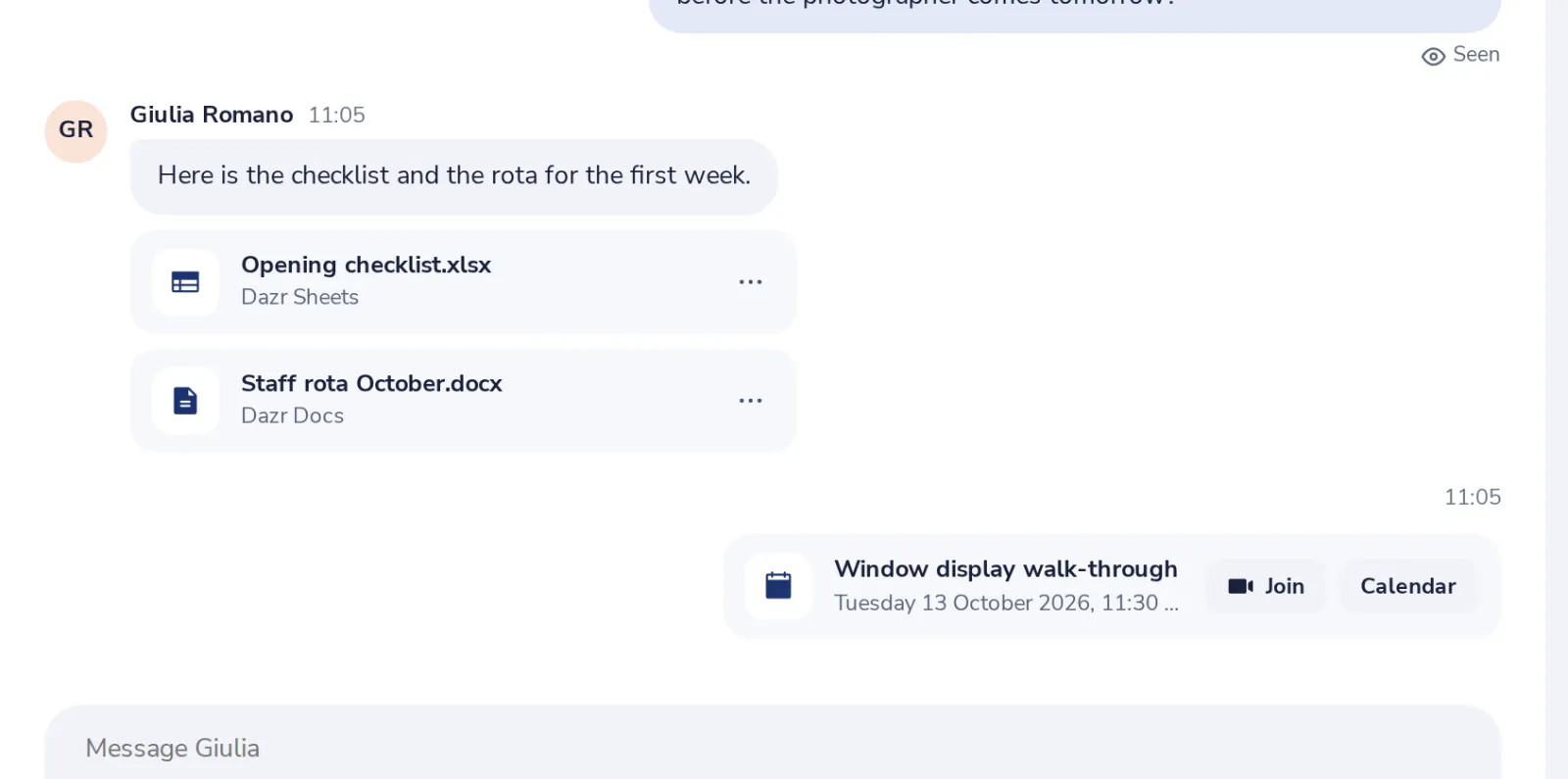
It shows in the chat
Everyone in the chat sees the meeting and its time.
Pomohlo vám to?
Co chybělo?
Děkujeme.
Počítáme ano a ne u každého článku. Nic o vás neukládáme.