Edit or delete a message
You can change or remove your own messages at any time.
- 1
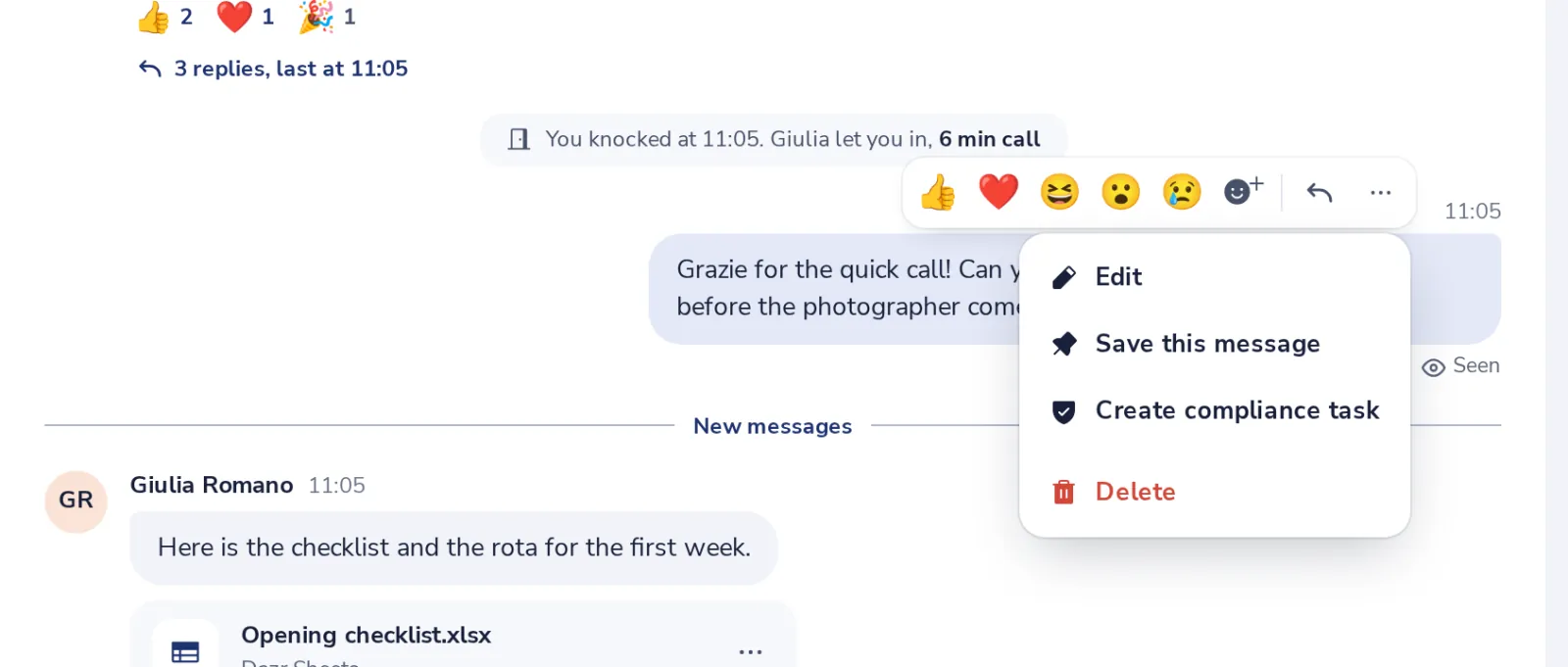
Open the message menu
Point at your message and press the three dots.
- 2
Change the text
Press Enter to save, or Escape to cancel.
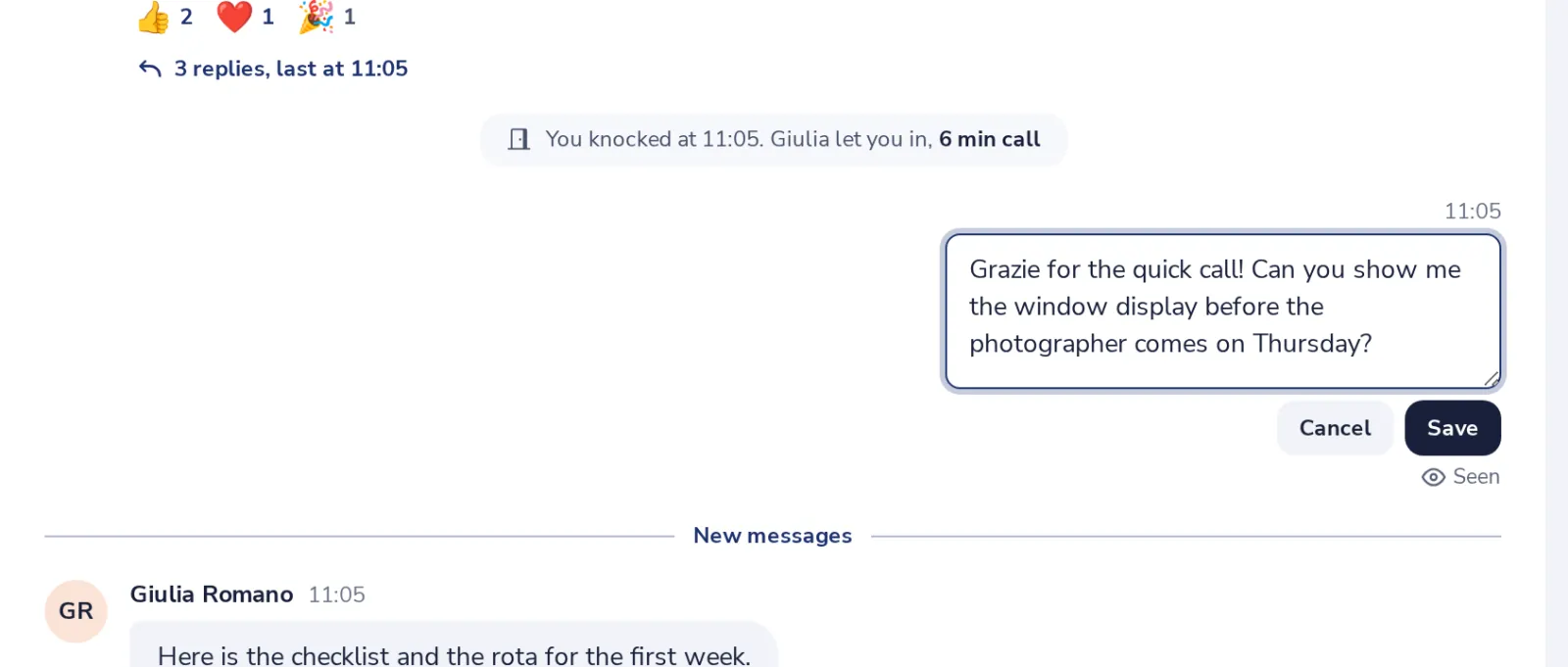
In an empty message box, the Up arrow edits your last message.
- 3
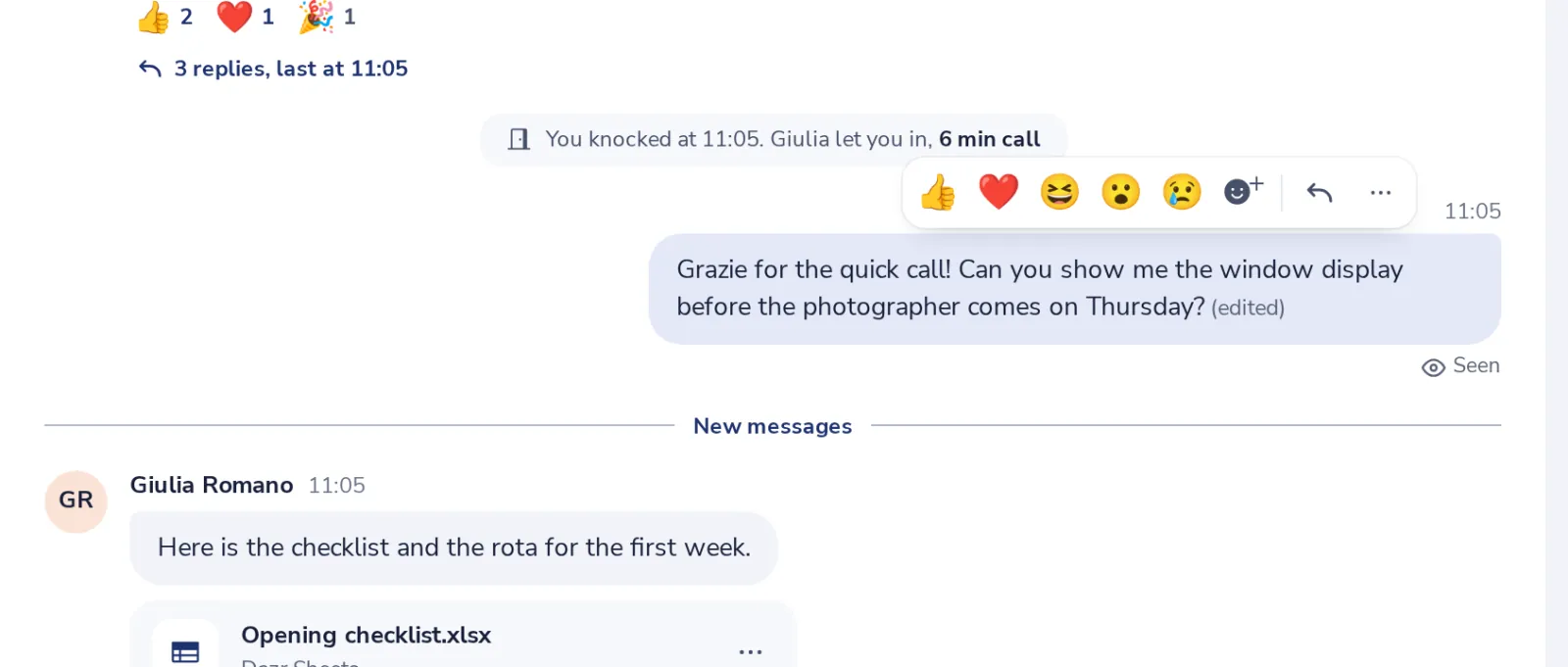
Everyone sees it was edited
The message says edited next to the time.
- 4
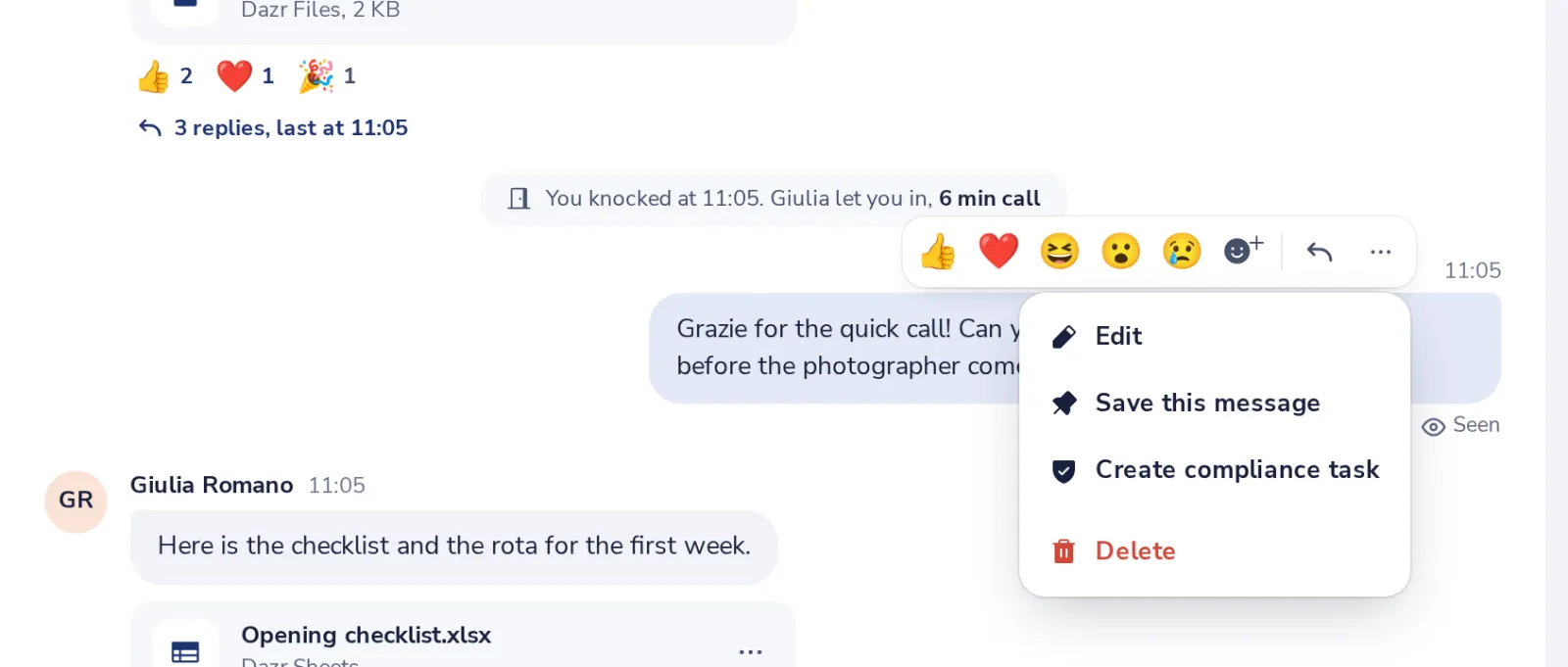
Or delete it
Choose Delete in the same menu. The chat shows Message deleted.
War das hilfreich?
Was hat gefehlt?
Danke.
Wir zählen Ja und Nein pro Artikel. Über Sie wird nichts gespeichert.