See when a colleague is free
The side panel of a chat shows the other person's local time and when they are open for calls, focusing or away today.
- 1
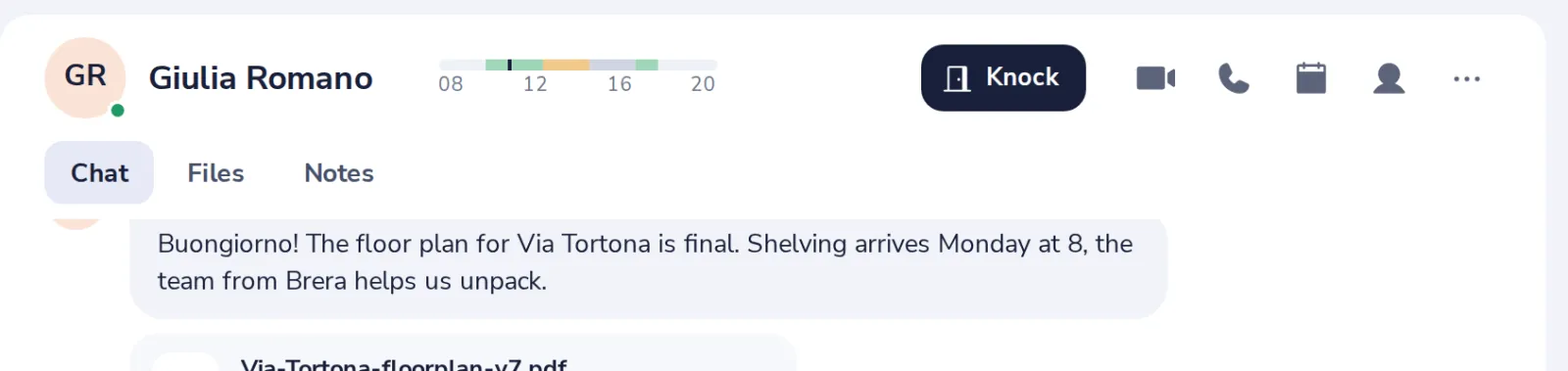
Press the person
At the top right of a chat with one person.
- 2
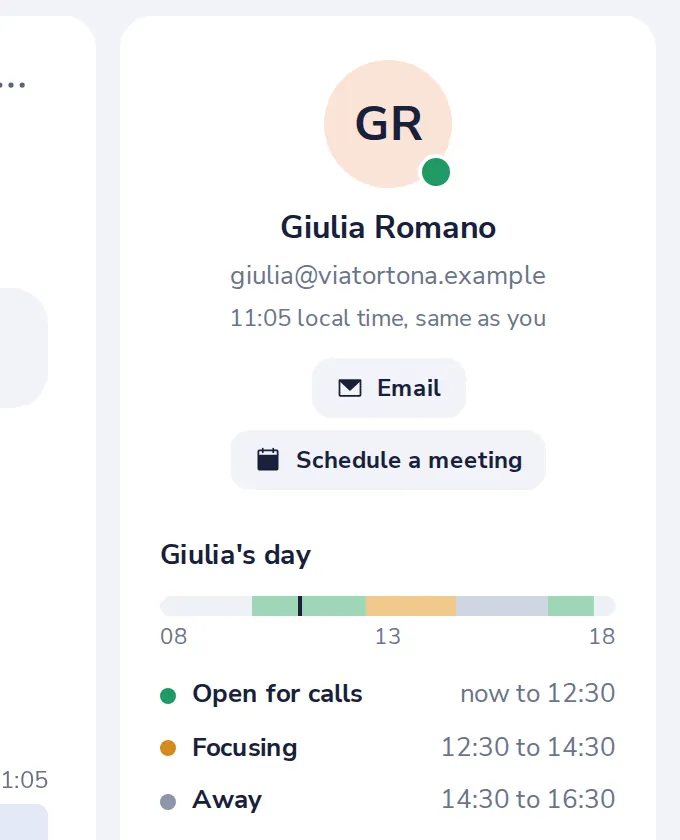
Their local time
Under their name, with their email address.
- 3
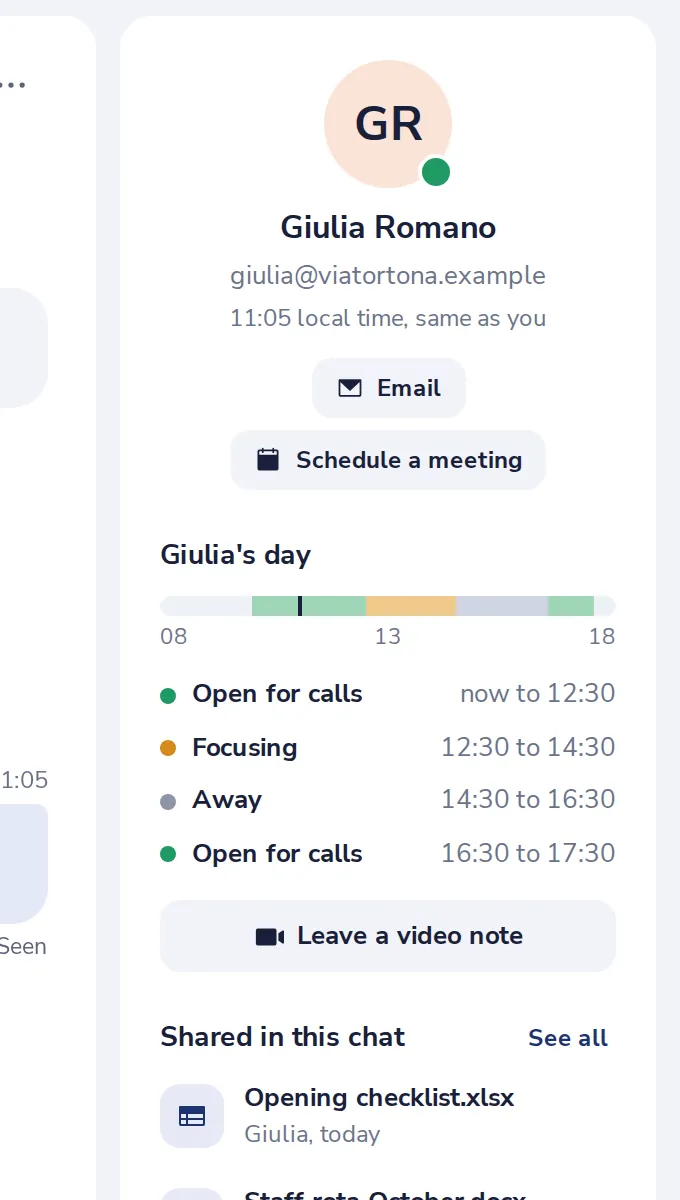
Their day
When they are open for calls, focusing or away today.
War das hilfreich?
Was hat gefehlt?
Danke.
Wir zählen Ja und Nein pro Artikel. Über Sie wird nichts gespeichert.