Set your status
Your status shows next to your name everywhere in Dazr Teams. It can reset itself.
- 1
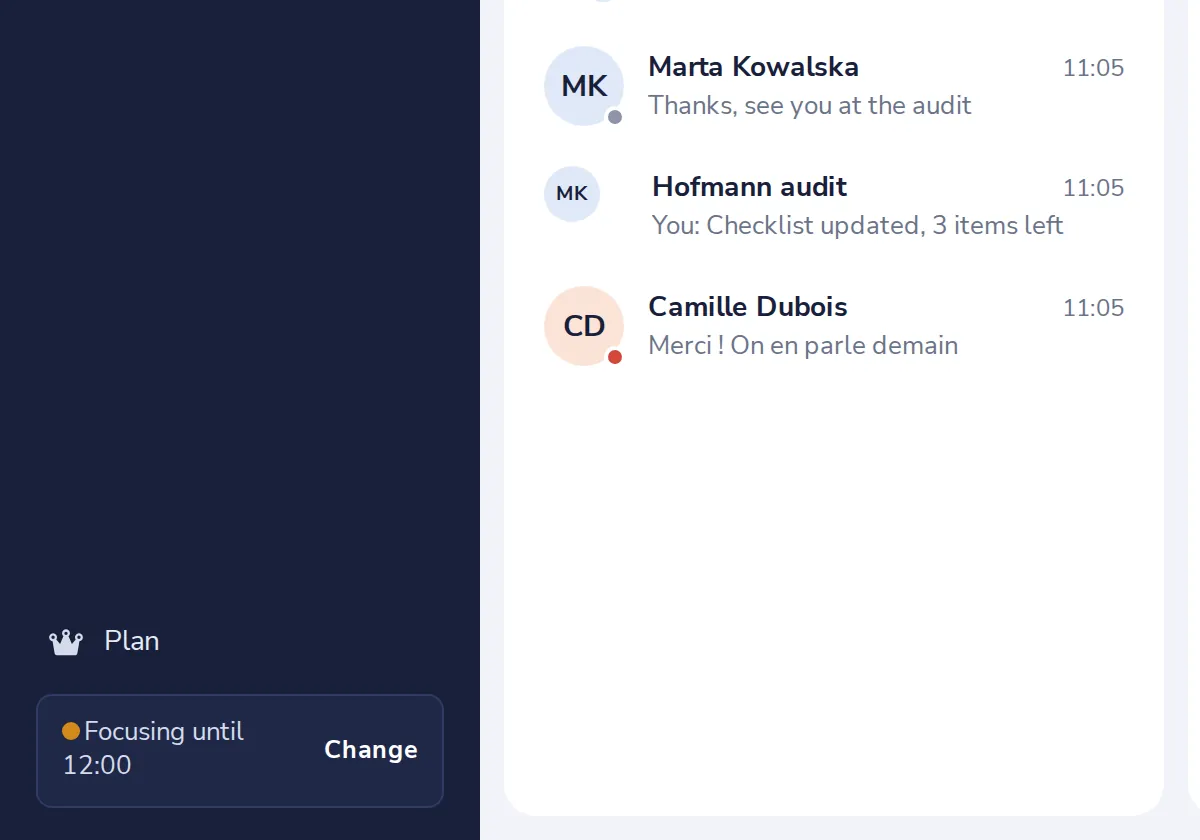
Press Change
At the bottom left, next to your status.
- 2
Choose a status
Then choose when it goes back to normal.
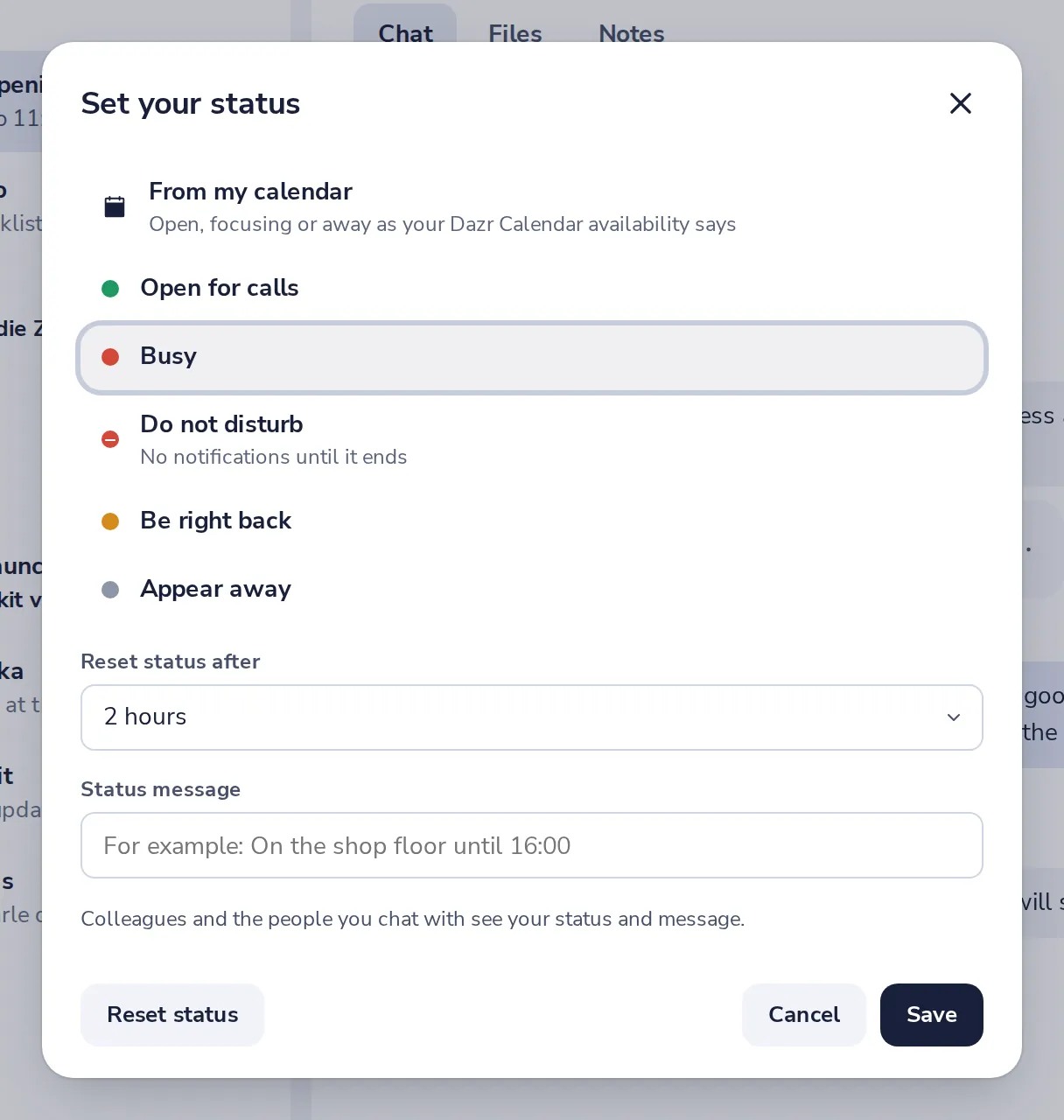
From my calendar follows your focus and free times in Dazr Calendar.
- 3
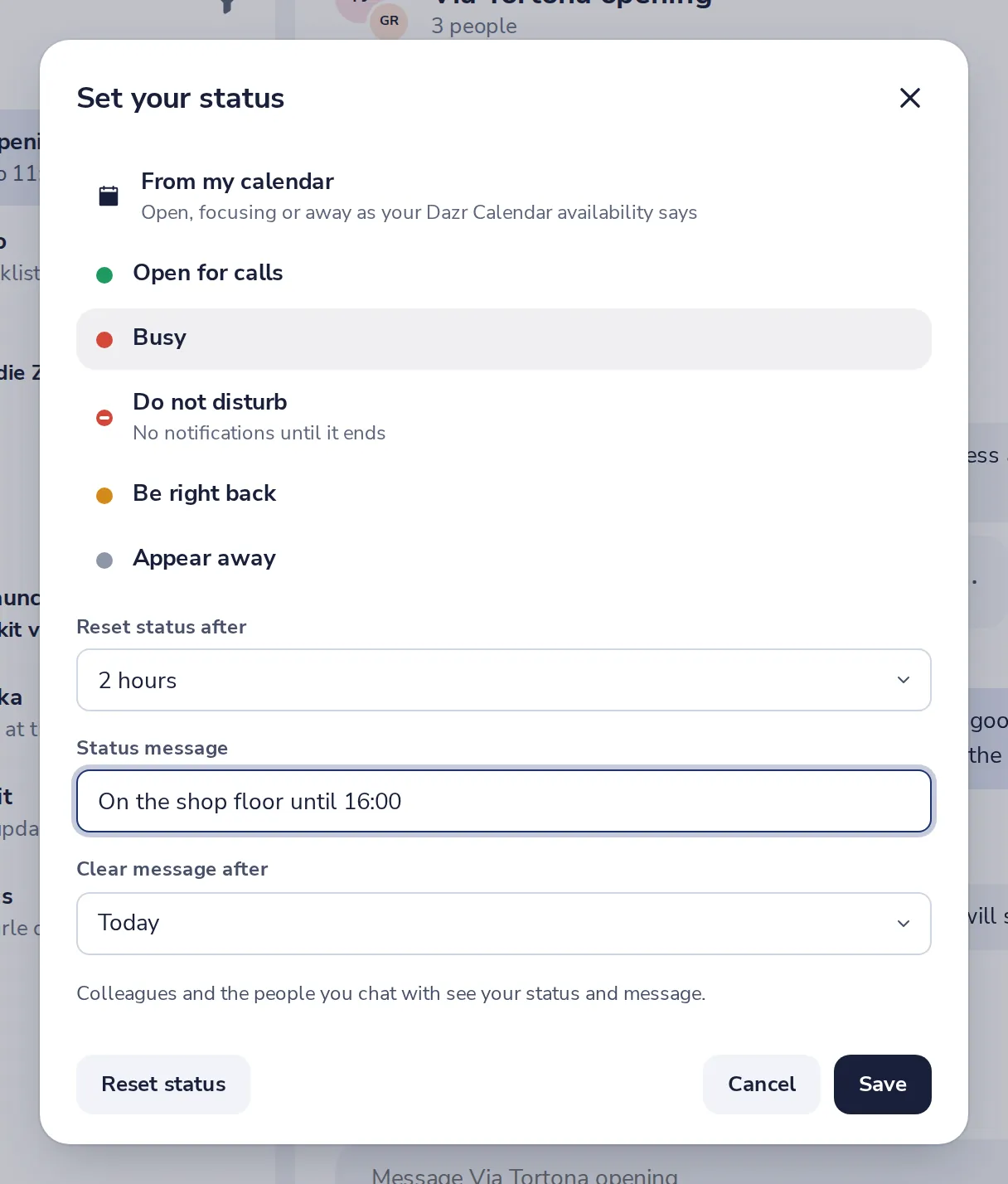
Add a message
For example, On the shop floor until 16:00. Then press Save.
- 4
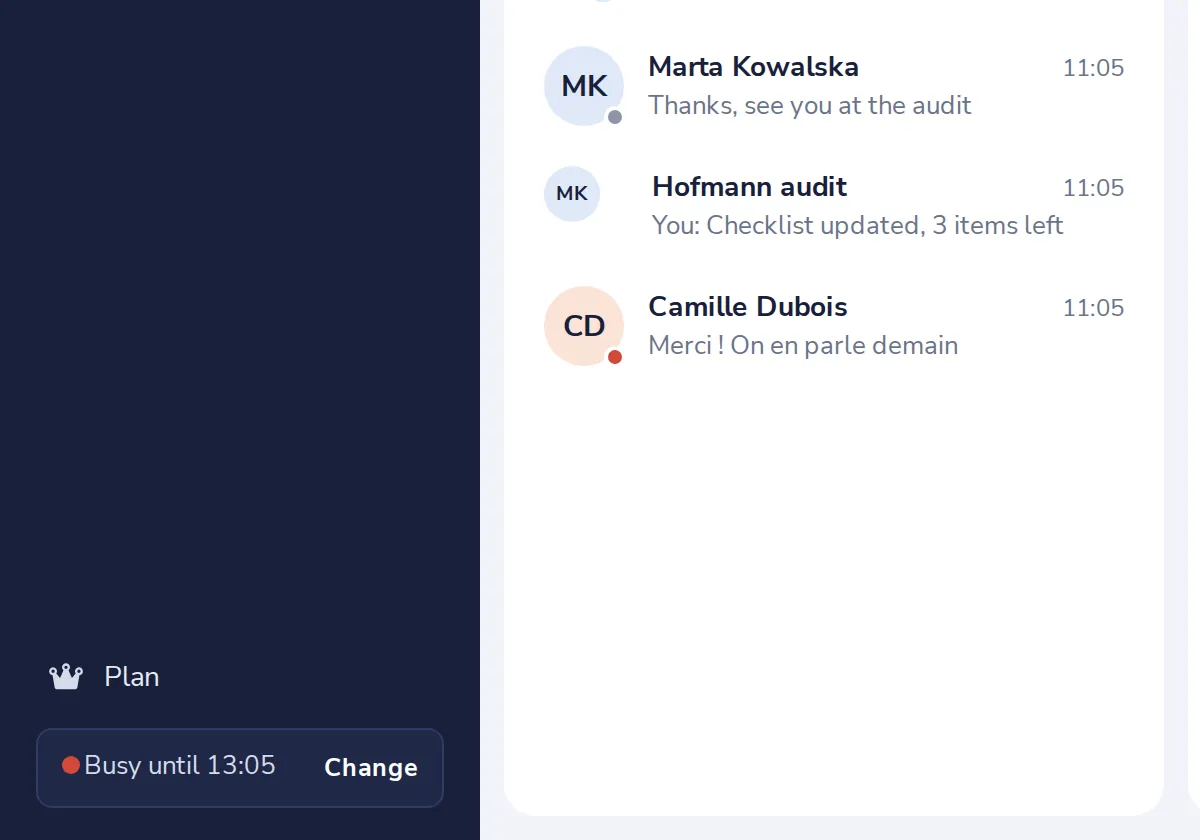
Everyone sees it
Colleagues and the people you chat with see your status and message.
Cela vous a-t-il aidé ?
Que manquait-il ?
Merci.
Nous comptons les oui et les non par article. Rien sur vous n’est enregistré.