Fill in the Statement of Applicability
ISO 27001 asks for a Statement of Applicability: a list of all controls, whether each applies to you, why, and how far it is done.
- 1
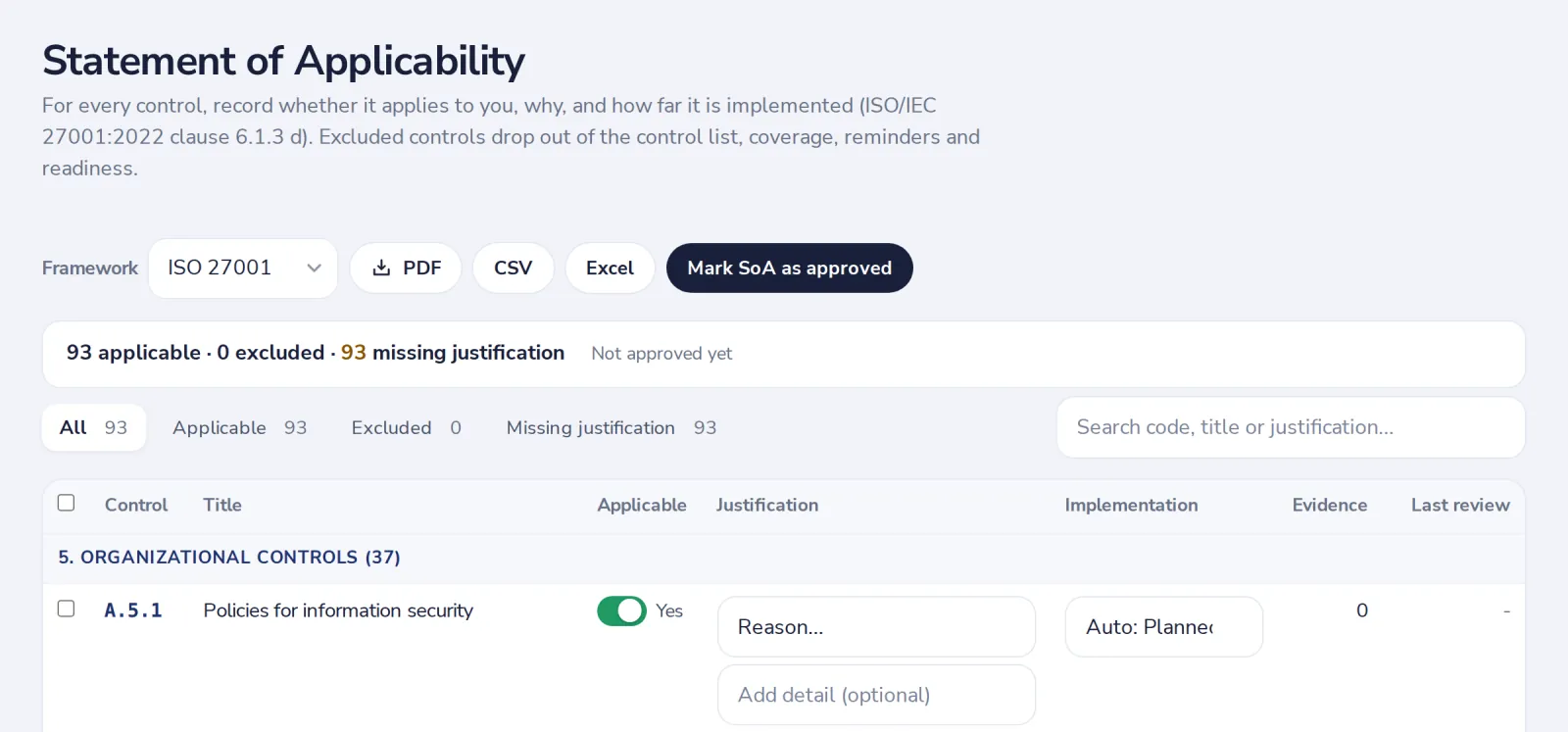
Open Statement of Applicability
Under Registers. Choose the framework at the top.
- 2
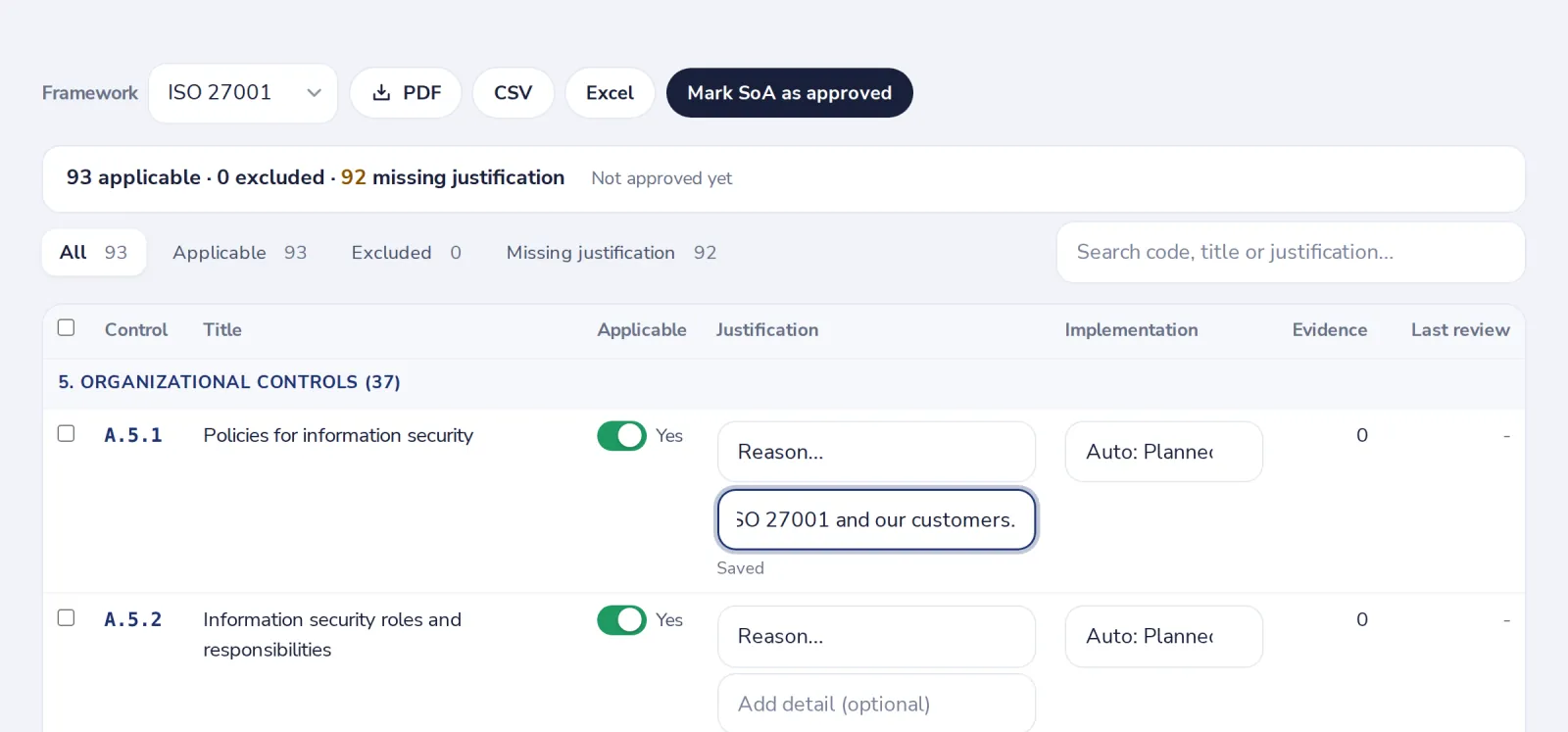
Say why each control applies
Switch it off if it does not apply. Write the reason in one line.
- 3
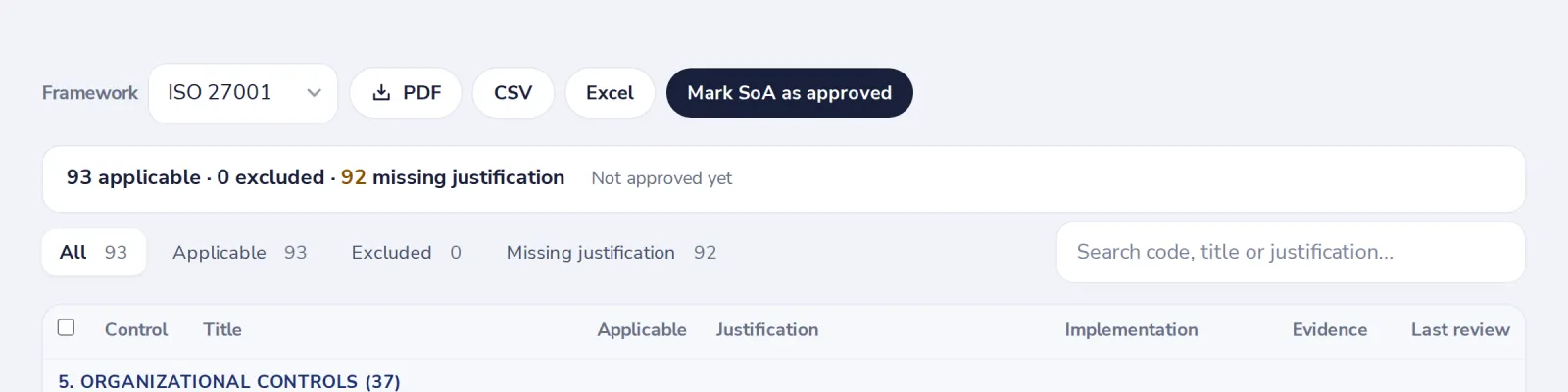
Mark the statement as approved
When it is complete, press Mark SoA as approved. Export it as PDF, CSV or Excel.
Was this helpful?
What was missing?
Thank you.
We count yes and no per article. Nothing about you is stored.