Read your insights
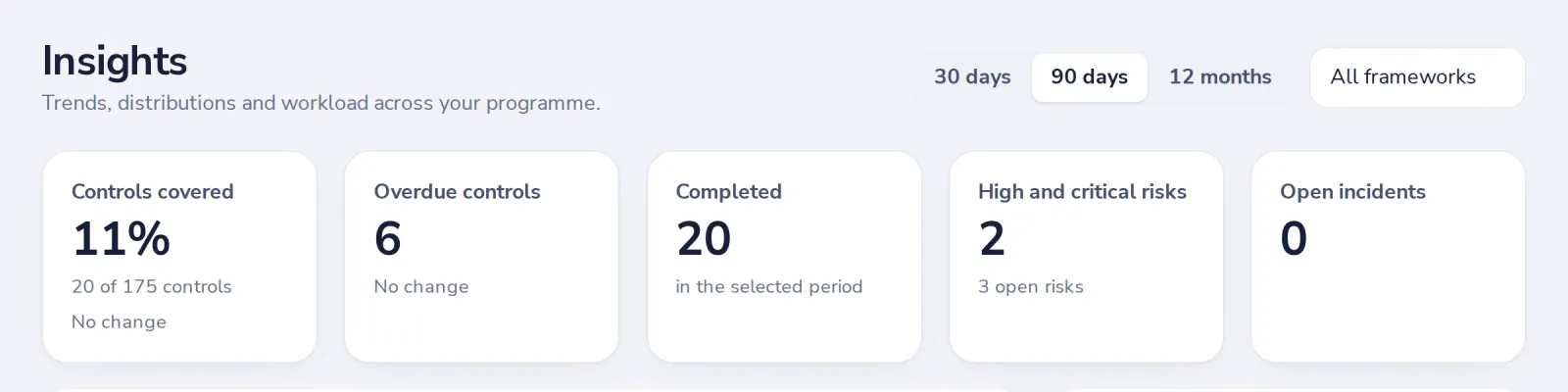
Insights shows how your programme is doing over time: coverage, overdue controls, completed work and what is coming up.
- 1
Open Insights
Below Dashboard in the menu.
- 2
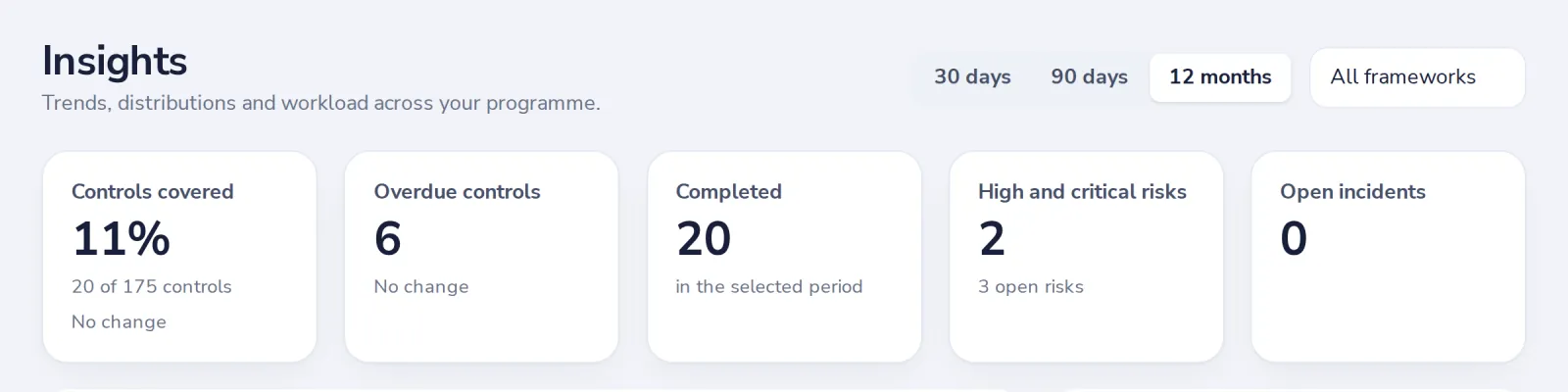
Choose the period
30 days, 90 days or 12 months, and one framework or all.
Was this helpful?
What was missing?
Thank you.
We count yes and no per article. Nothing about you is stored.