Turn on another framework
Most companies need more than one framework. Turning one on adds its controls; where frameworks overlap, the work counts for both.
- 1
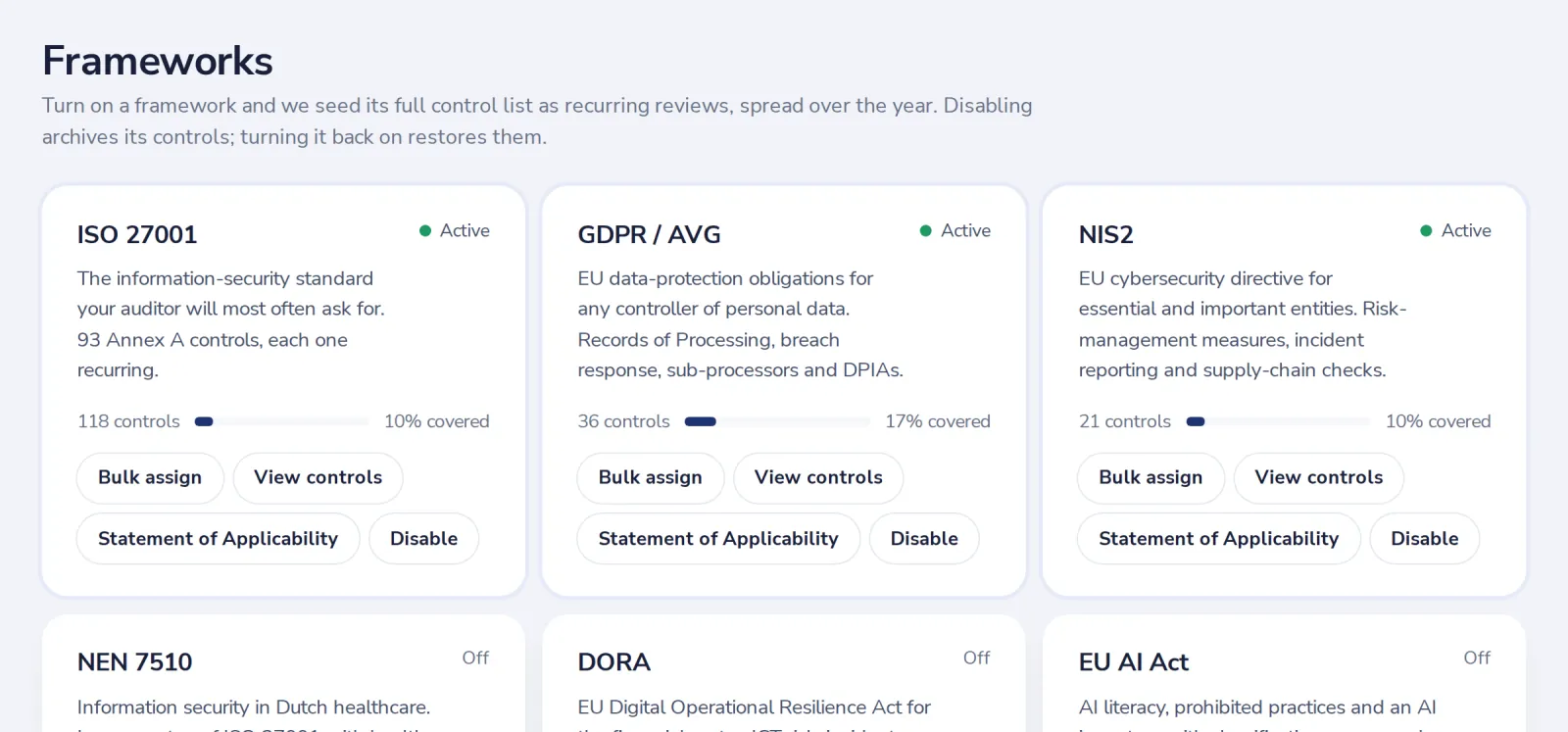
Open Frameworks
Under Registers in the menu on the left.
- 2
Press Turn on
Its controls are scheduled at once and show up in Controls.
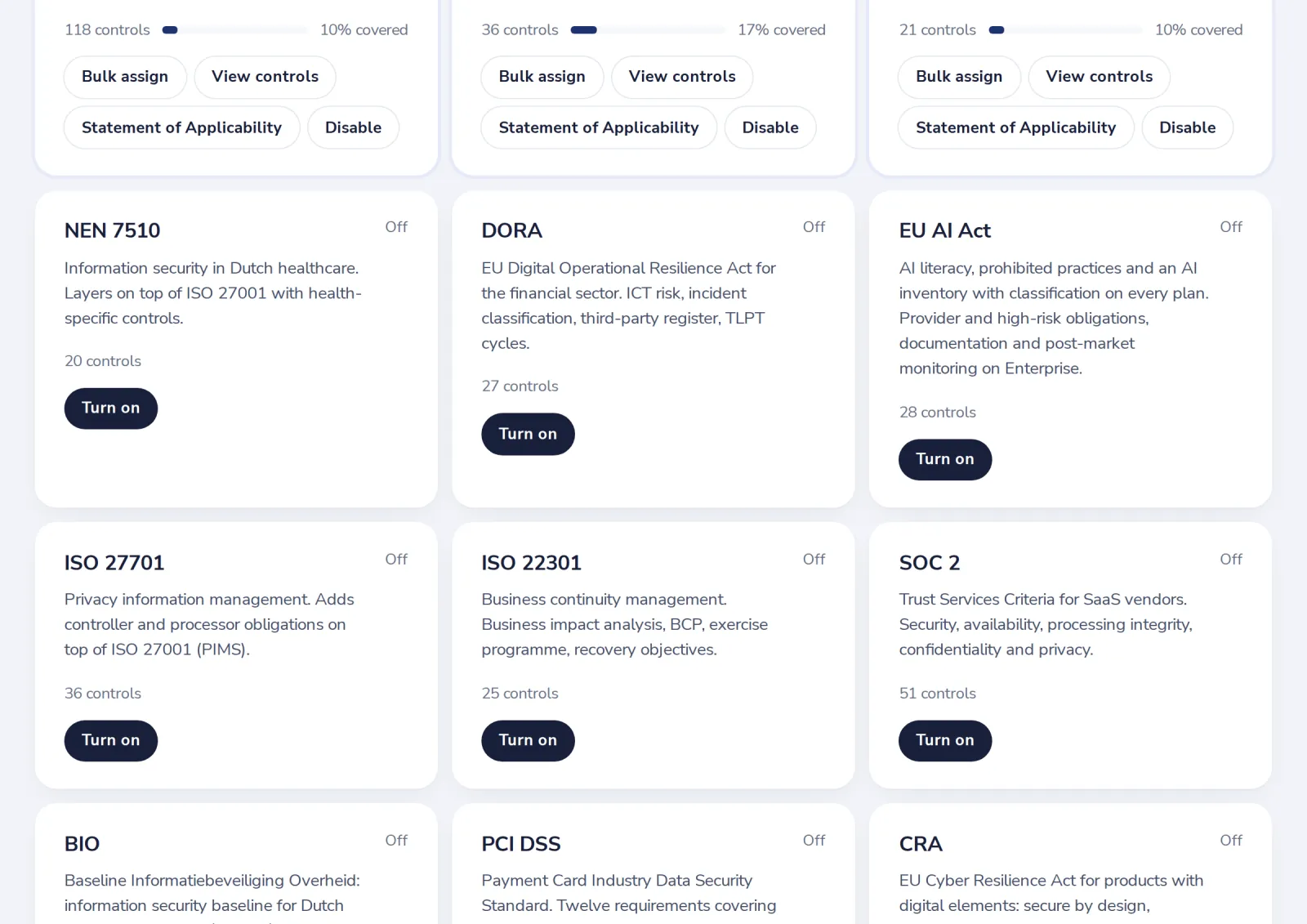
Disable a framework you no longer need. Its history stays; its controls stop repeating.
Was this helpful?
What was missing?
Thank you.
We count yes and no per article. Nothing about you is stored.