Make a chart from your data
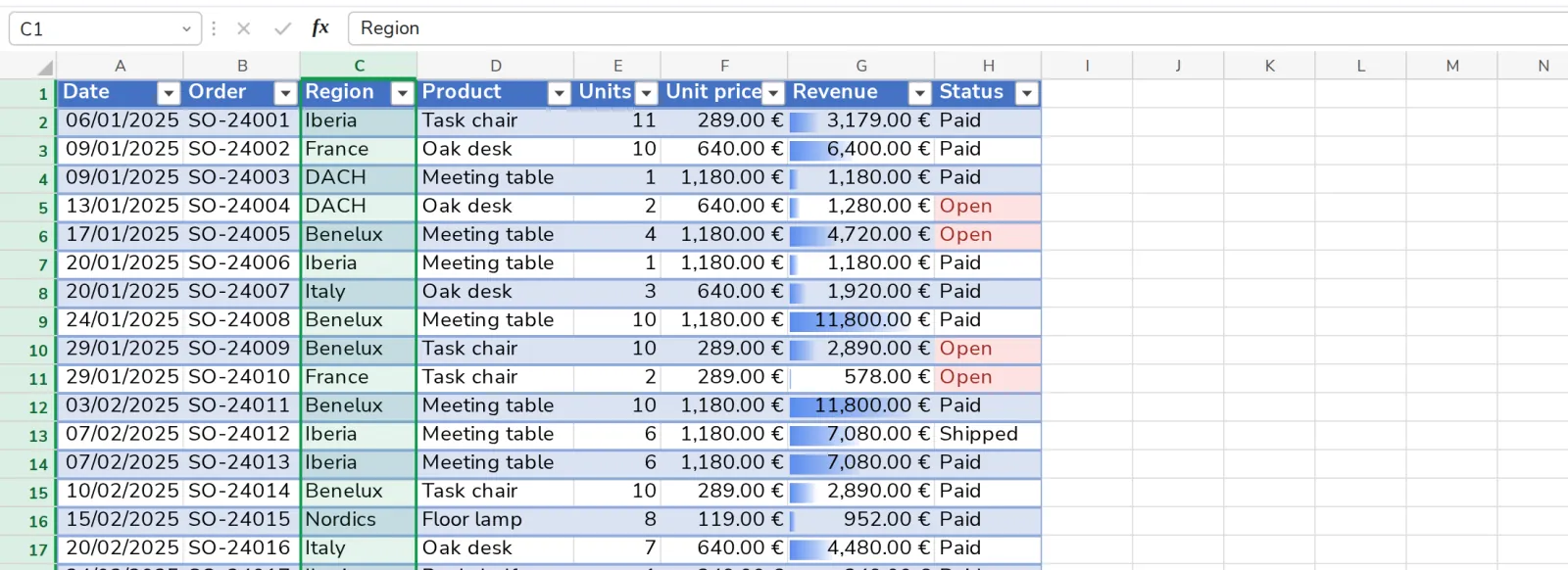
Select the numbers with their headings, then Insert, Recommended Charts.
- 1
Select the data
With the column titles.
- 2
Press Recommended Charts
On the Insert tab. Pick one and press OK.

Was this helpful?
What was missing?
Thank you.
We count yes and no per article. Nothing about you is stored.