Allow only certain values in a cell
Data Validation stops typos: people pick from a list or get a warning.
- 1
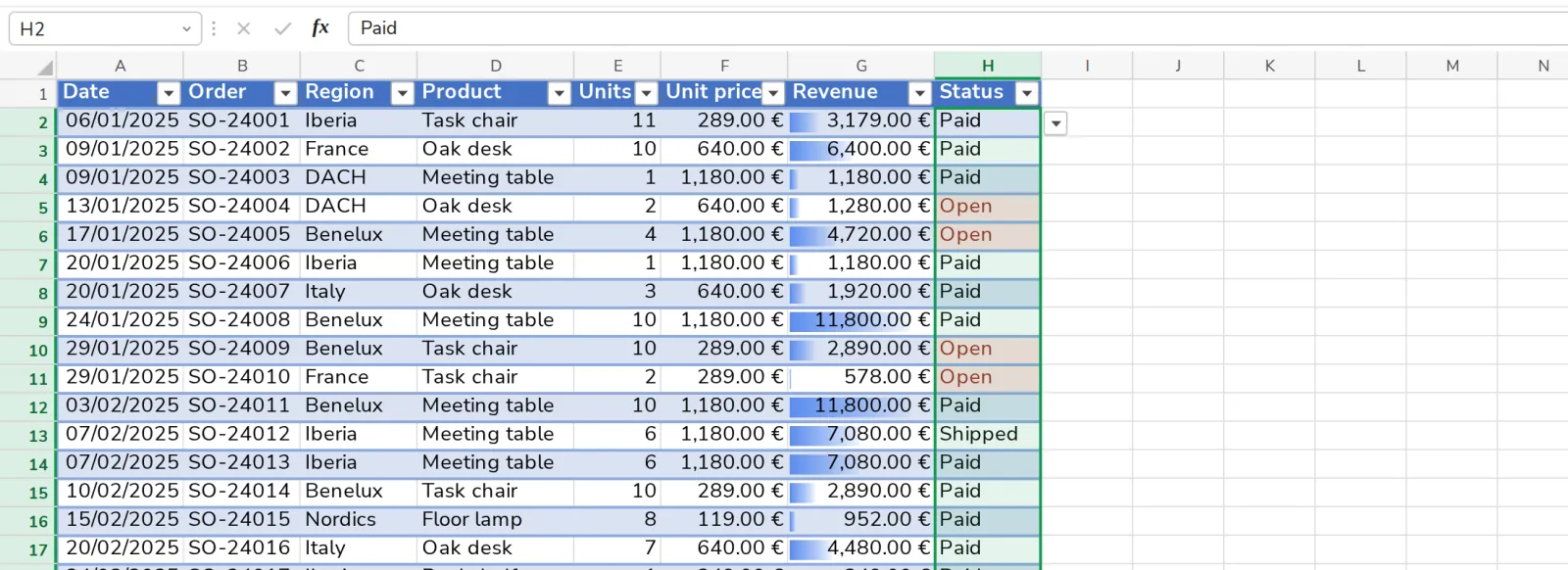
Select the cells
For example the Status column.
- 2
Press Data Validation
On the Data tab. Choose List and type the values, separated by commas.

Was this helpful?
What was missing?
Thank you.
We count yes and no per article. Nothing about you is stored.