Fix a formula that shows an error
When a formula cannot give a result, its cell shows an error like #NAME? or #DIV/0!. Sheets tells you why, and fixes common mistakes in one click.
- 1
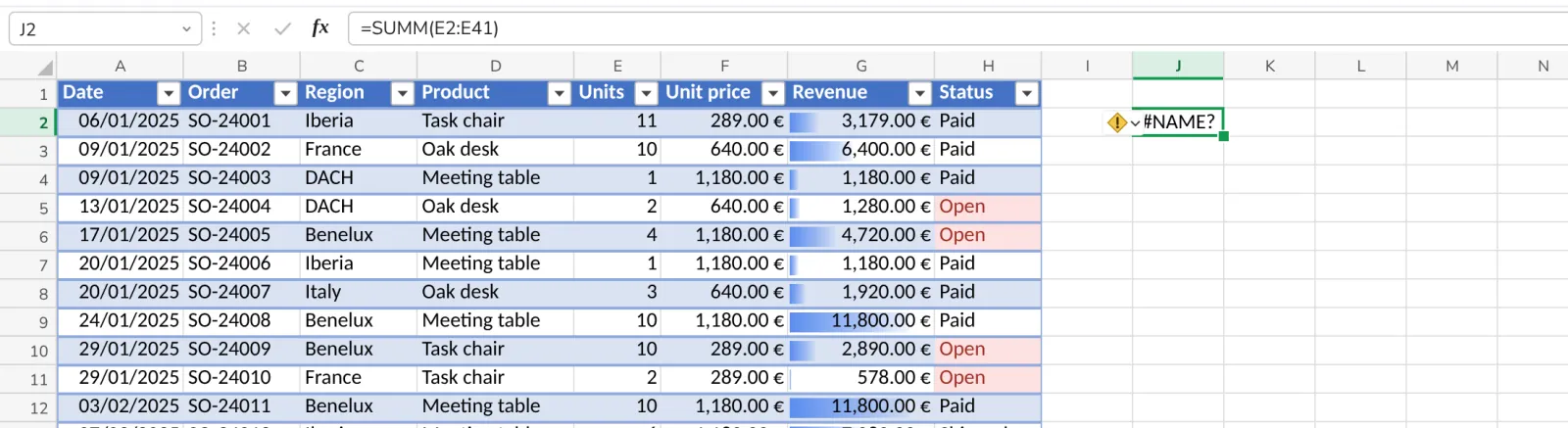
Select the cell with the error
A small ! appears next to it.
- 2
Click the !
Sheets says in a sentence what went wrong.
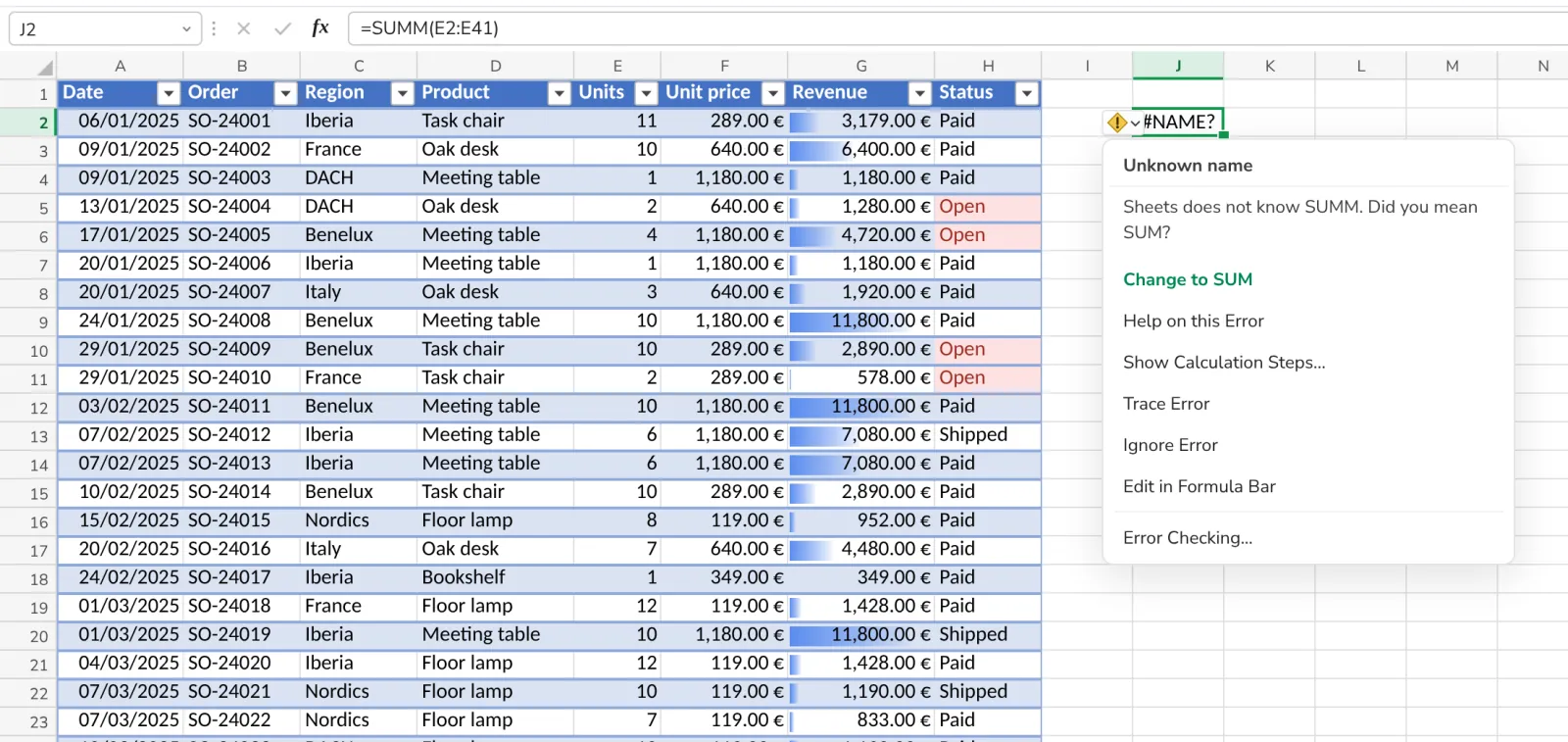
A function name from Excel in another language, like SOM or SUMME, is recognised too.
- 3
Press the fix
For a misspelled function, Change to SUM puts the right name in.
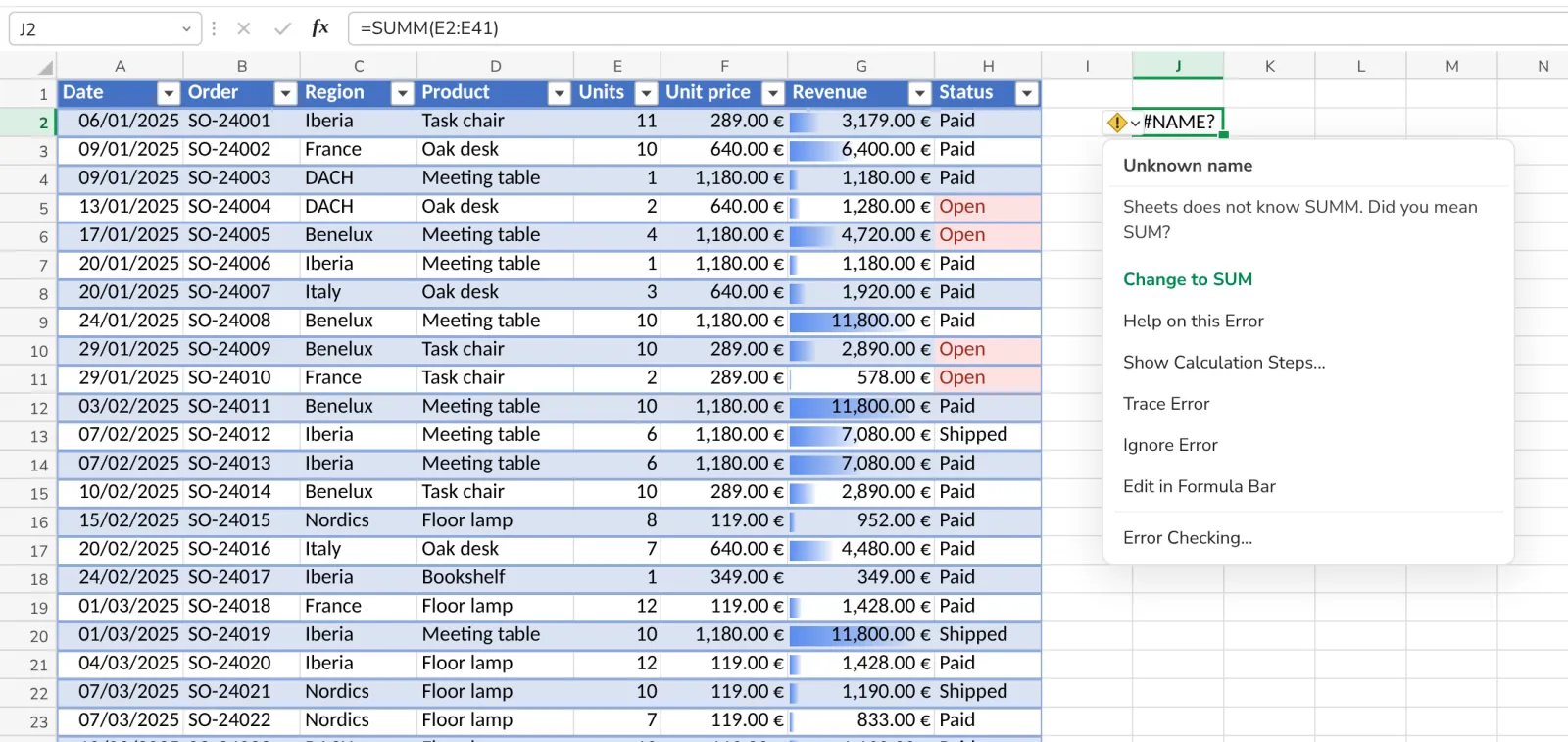
No fix offered? Show Calculation Steps goes through the formula part by part.
- 4
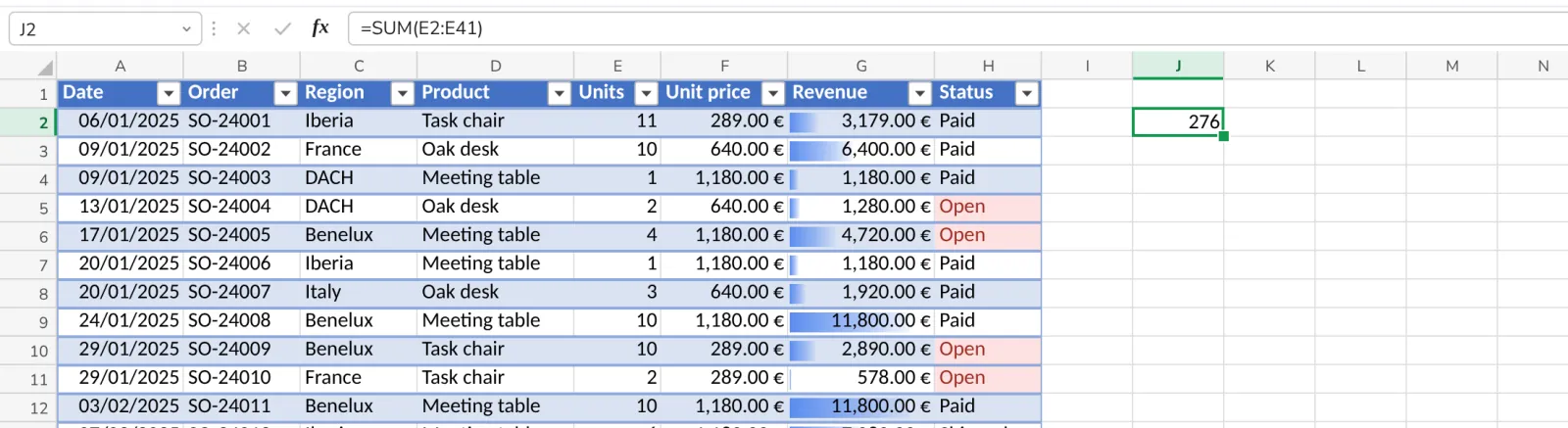
The result shows
The formula is corrected and calculated.
Was this helpful?
What was missing?
Thank you.
We count yes and no per article. Nothing about you is stored.