Change the layout of a slide
The layout places the boxes on a slide. Your text moves into the new places.
- 1
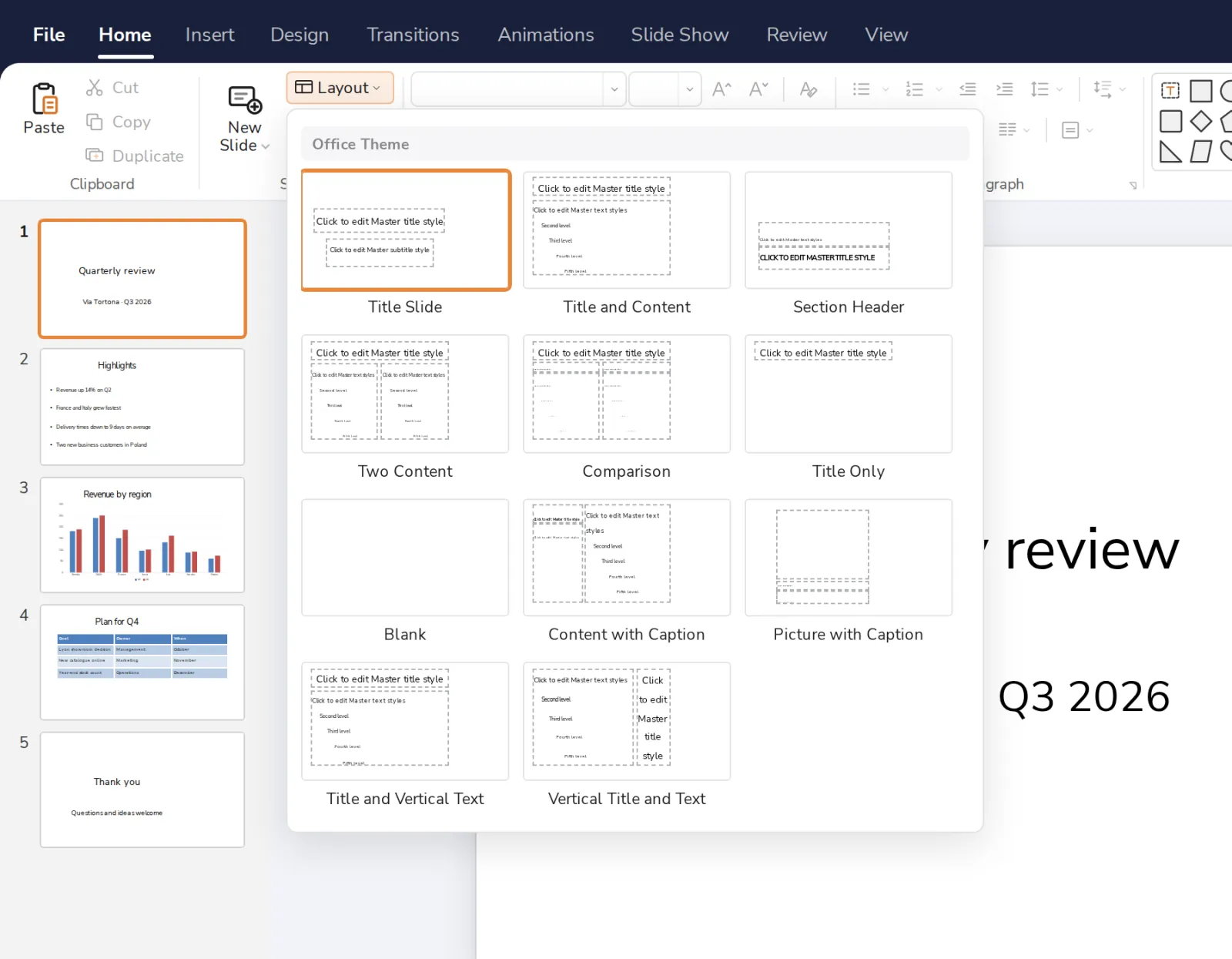
Press Layout
On the Home tab, next to New Slide.

- 2
Pick a layout
It changes the slide you have open.
Was this helpful?
What was missing?
Thank you.
We count yes and no per article. Nothing about you is stored.