Change the order of slides
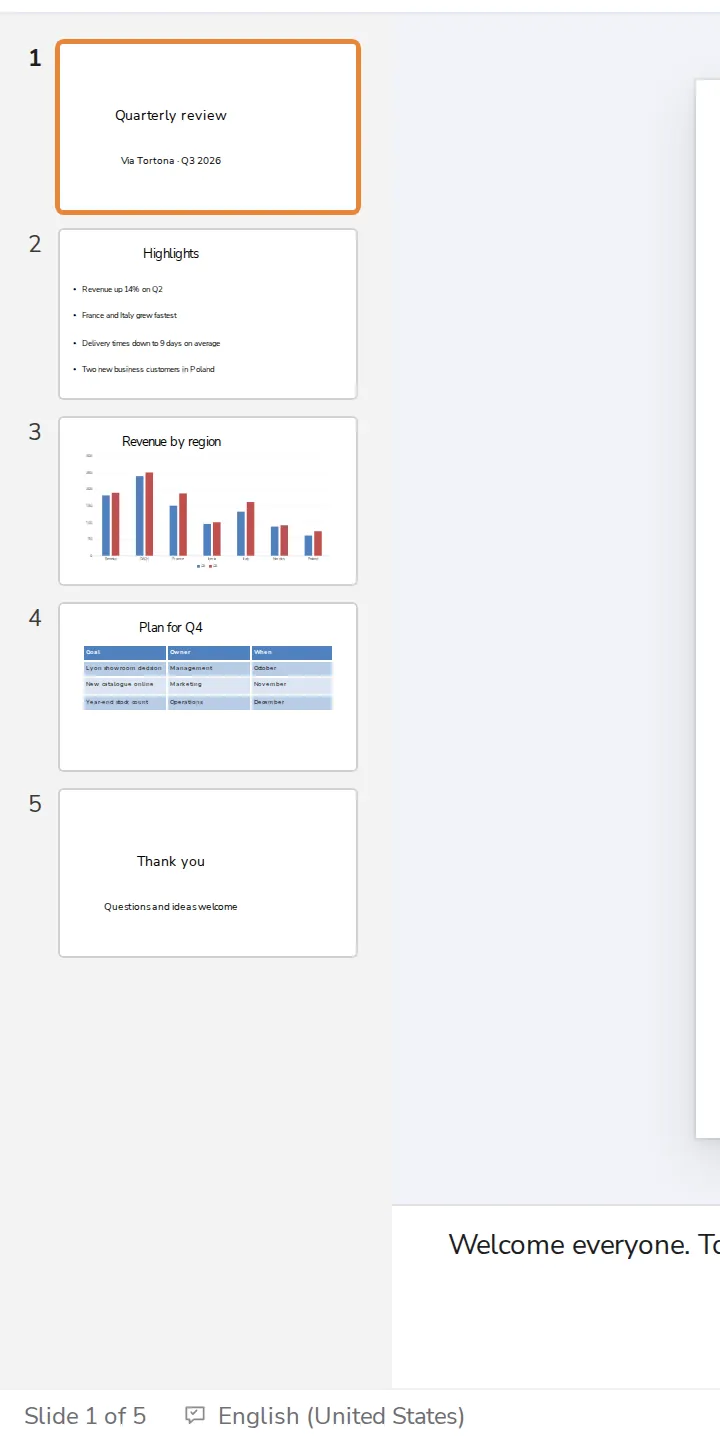
Drag a slide up or down in the list on the left. Slide Sorter shows all of them side by side.
- 1
Drag a slide in the list
On the left. Drop it where you want it.
- 2
Or use Slide Sorter
At the bottom right. Every slide as a card, to drag around.

Was this helpful?
What was missing?
Thank you.
We count yes and no per article. Nothing about you is stored.