Add speaker notes
Notes are only for you. In Presenter View you see them while the audience sees the slide.
- 1
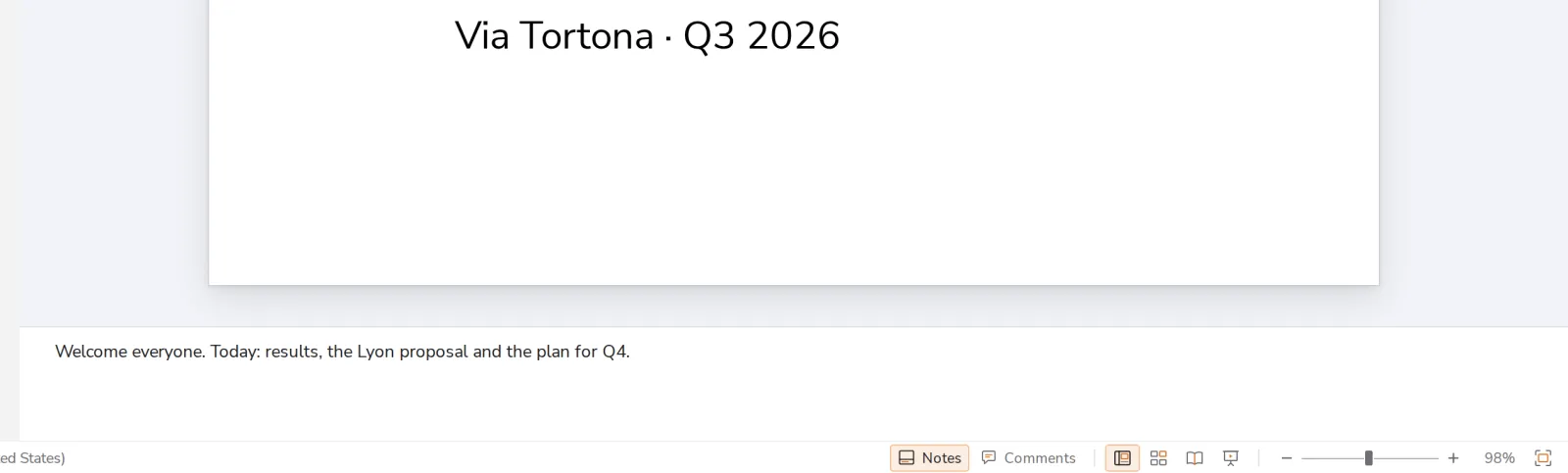
Click under the slide
The notes box is below the slide. Type what you want to say.
- 2
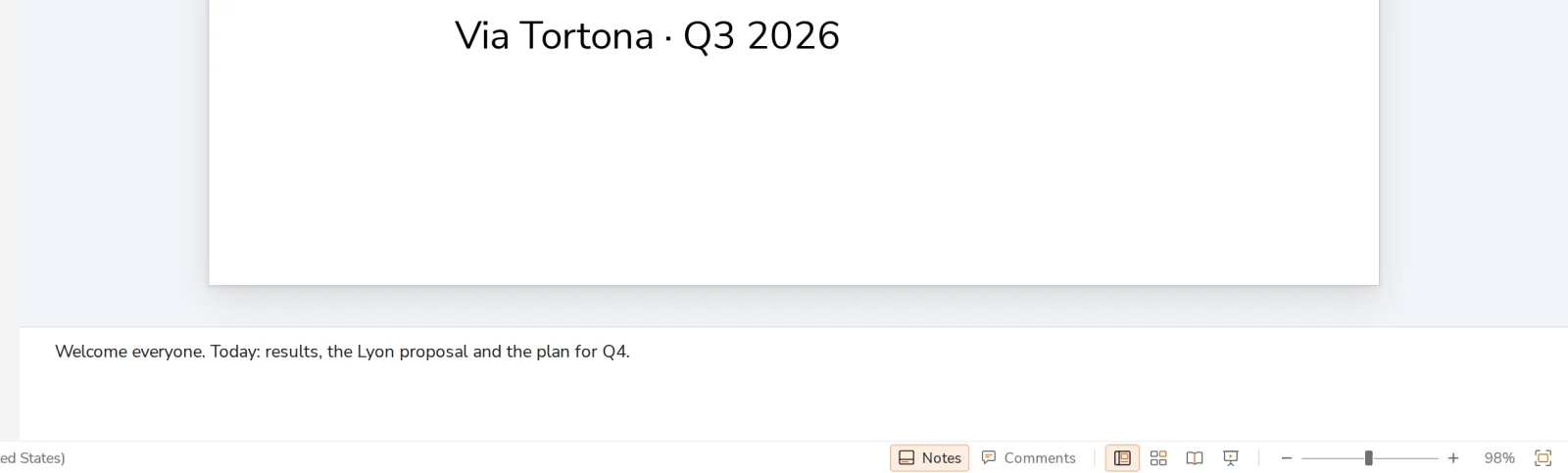
Show or hide the notes
Press Notes at the bottom of Dazr Slides.
Was this helpful?
What was missing?
Thank you.
We count yes and no per article. Nothing about you is stored.