Move from Google Drive, OneDrive or Dropbox
Download your files from the other service as a .zip, then upload the .zip here. Dazr Files unpacks it into folders.
You needYour files from the other serviceas a .zip
- 1
Open the switching guide
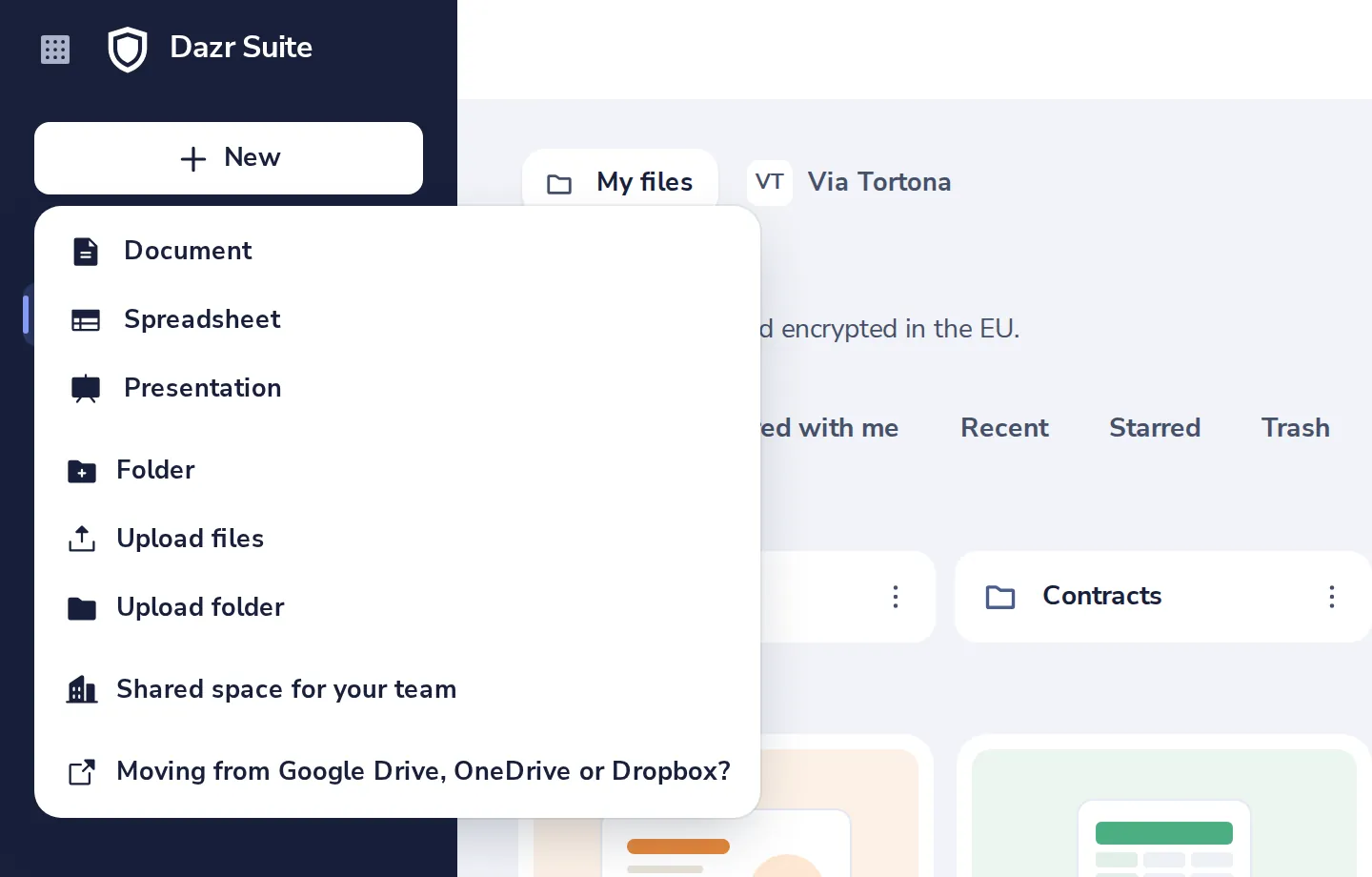
Press New, then Moving from Google Drive, OneDrive or Dropbox. It shows how to get your files out.
- 2
Upload the .zip
Press New, then Upload files, and pick the .zip.
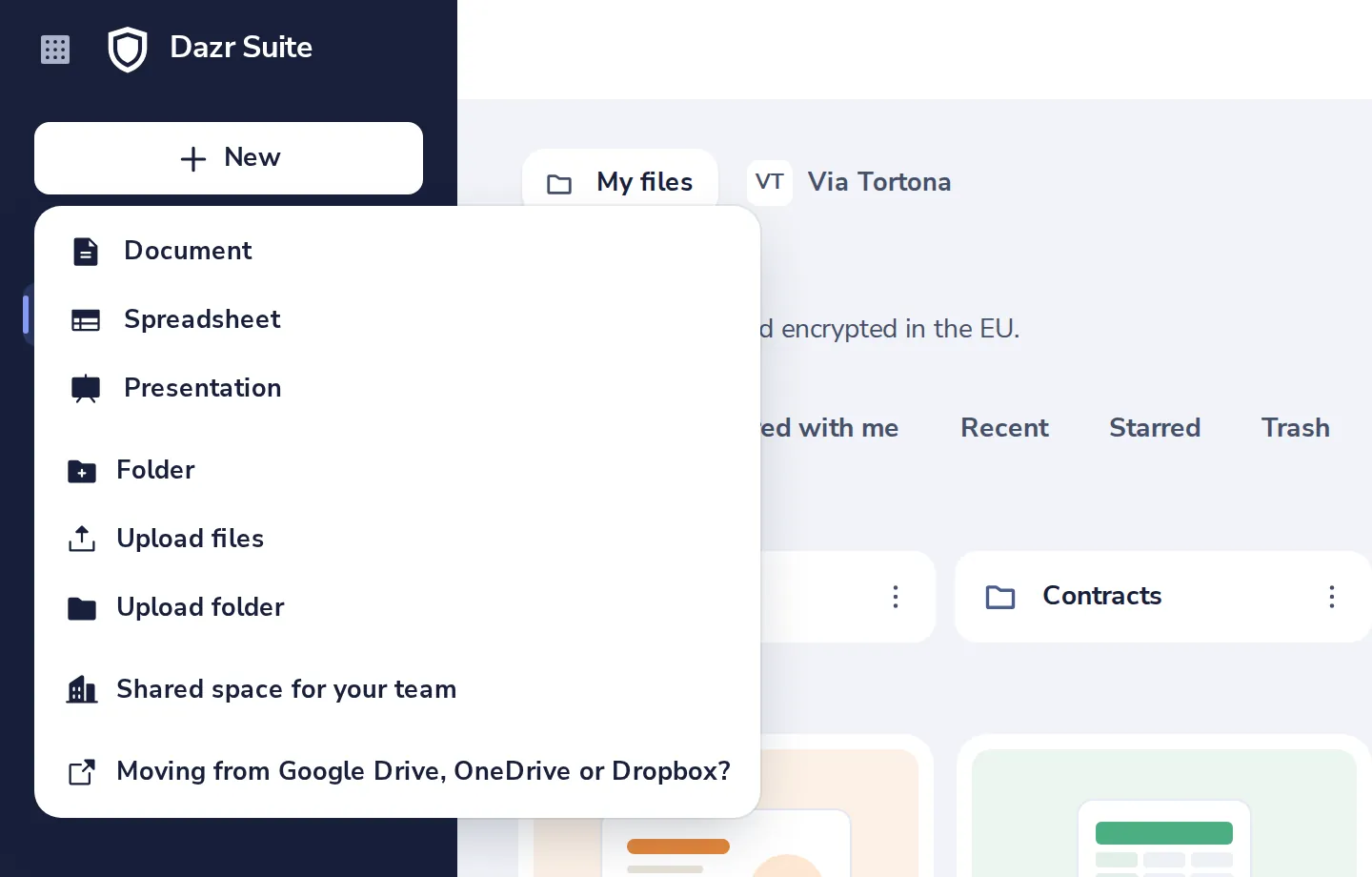
Dazr Files asks whether to unpack it into a folder of the same name, or keep it as a .zip.
Was this helpful?
What was missing?
Thank you.
We count yes and no per article. Nothing about you is stored.