Cancel your plan
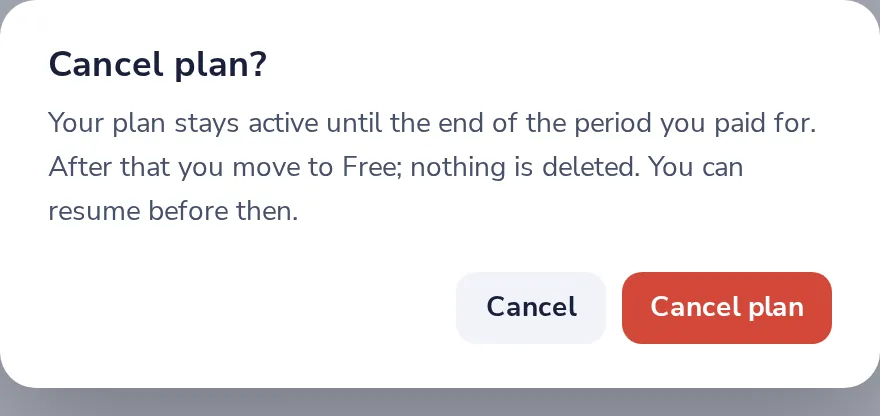
Your plan stays active until the end of the period you paid for. After that you move to Free; nothing is deleted. You can resume before then.
- 1
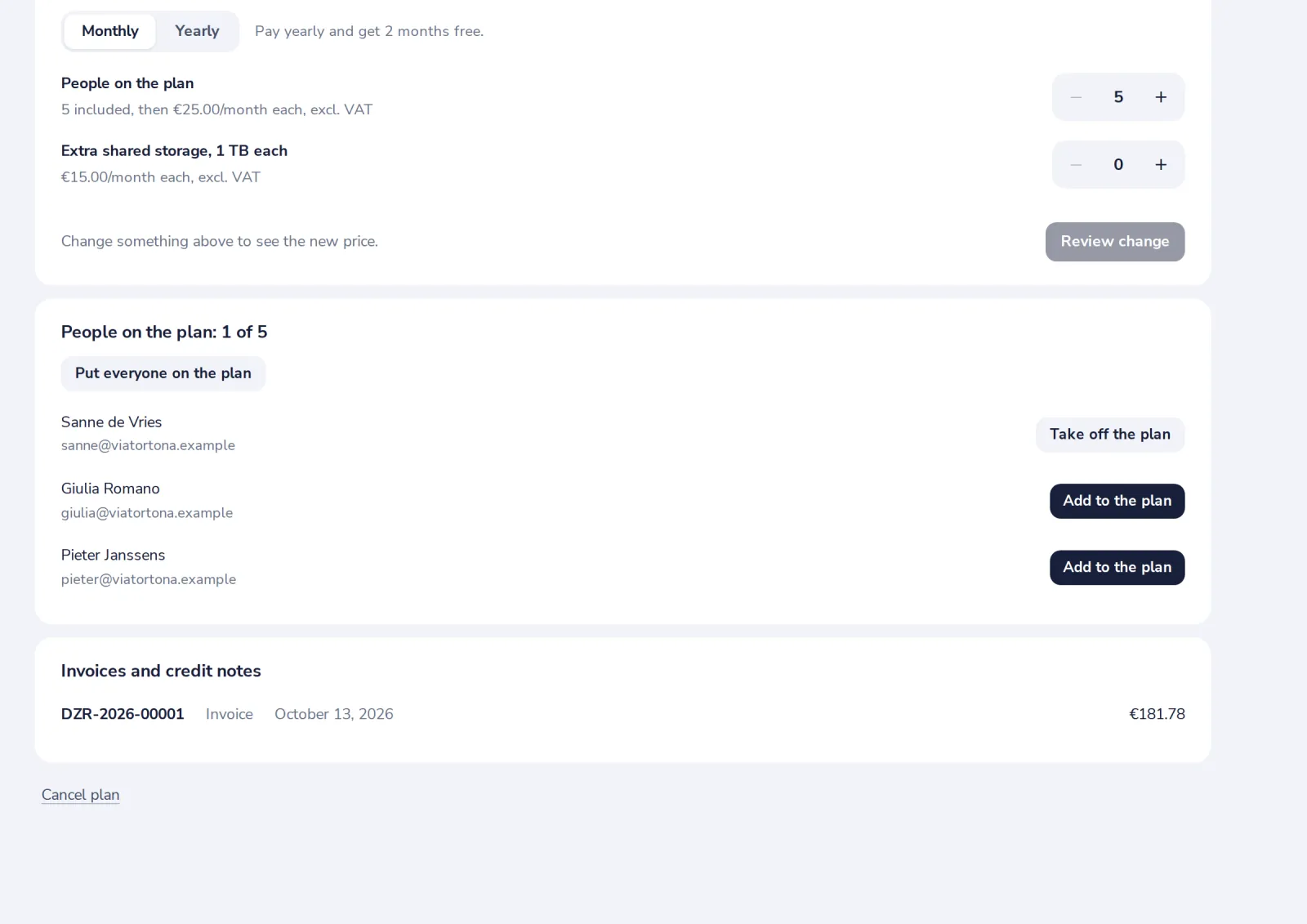
Press Cancel plan
Below your organisation's plan.
- 2
Confirm
Changed your mind? Resume plan before the end date.
Was this helpful?
What was missing?
Thank you.
We count yes and no per article. Nothing about you is stored.