Join an organisation you were invited to
Someone invited you to their organisation. Open the link in the email and sign in with that same address.
- 1
Open the invitation link
It shows the organisation and your role.

The invitation only works for the address it was sent to.
- 2
Press Join organisation
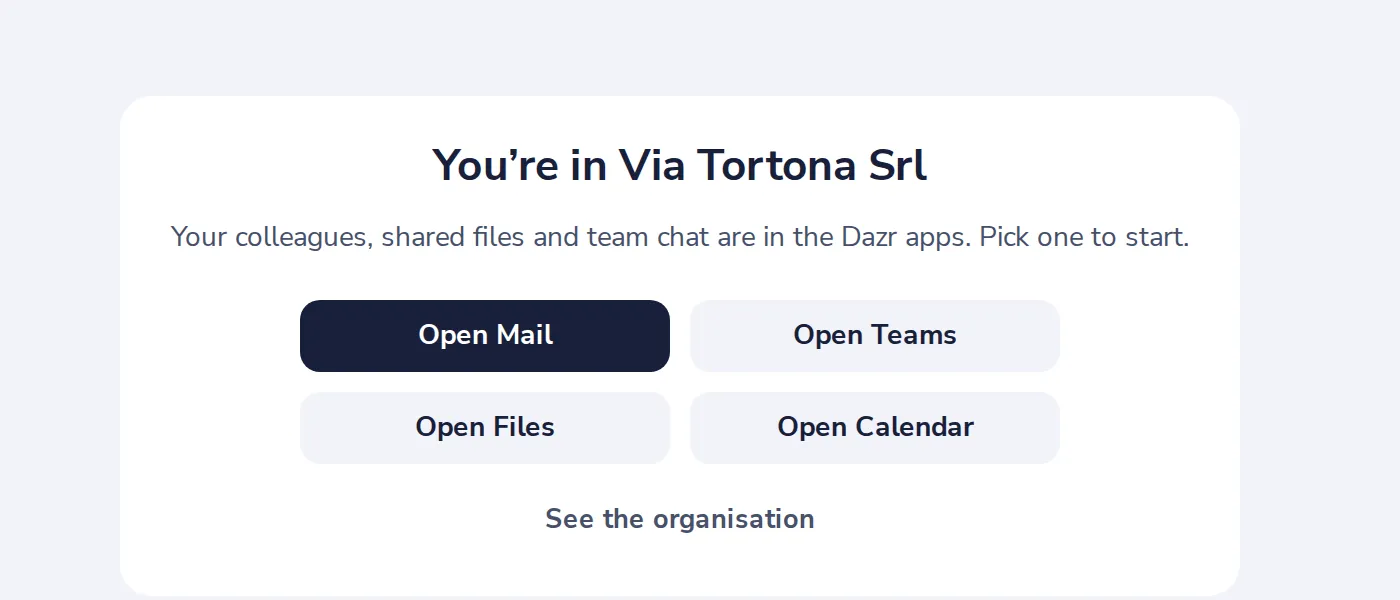
You are in. Open Mail, Teams, Files or Calendar to start.
Was this helpful?
What was missing?
Thank you.
We count yes and no per article. Nothing about you is stored.