Get paid your share
You earn a share of what your customers pay Dazr. Dazr makes a monthly statement; you send Dazr your own invoice for it and Dazr pays by bank transfer.
You needYour company's VAT number and IBAN
- 1
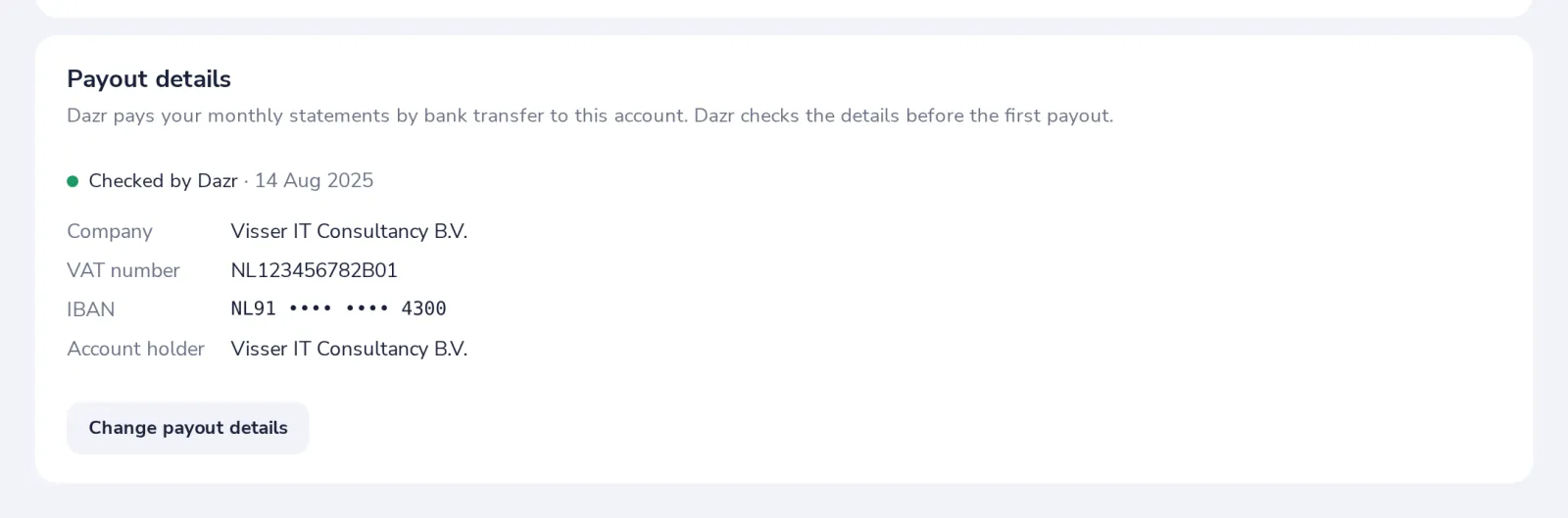
Enter your payout details
In Settings: company, VAT number, IBAN and account holder. Dazr checks them before the first payout.
- 2
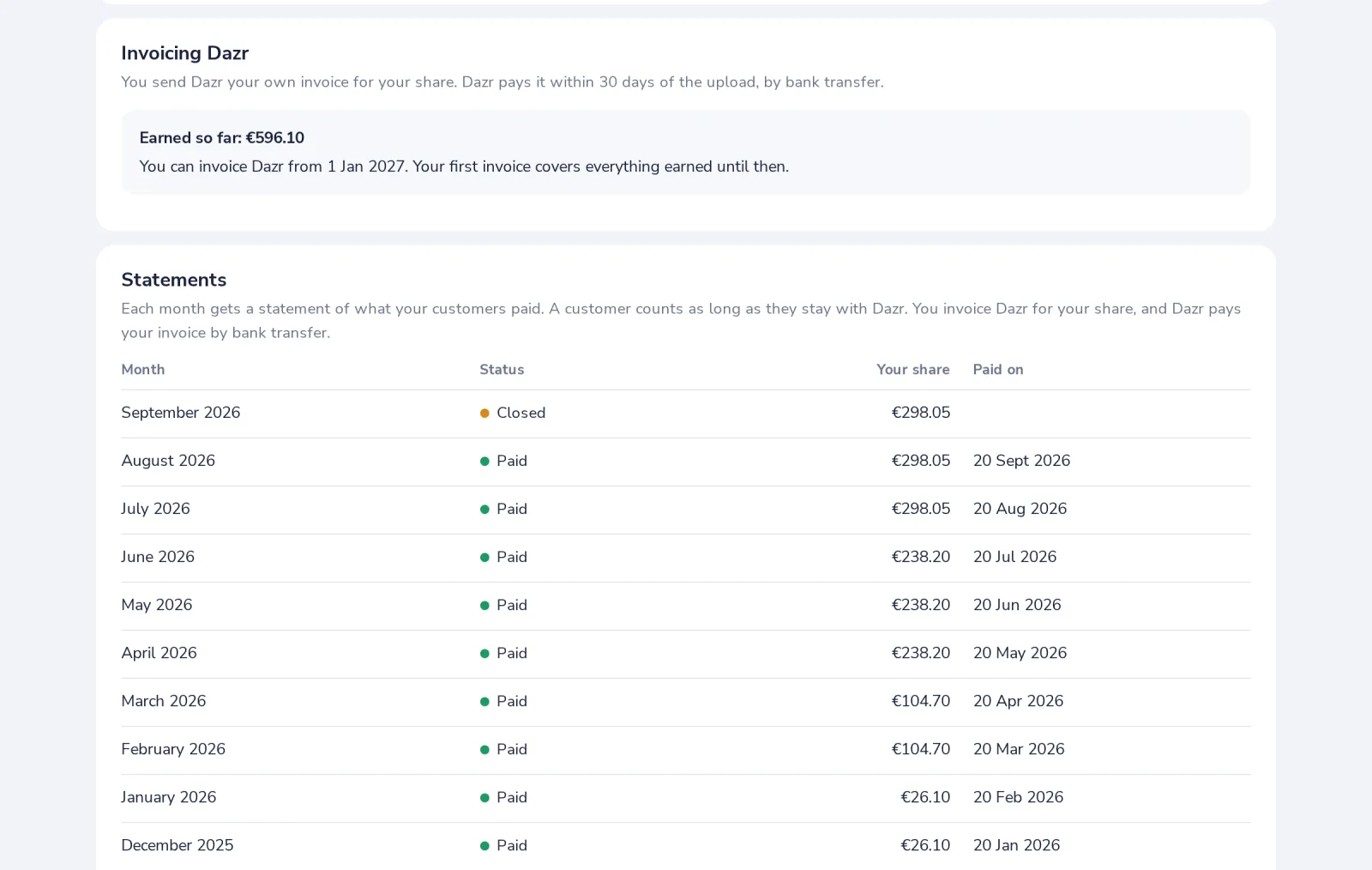
See what you earned
Invoicing Dazr on the Overview shows what you earned and from when you can invoice it. The statements list every month.
- 3
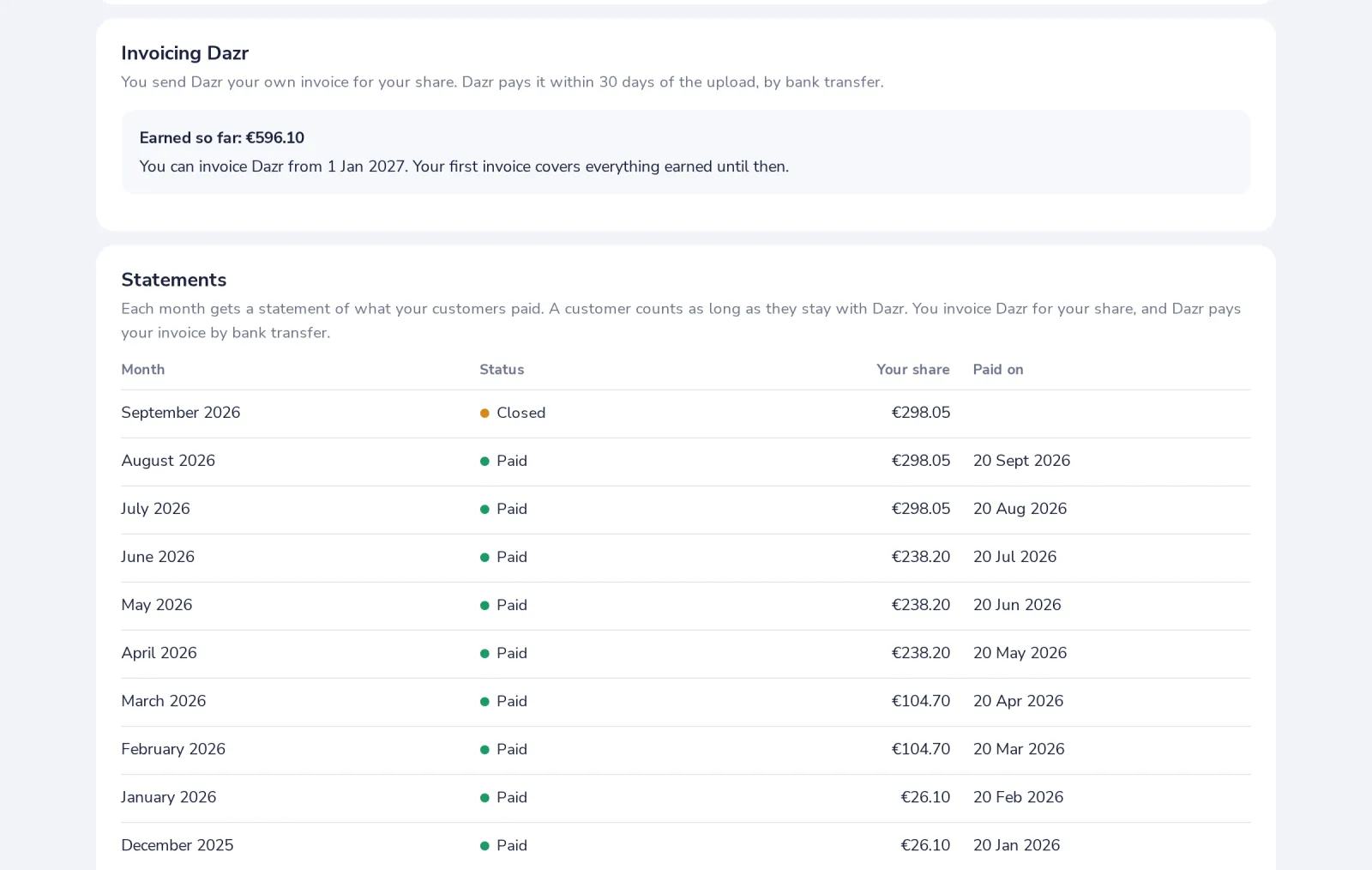
Upload your invoice
When a payout is ready it lists what goes on your invoice. Upload the PDF with its number and total; Dazr pays it by bank transfer.
Only the owner sees payouts and changes the payout details.
Was this helpful?
What was missing?
Thank you.
We count yes and no per article. Nothing about you is stored.