Check a signed document
Got a signed PDF and want to be sure it is the real one? Check it in Dazr Sign. The file stays on your device; only a fingerprint is checked.
- 1
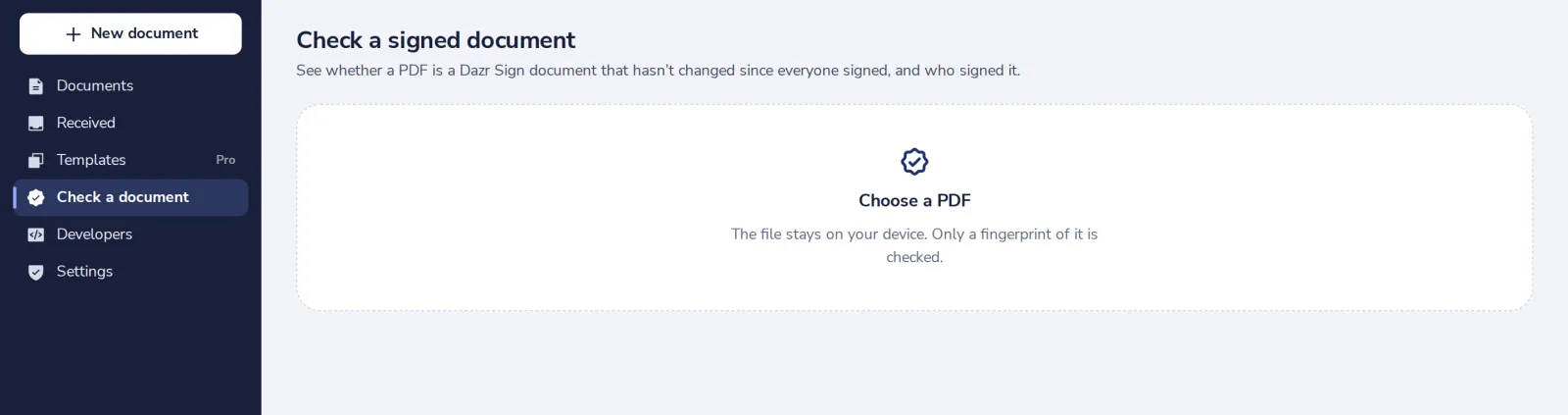
Open Check a document
In the menu on the left. Anyone can use it, also without an account.
- 2
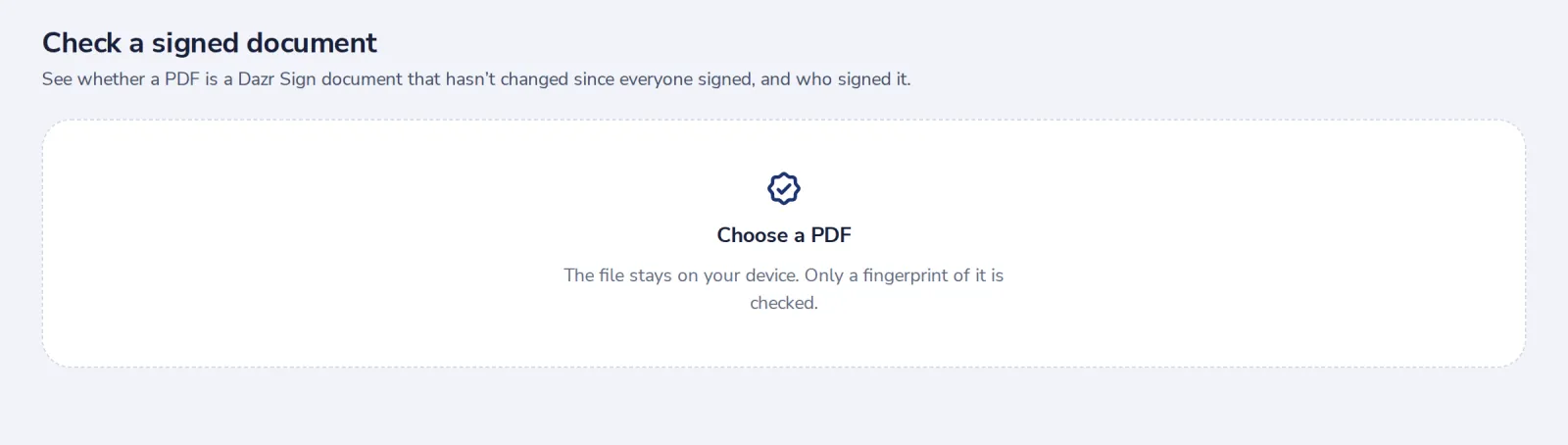
Choose the PDF
Drop the file or press Choose a PDF.
- 3
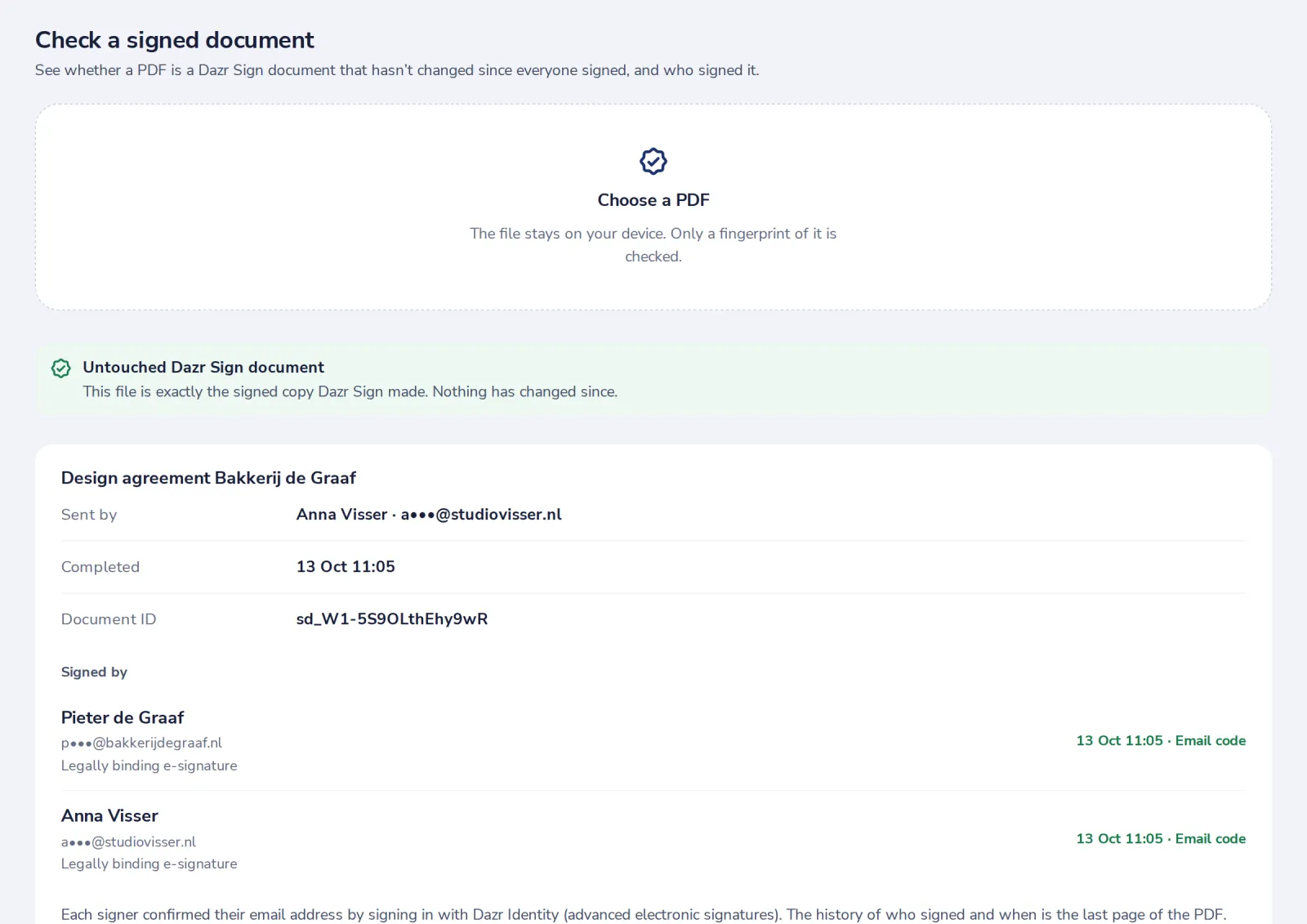
Read the answer
Untouched means it is exactly the signed copy Dazr Sign made, with who signed and when.
- 4
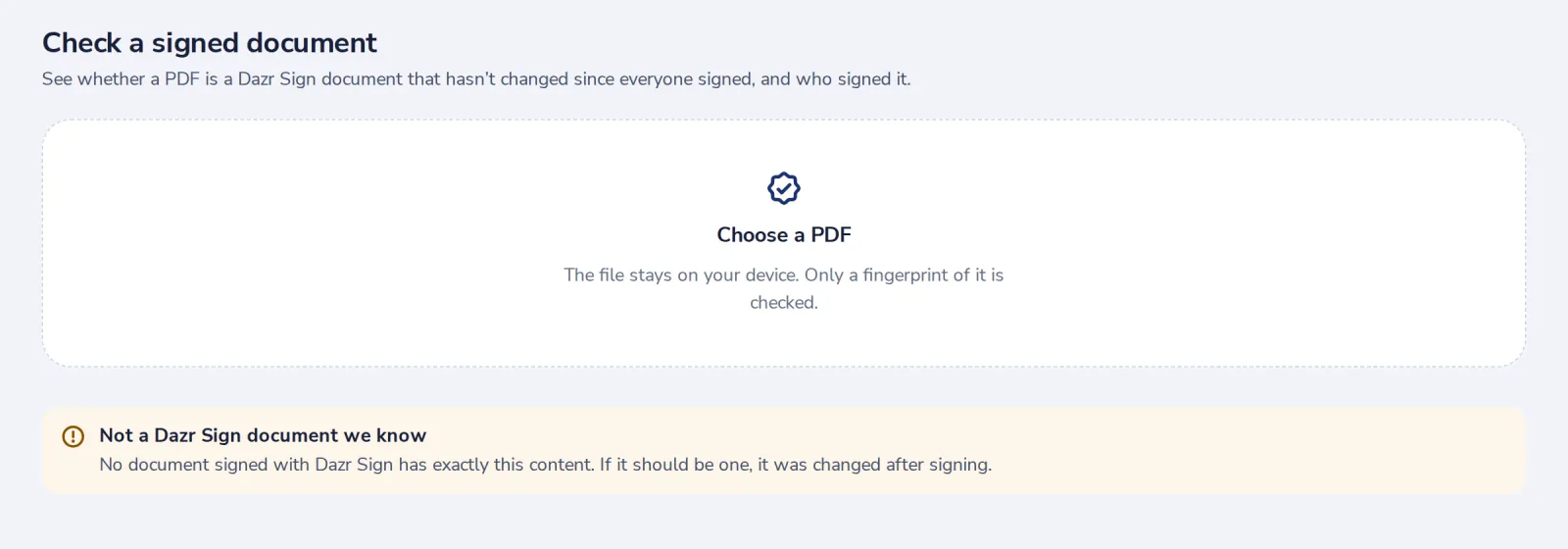
Changed or unknown?
If the content differs from every signed copy, it was changed after signing. Ask the sender for the original.
Was this helpful?
What was missing?
Thank you.
We count yes and no per article. Nothing about you is stored.