See who has signed
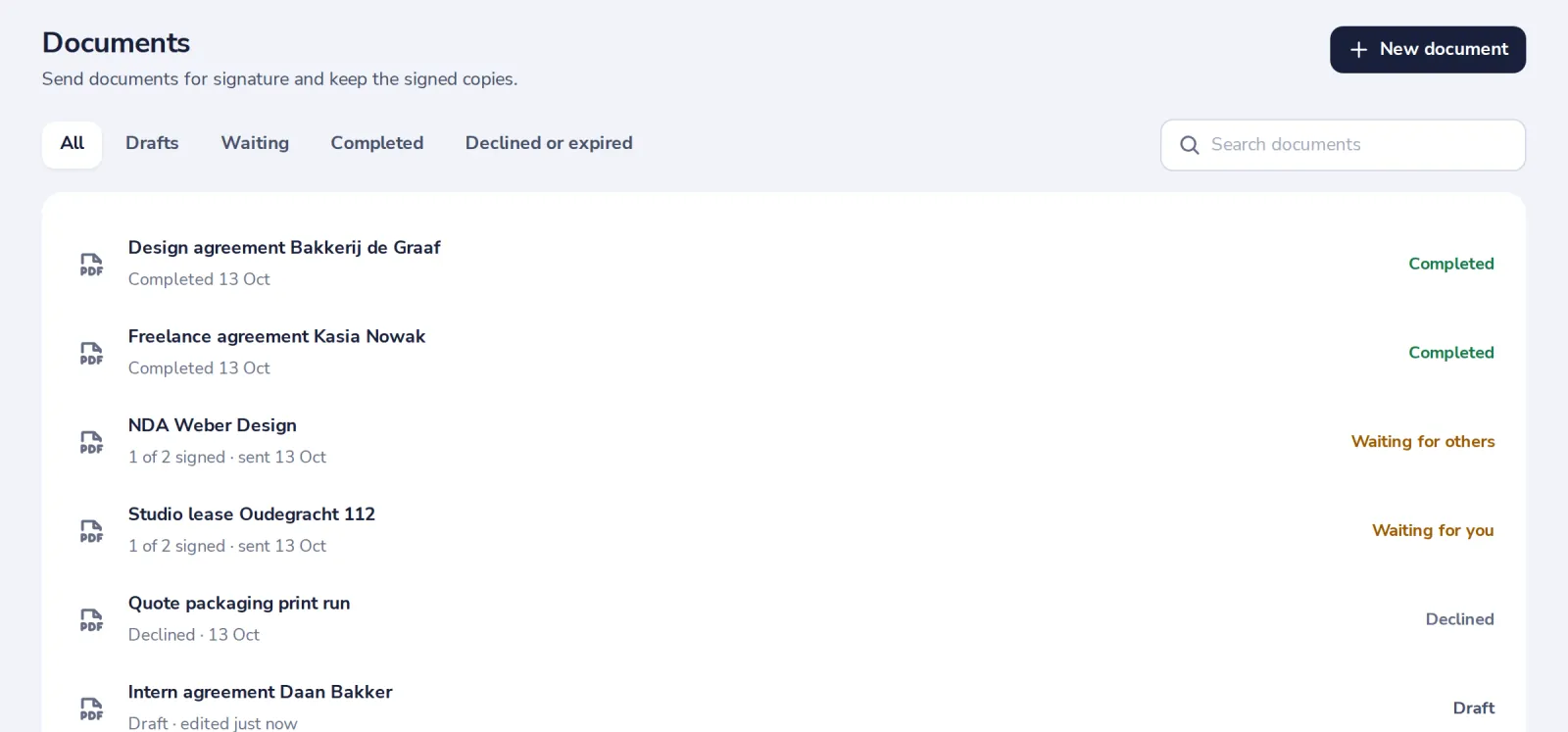
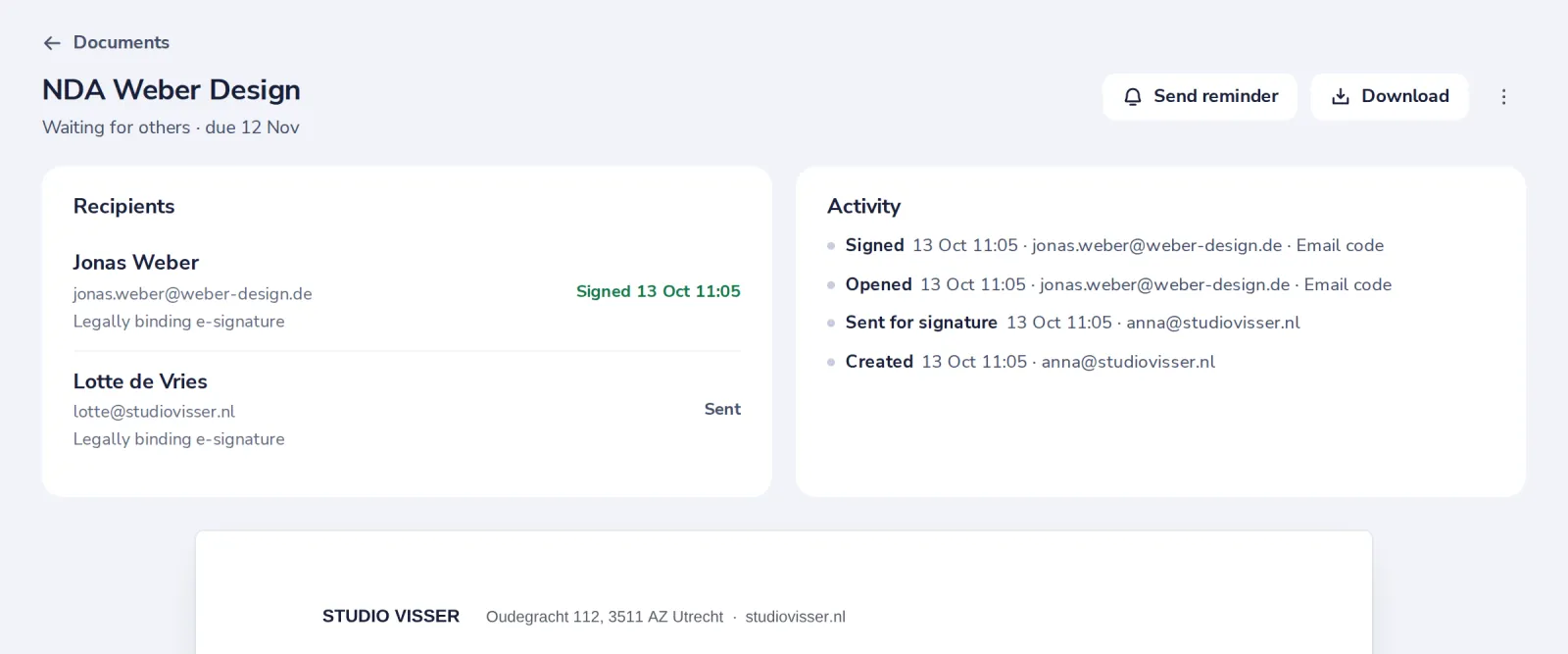
Documents shows where each of your documents is. Open one to see who signed, who opened it and when.
- 1
Look at Documents
Each document says how many people have signed and what it is waiting for.
- 2
Open the document
Recipients shows who signed and when. Activity lists every step.
- 3
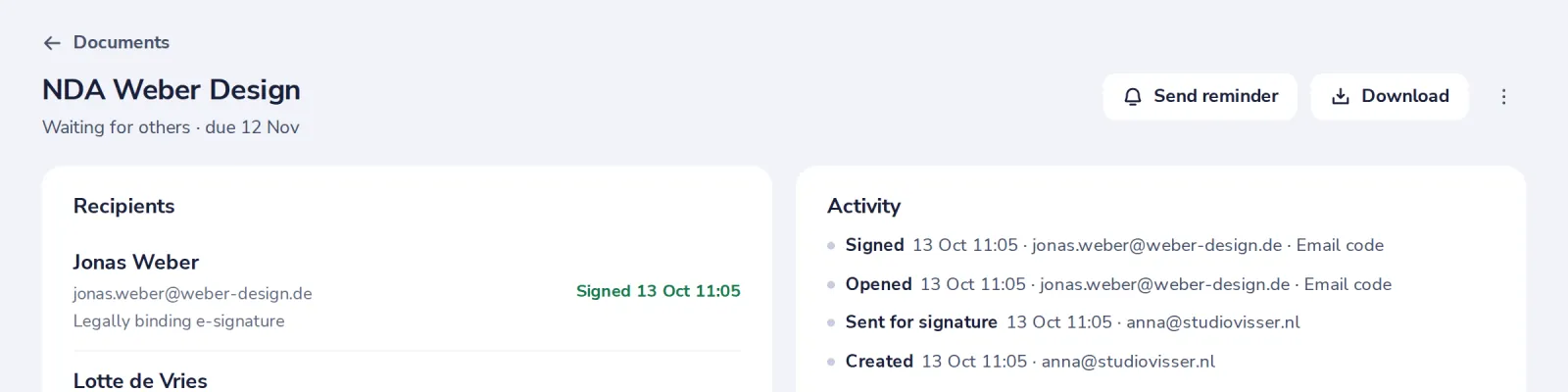
Nudge who is late
Press Send reminder. Everyone who has not signed yet gets the email again.
- 4
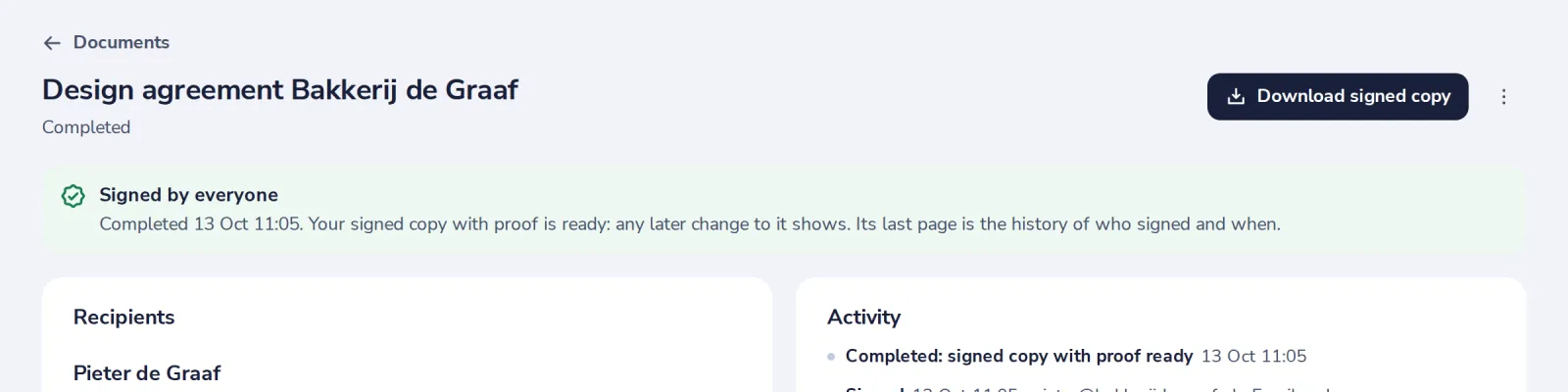
Get the signed copy
When everyone has signed, you get an email, and the signed copy is here.
Was this helpful?
What was missing?
Thank you.
We count yes and no per article. Nothing about you is stored.