Fix a document and send it again
Declined, cancelled or past its deadline? Make a new draft from it with the same people and fields, fix what was wrong, and send it.
- 1
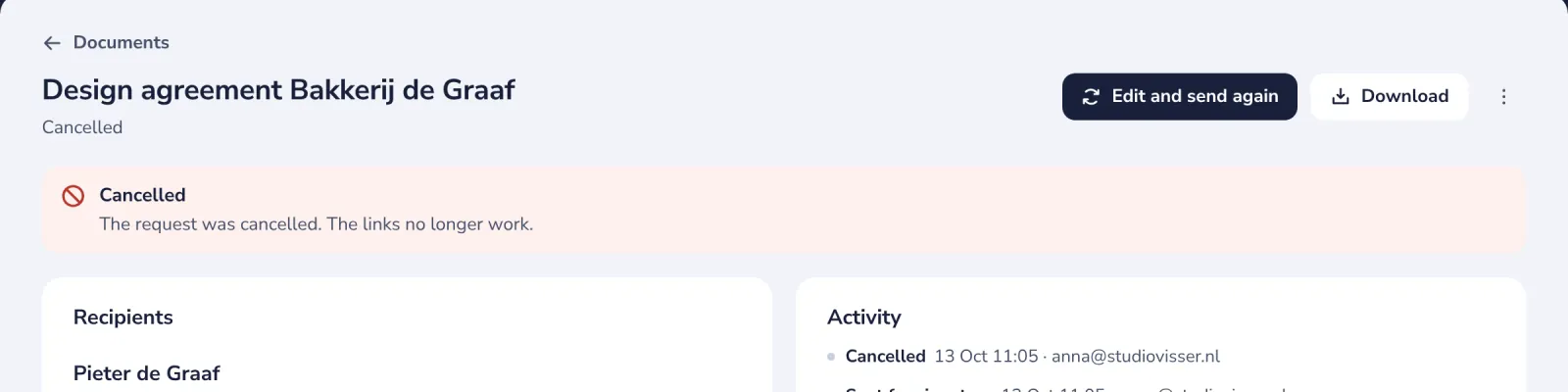
Open the document
The top of the page says what happened, with the reason if one was given.
- 2
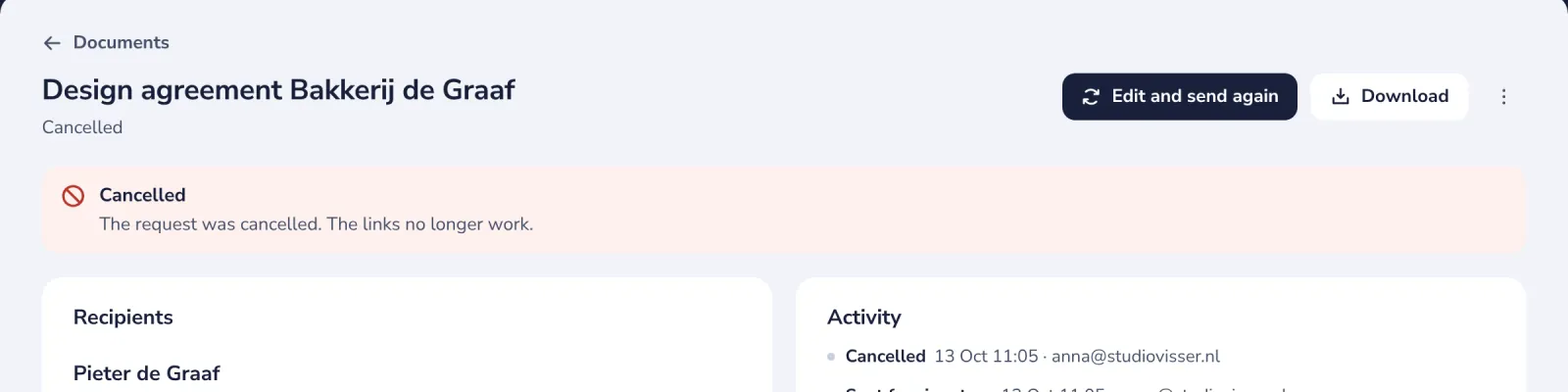
Press Edit and send again
A new draft opens with the same PDF, people, fields and message.
- 3
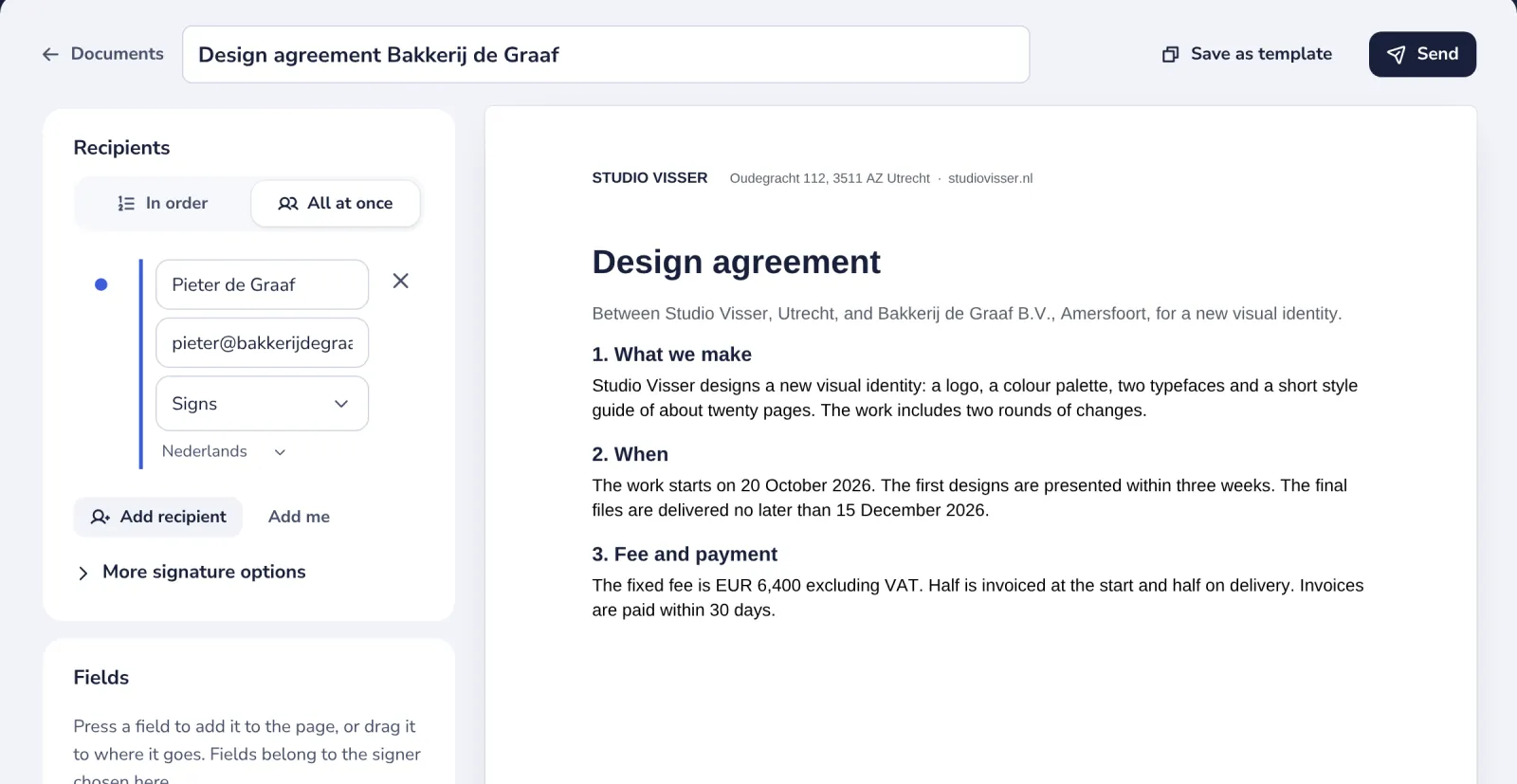
Fix what was wrong
Change a name, an address or a field. The first document keeps its own history.
- 4
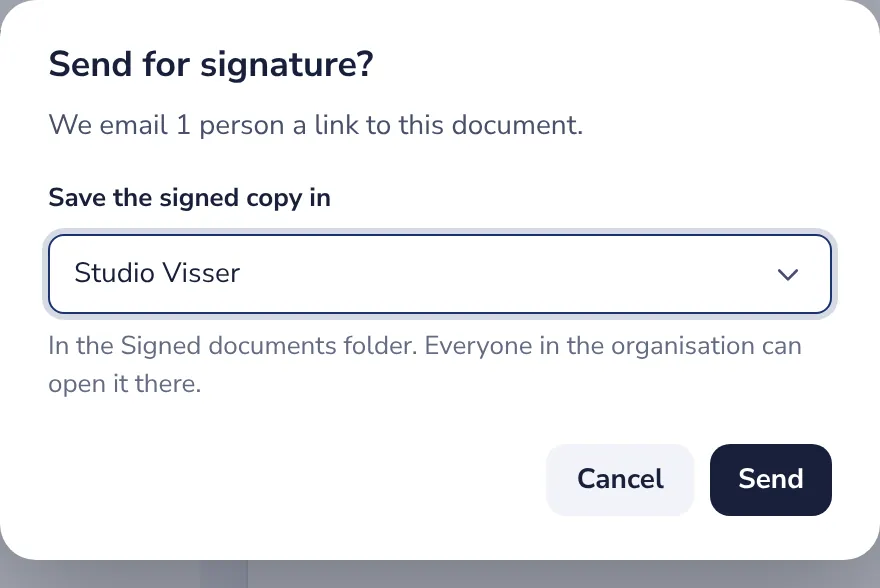
Press Send
Everyone gets a new link. The links of the first document stay closed.
Was this helpful?
What was missing?
Thank you.
We count yes and no per article. Nothing about you is stored.