Sign a document you received
When someone sends you a document through Dazr Sign, you sign it online in a minute. Your copy stays under Received.
- 1
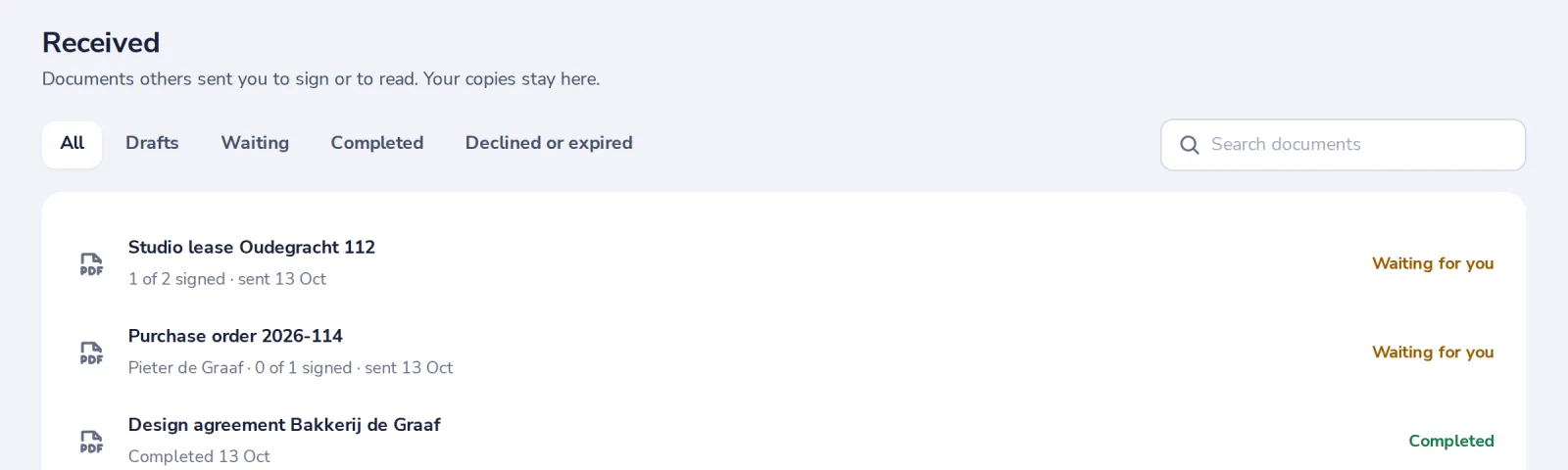
Open it from Received
Documents waiting for you are at the top. You can also open the link in the email.
Signing from the email? We send you a code to confirm it is you. No password needed.
- 2
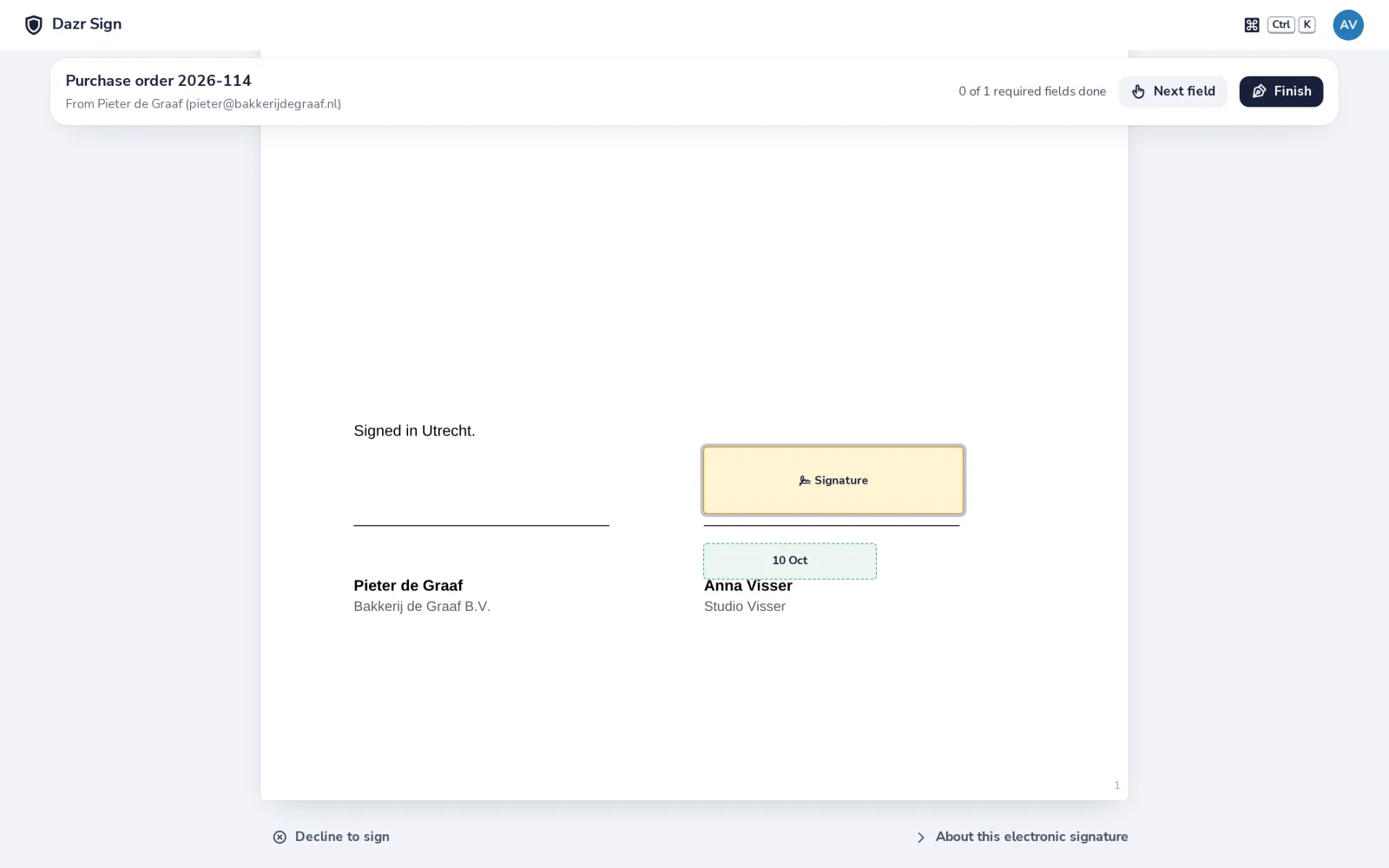
Read it, then press Next field
Next field takes you to each place where you sign or fill something in.
- 3
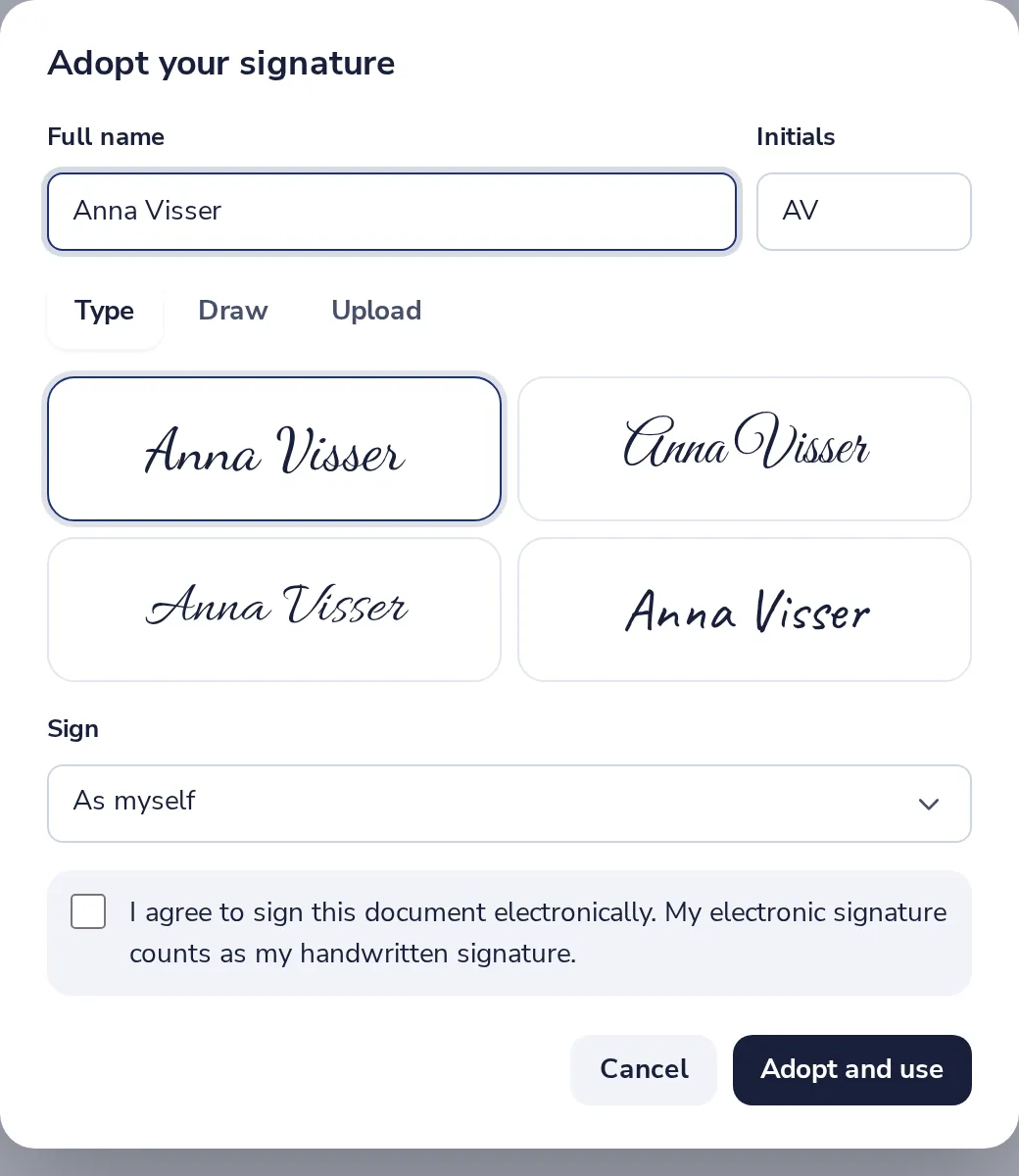
Adopt your signature
Type your name and pick a style, or draw or upload it. Tick the box and press Adopt and use.
- 4
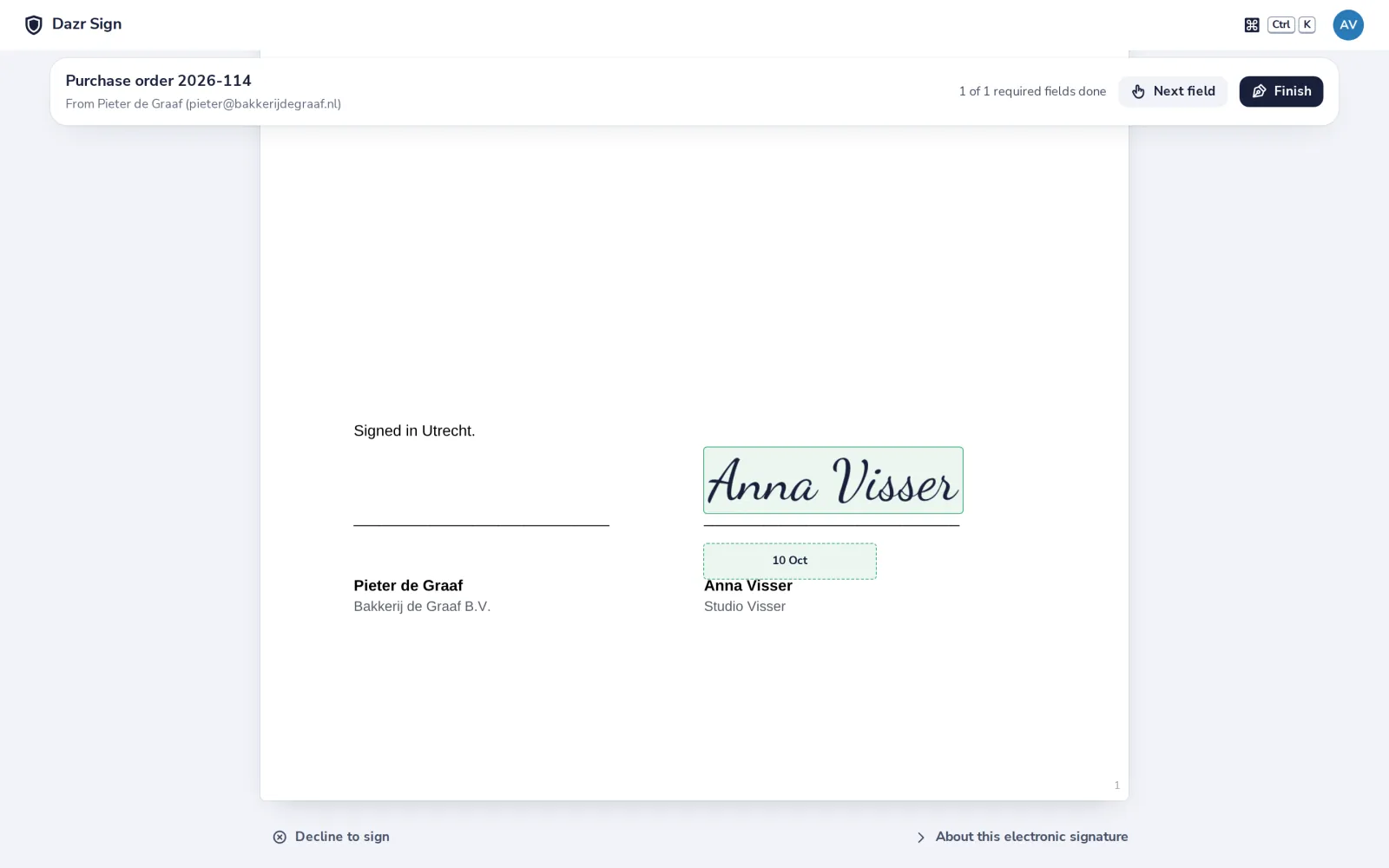
Check your fields
Your signature is in place. The date fills itself in when you sign.
- 5
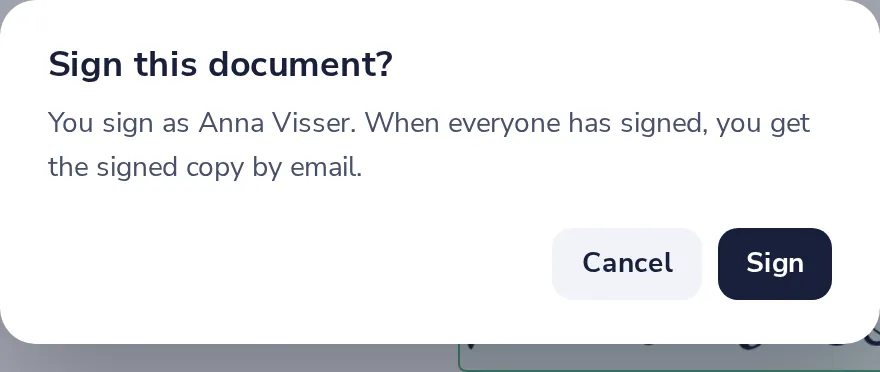
Press Finish, then Sign
Your signature goes into the PDF and the sender is told.
- 6
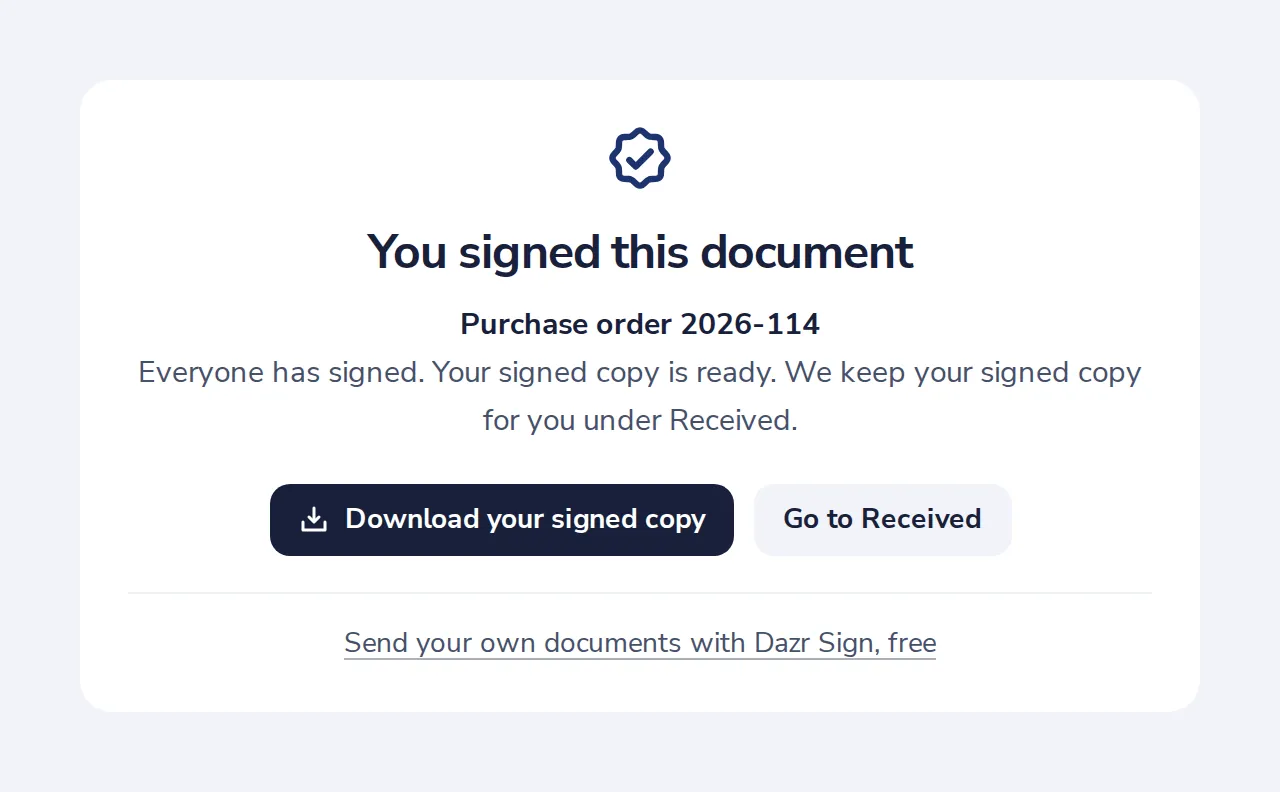
Done
When everyone has signed, you get the signed copy by email and under Received.
Was this helpful?
What was missing?
Thank you.
We count yes and no per article. Nothing about you is stored.