Send a GIF
Quick reactions are ready before you type, and search finds more. Dazr fetches every GIF for you, so the library never sees who you are.
- 1
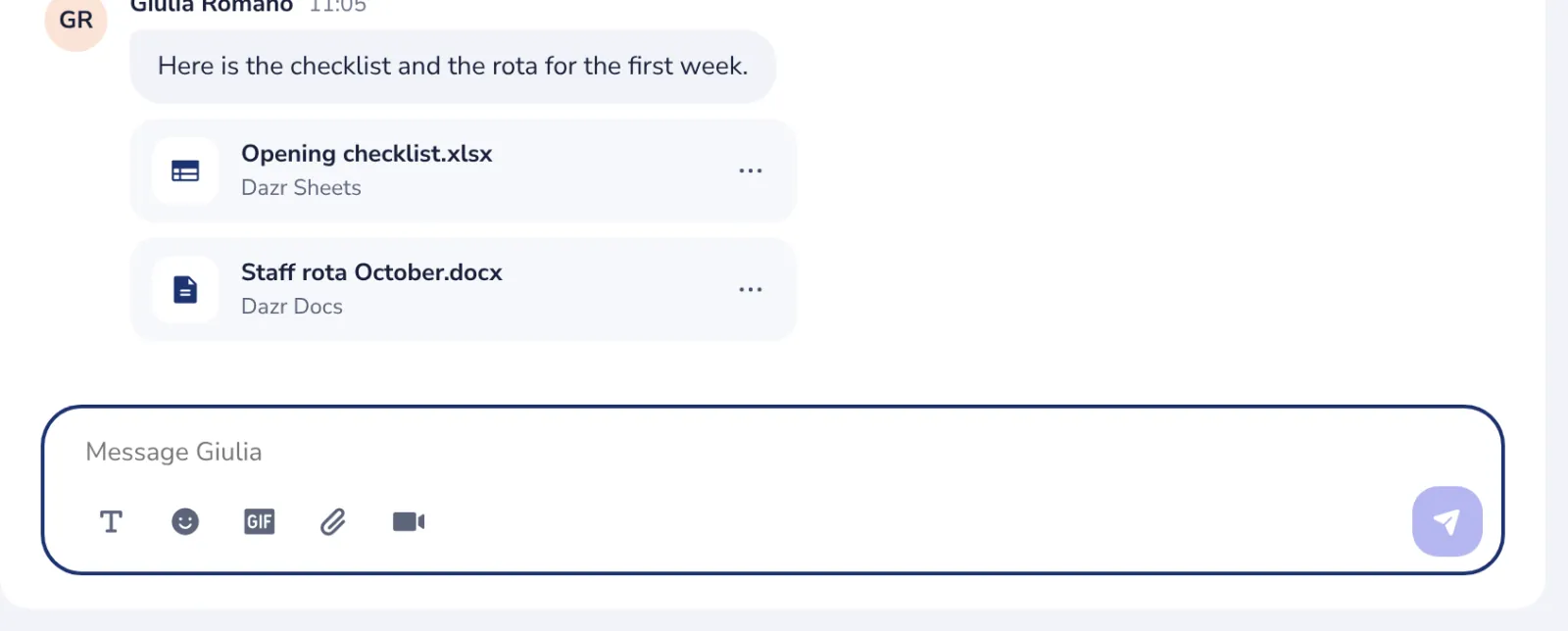
Press GIF
Under the message box, next to the smiley.
- 2
Pick a quick reaction
Hello, Celebrate, OK and more are there before you type.
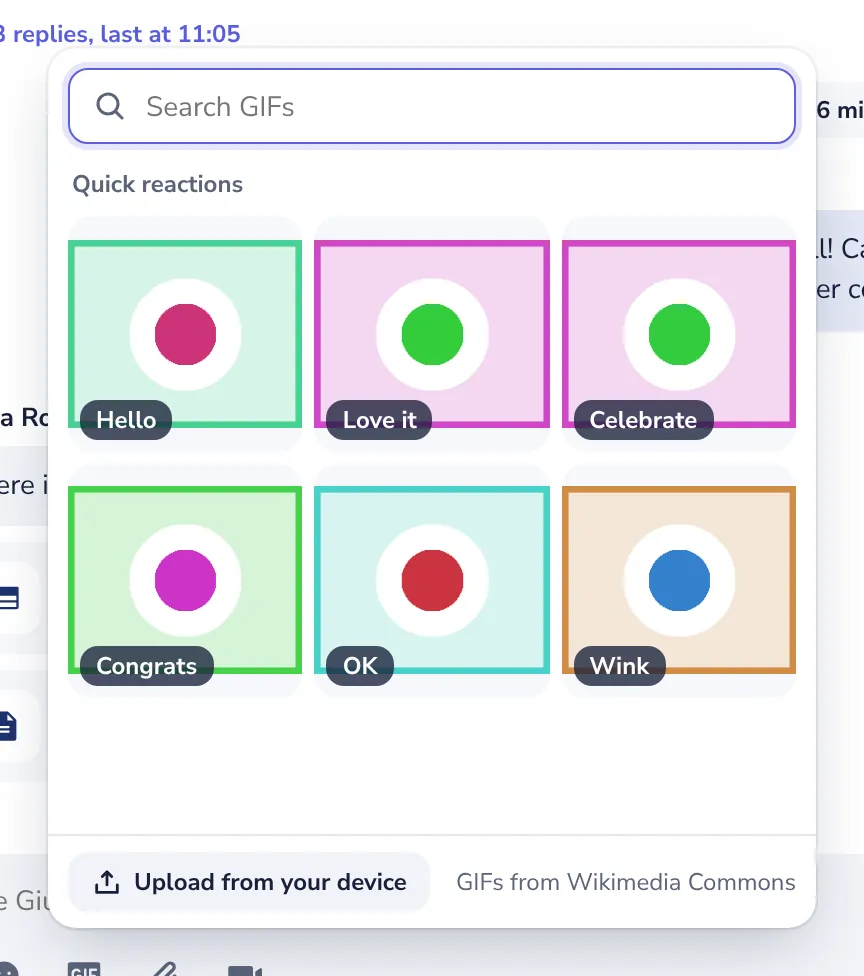
Use the arrow keys to move between GIFs and Enter to send one.
- 3
Or search for one
Type a word like party or thanks.
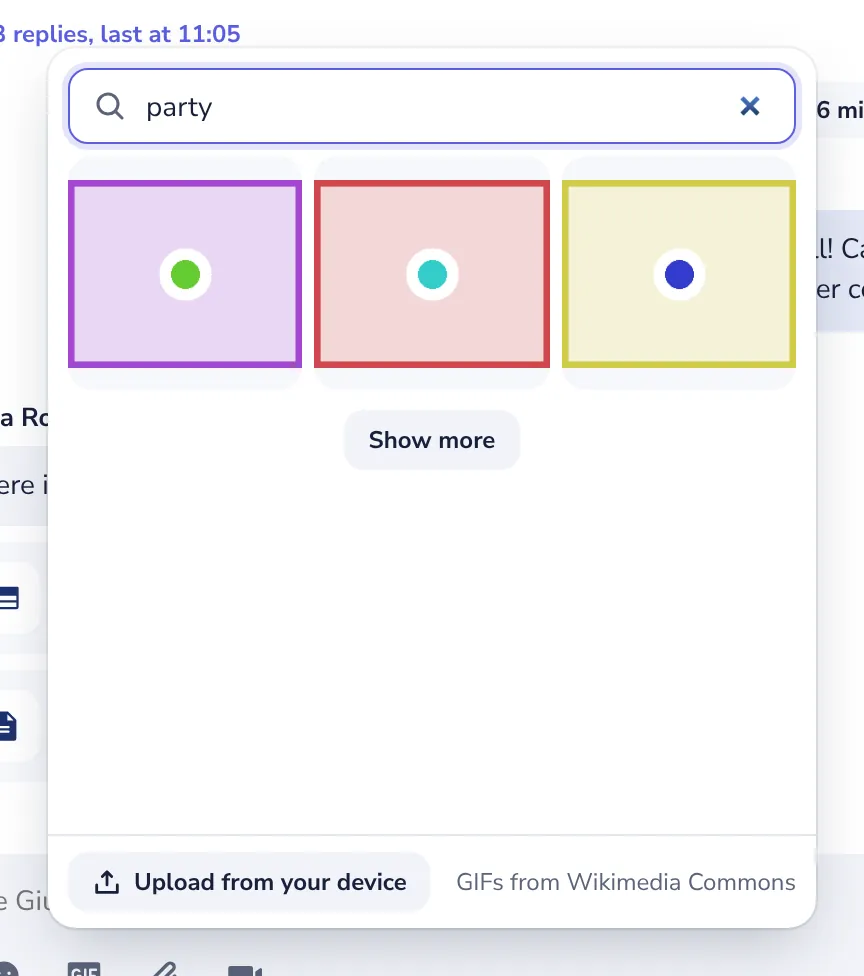
Have a GIF saved on your computer or phone? Press Upload from your device.
- 4
Press a GIF to send it
It is sent at once. Point at it to see its title, who made it and its licence.
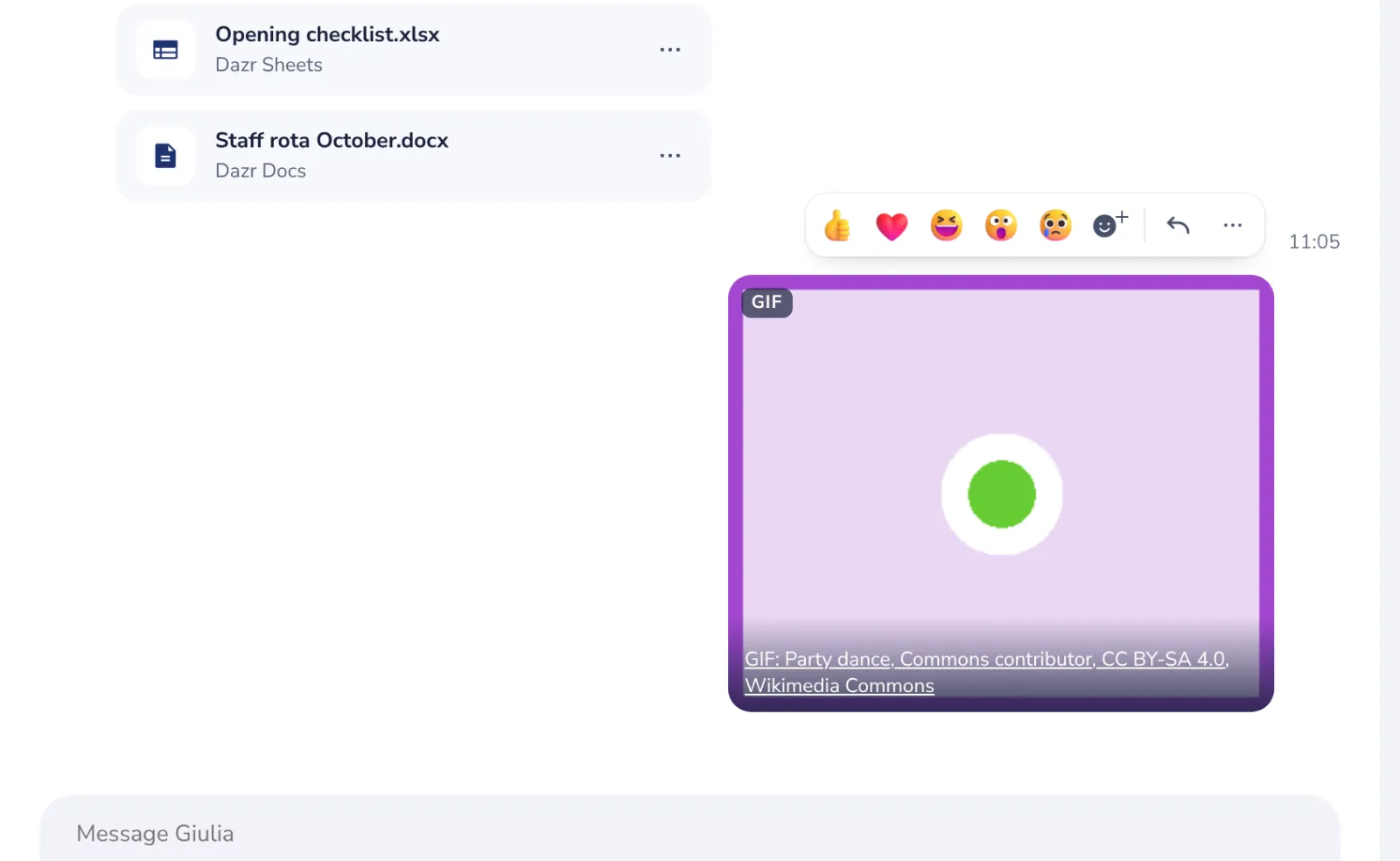
The GIFs come from Wikimedia Commons, with safe search on. They do not use any of your storage.
Was this helpful?
What was missing?
Thank you.
We count yes and no per article. Nothing about you is stored.