Edit or delete a message
You can change or remove your own messages at any time.
- 1
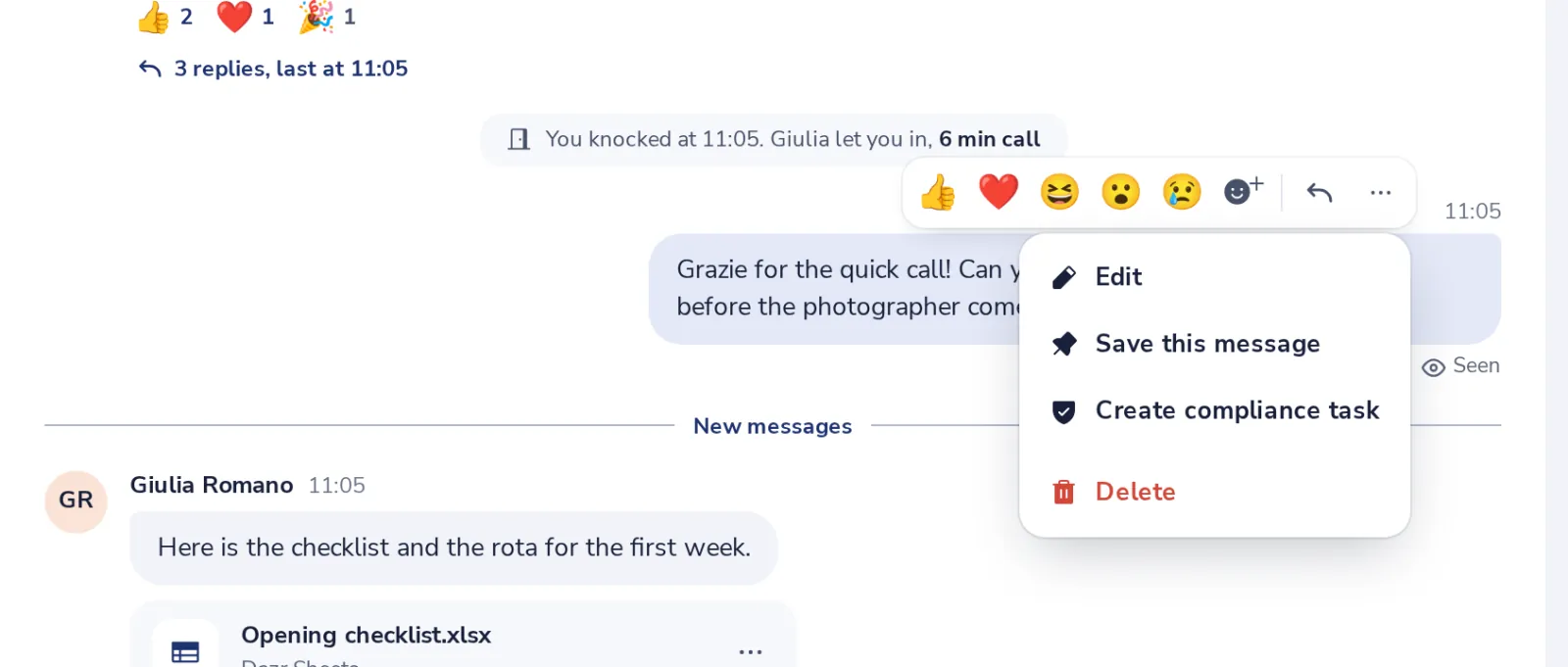
Open the message menu
Point at your message and press the three dots.
- 2
Change the text
Press Enter to save, or Escape to cancel.
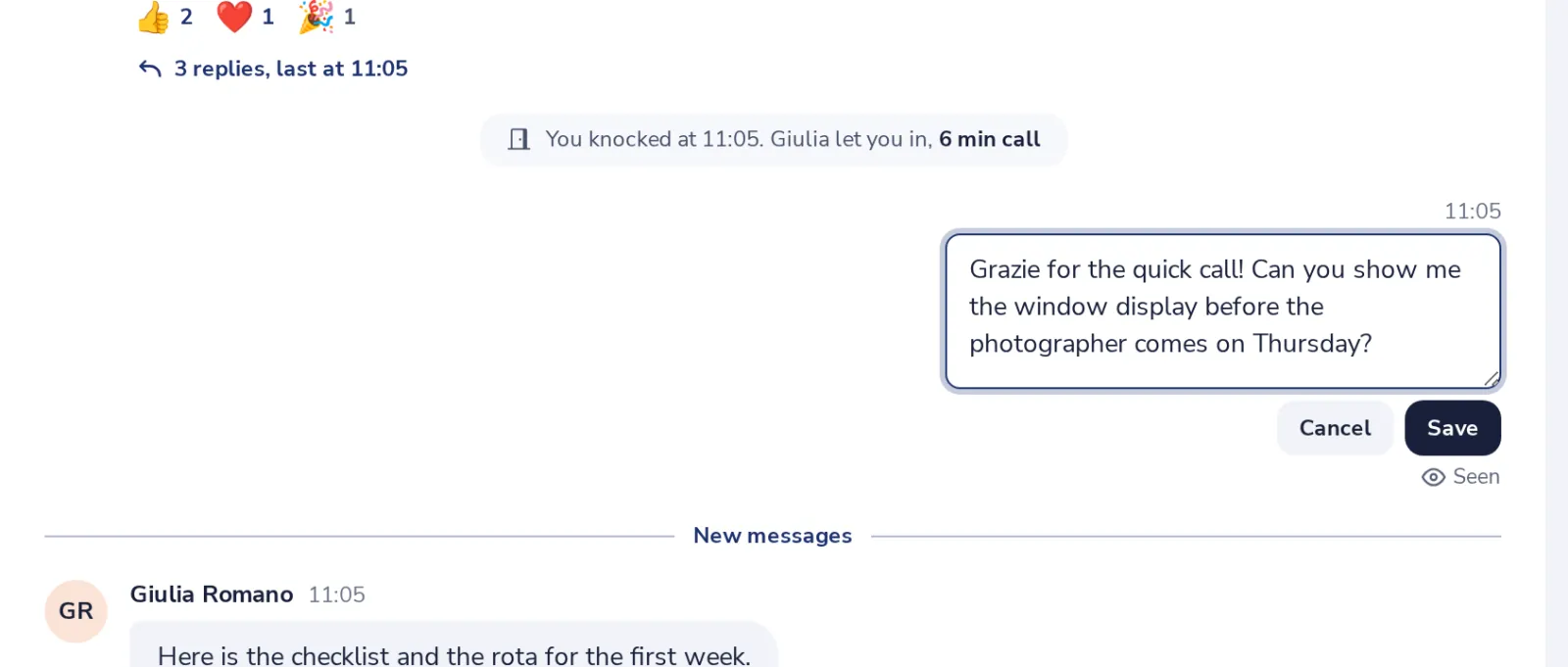
In an empty message box, the Up arrow edits your last message.
- 3
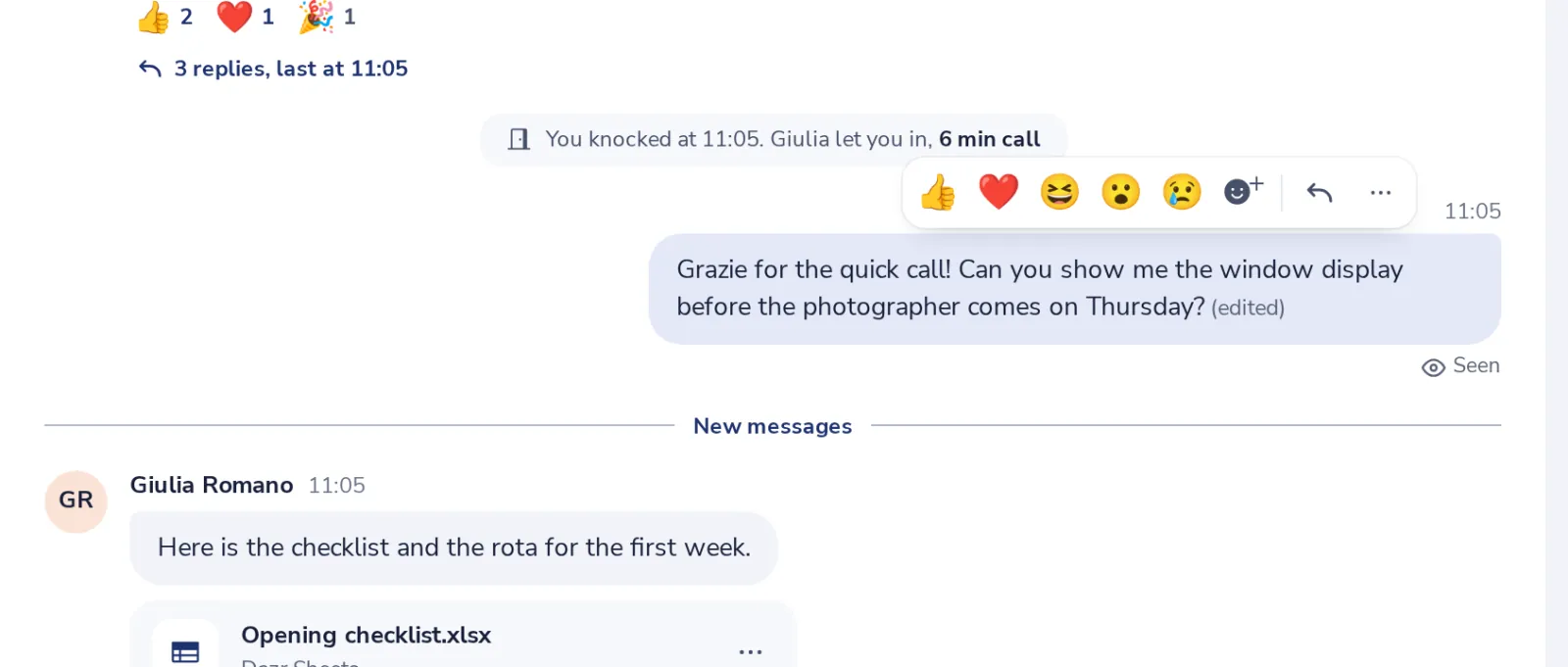
Everyone sees it was edited
The message says edited next to the time.
- 4
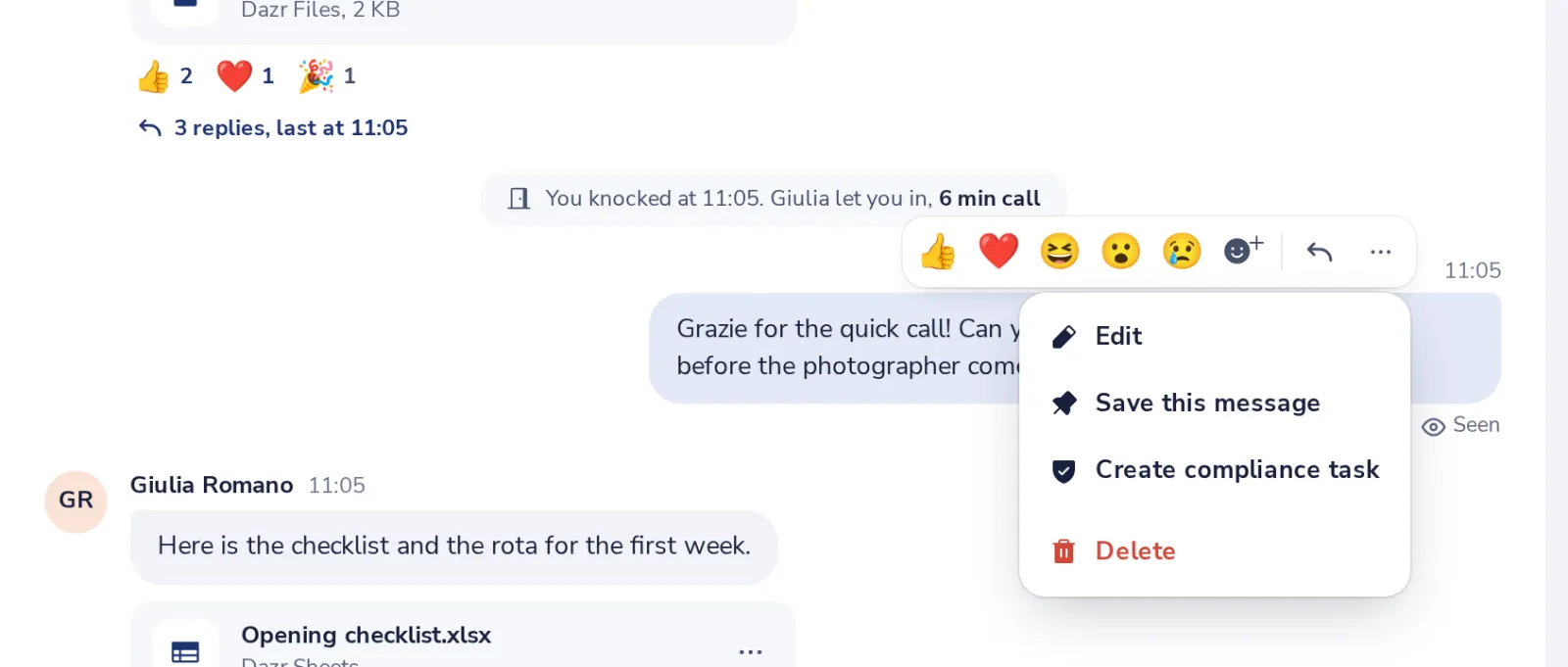
Or delete it
Choose Delete in the same menu. The chat shows Message deleted.
Le è stato utile?
Che cosa mancava?
Grazie.
Contiamo i sì e i no per articolo. Non salviamo nulla su di Lei.