Focus for the next hour
Something urgent came up? Show yourself as focusing, open or away for the next hour. After that, your normal times come back.
- 1
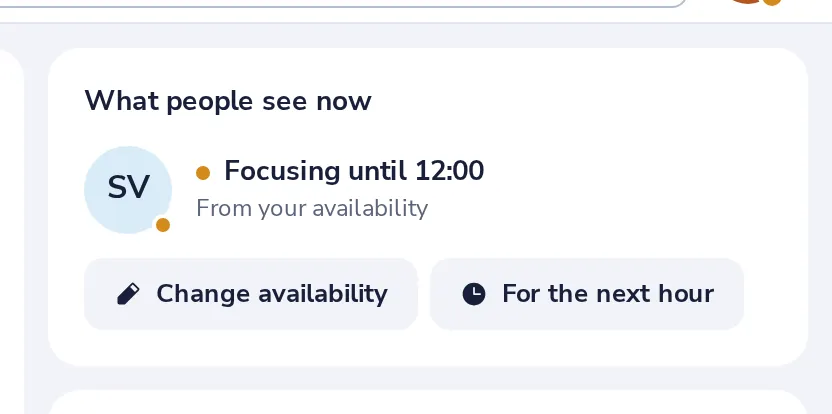
Press For the next hour
In My day, under What people see now.
- 2
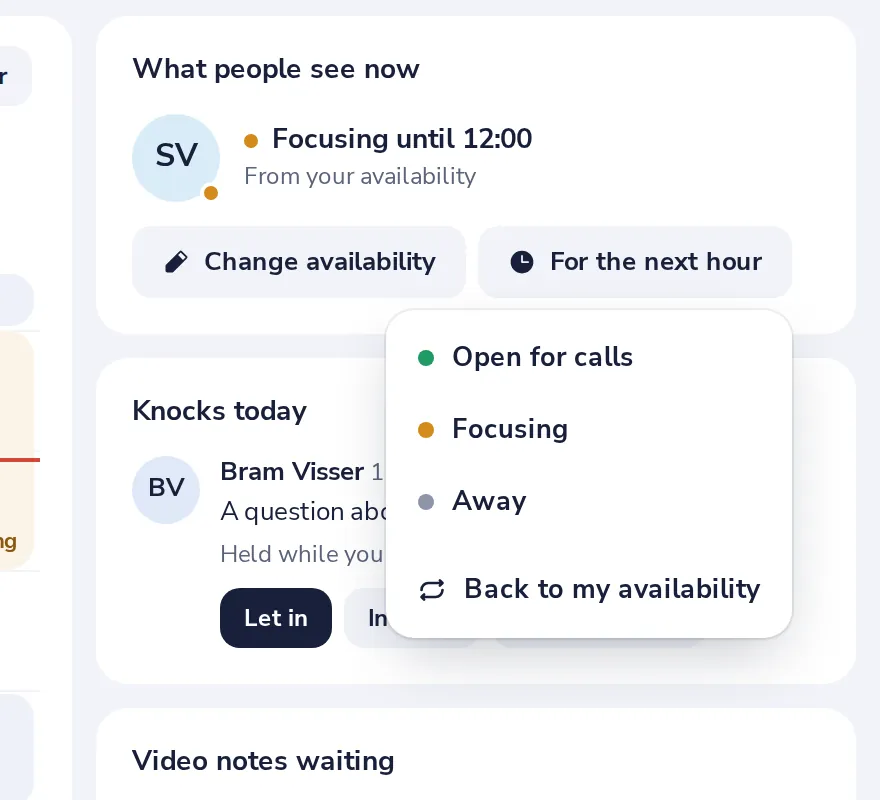
Choose how you want to be seen
Open for calls, Focusing or Away.
- 3
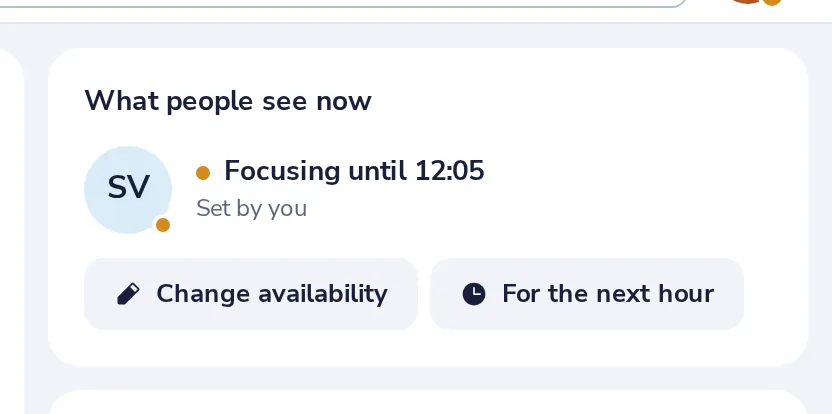
It shows right away
Back to my availability, in the same menu, ends it early.
Le è stato utile?
Che cosa mancava?
Grazie.
Contiamo i sì e i no per articolo. Non salviamo nulla su di Lei.