Focus for the next hour
Something urgent came up? Show yourself as focusing, open or away for the next hour. After that, your normal times come back.
- 1
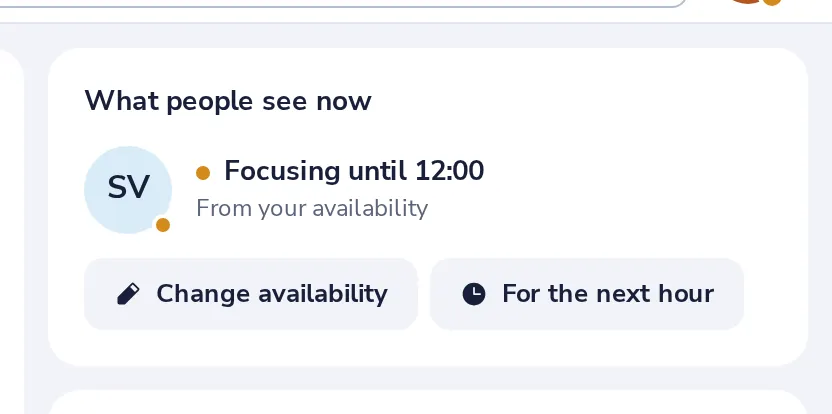
Press For the next hour
In My day, under What people see now.
- 2
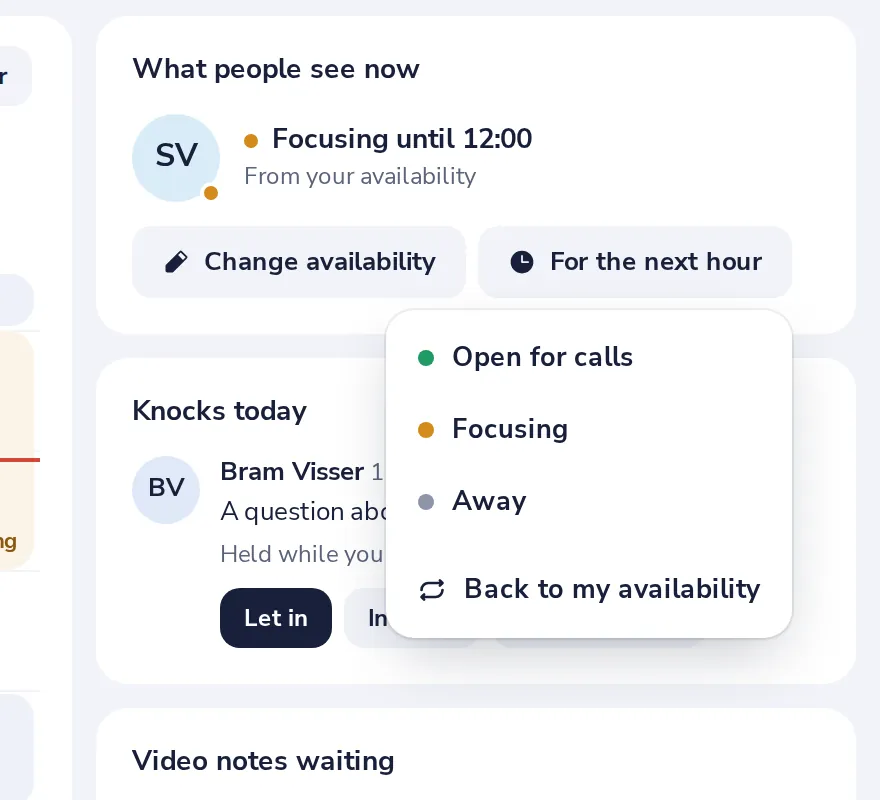
Choose how you want to be seen
Open for calls, Focusing or Away.
- 3
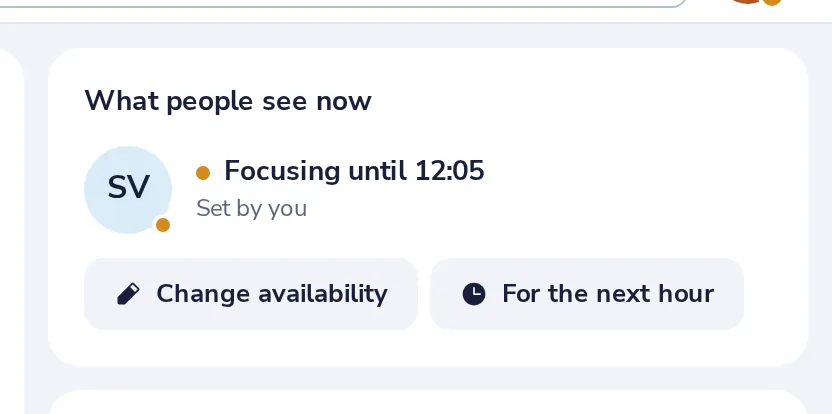
It shows right away
Back to my availability, in the same menu, ends it early.
Had je hier iets aan?
Wat ontbrak er?
Dank je.
We tellen ja en nee per artikel. Niets over jou wordt bewaard.