Format your message
Make a long message easier to read with bold text, lists and links.
- 1
Press the T
Under the message box. The formatting buttons show above your text.
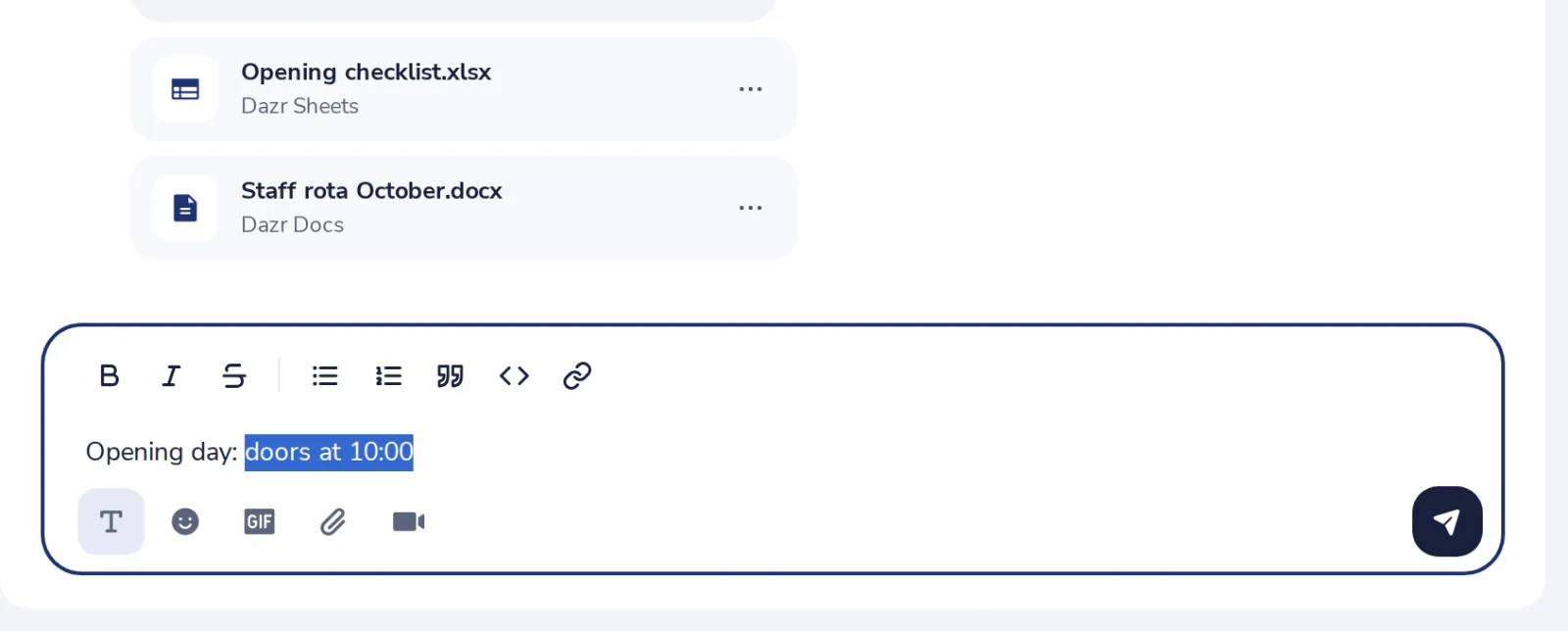
- 2
Select text, press a button
Bold, italic, a list, a quote, code or a link.
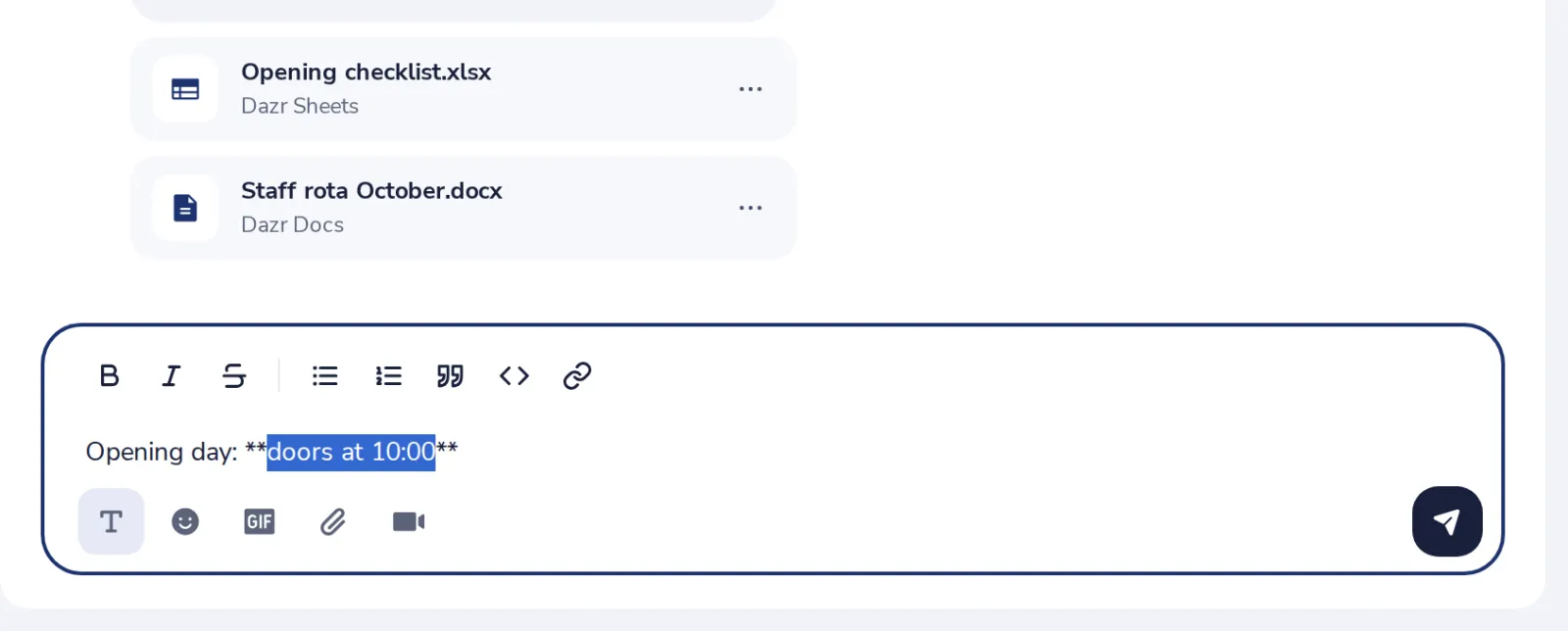
Ctrl and B makes text bold, Ctrl and I italic.
- 3
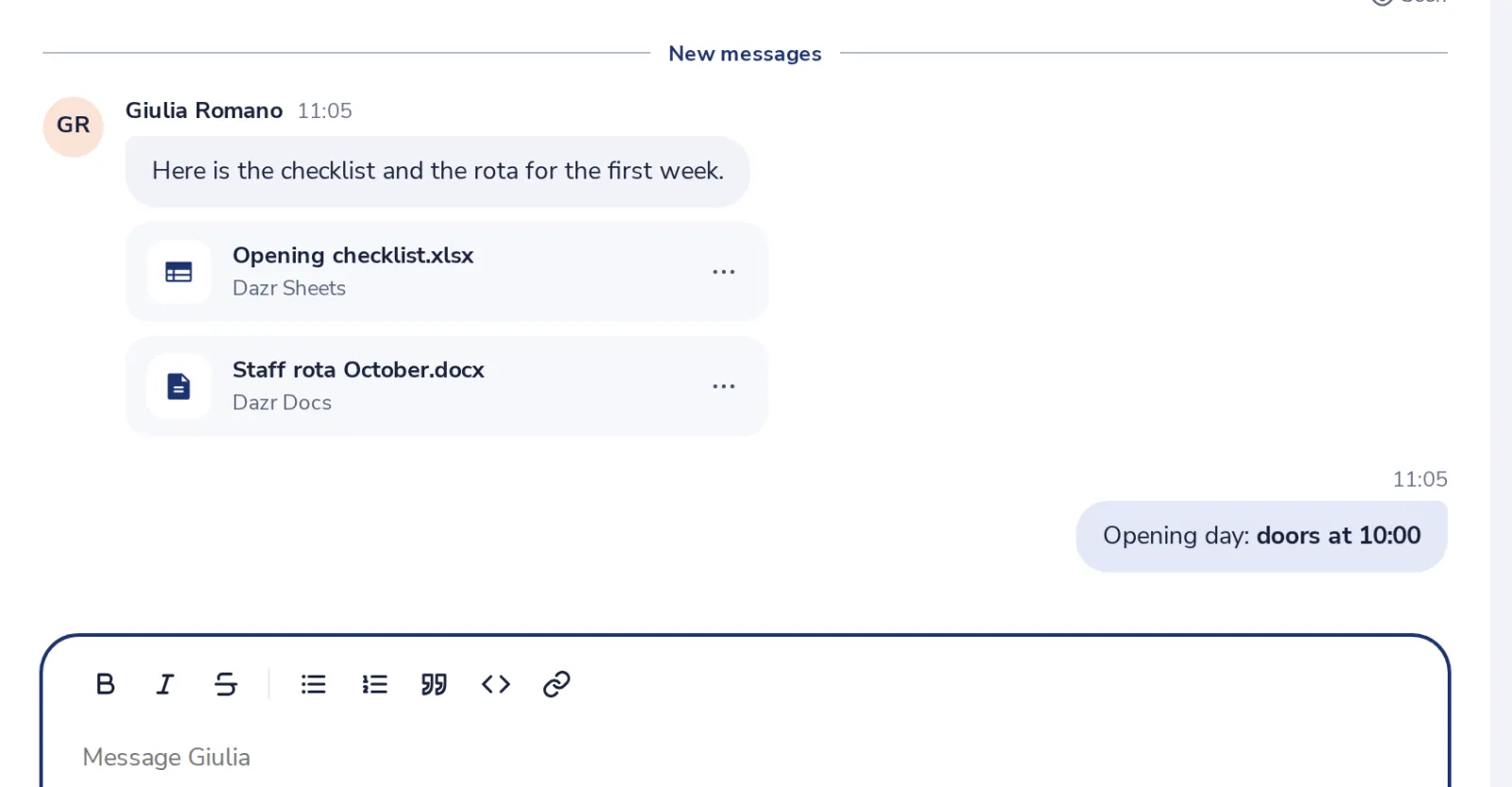
Send it
The others see the formatting in the chat.
Had je hier iets aan?
Wat ontbrak er?
Dank je.
We tellen ja en nee per artikel. Niets over jou wordt bewaard.