Choose your notifications
Decide what Dazr Teams tells you about, and turn on notifications on your computer.
- 1
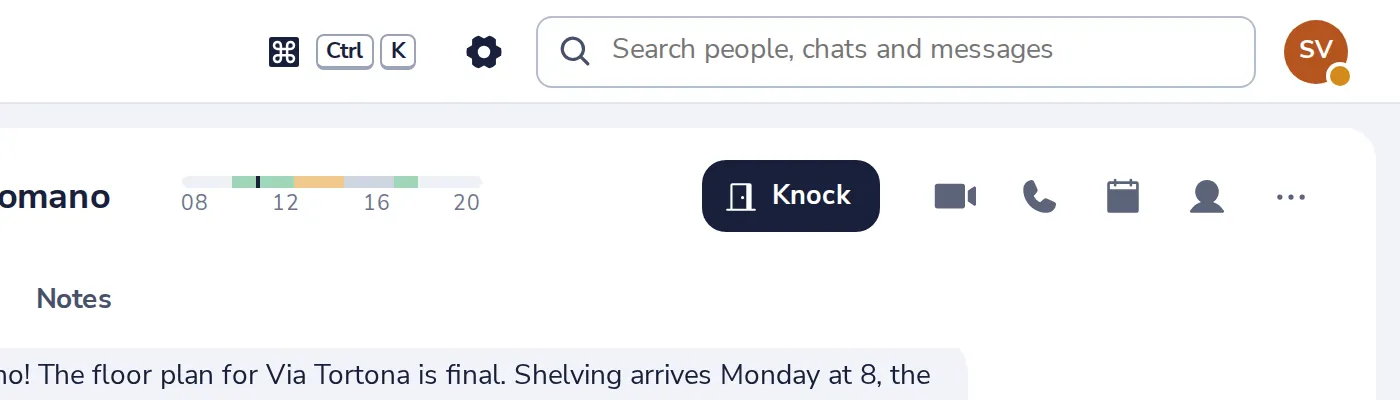
Press the gear
At the top of Dazr Teams.
- 2
Turn on desktop notifications
Your browser asks once if Dazr Teams may show them. Choose Allow.

- 3
Choose what to hear about
All new messages, Mentions only, or Nothing.
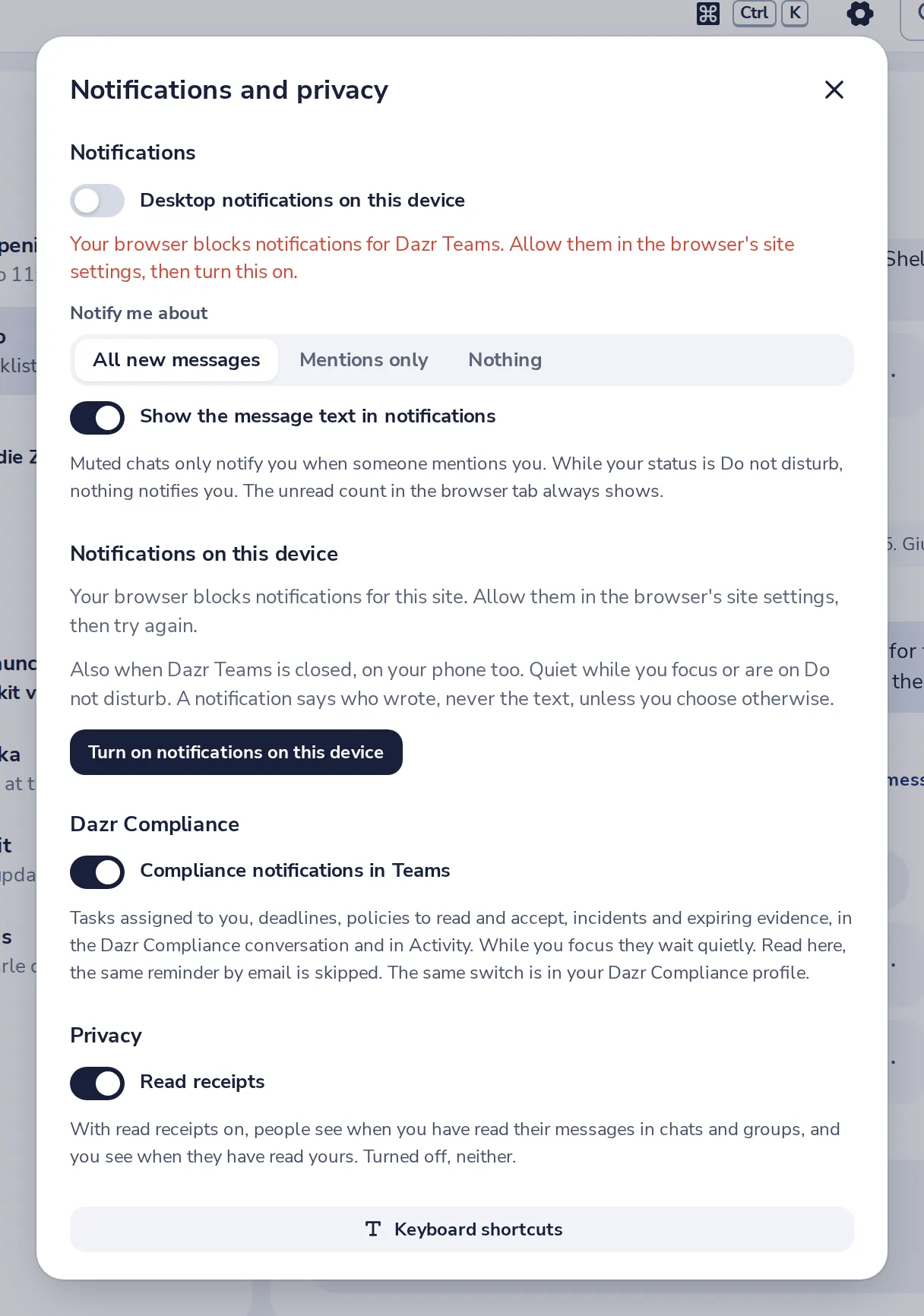
While your status is Do not disturb, nothing notifies you.
- 4
Also when Dazr Teams is closed
Press Turn on notifications on this device, on your computer or your phone.
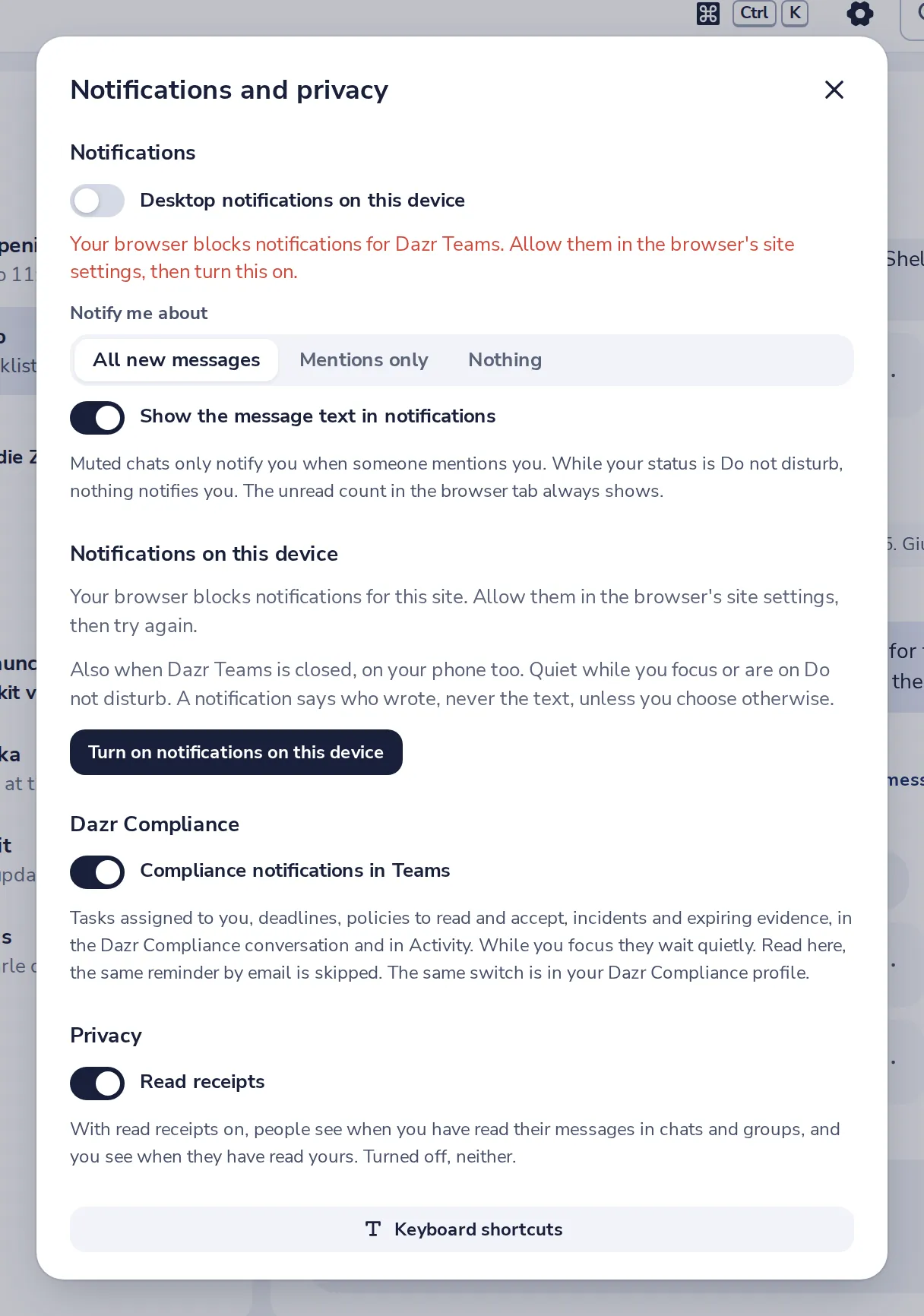
They stay quiet while you focus or are on Do not disturb.
- 5
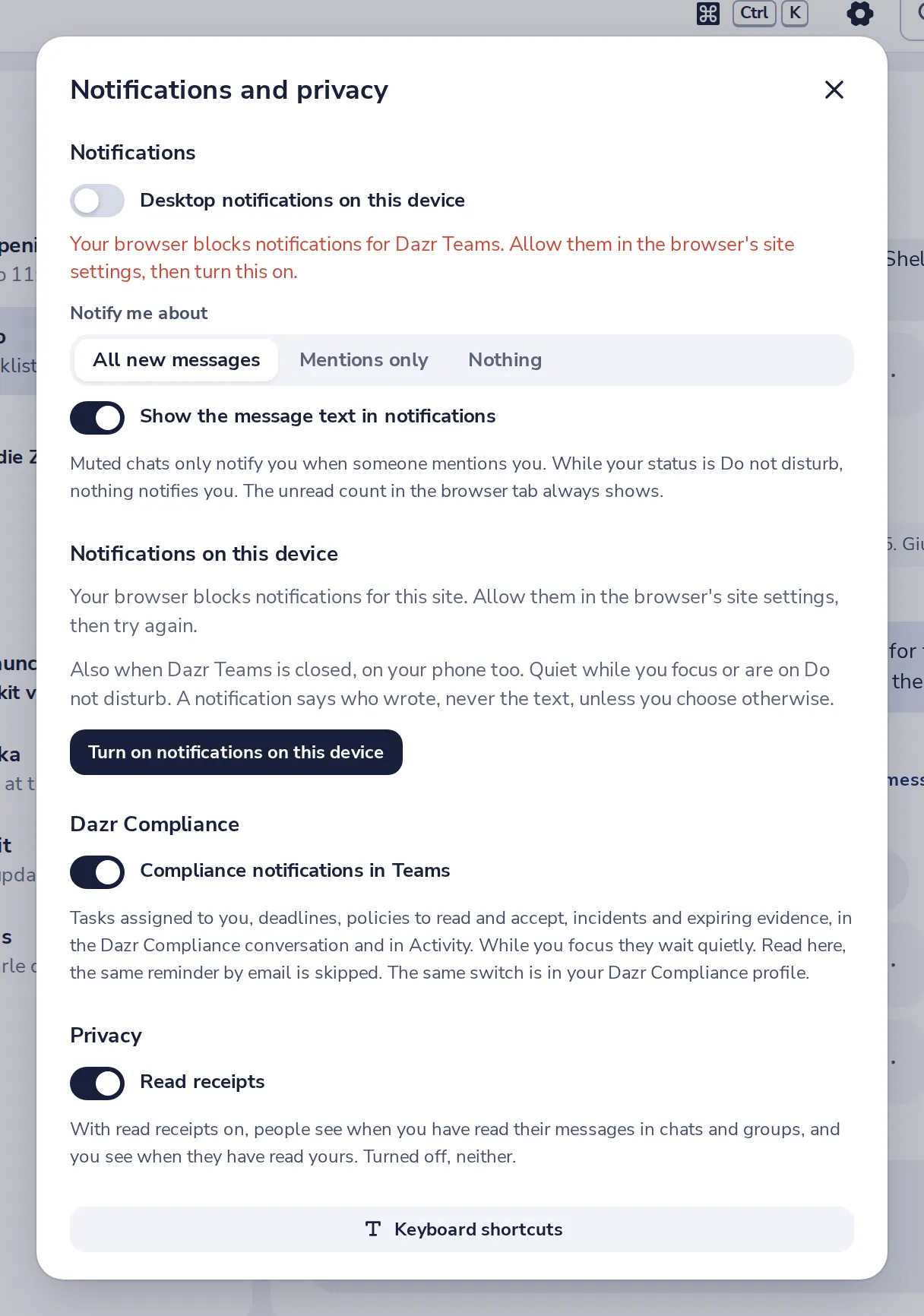
Hide the message text
Turn off Show the message text to keep notifications private on a shared screen.
Had je hier iets aan?
Wat ontbrak er?
Dank je.
We tellen ja en nee per artikel. Niets over jou wordt bewaard.