Schedule a meeting from a chat
The meeting goes into Dazr Calendar for everyone in the chat, and the chat shows it too.
- 1
Press the calendar
At the top of the chat.

- 2
Fill in the meeting
The people of the chat are already invited. Add a title and pick a time.
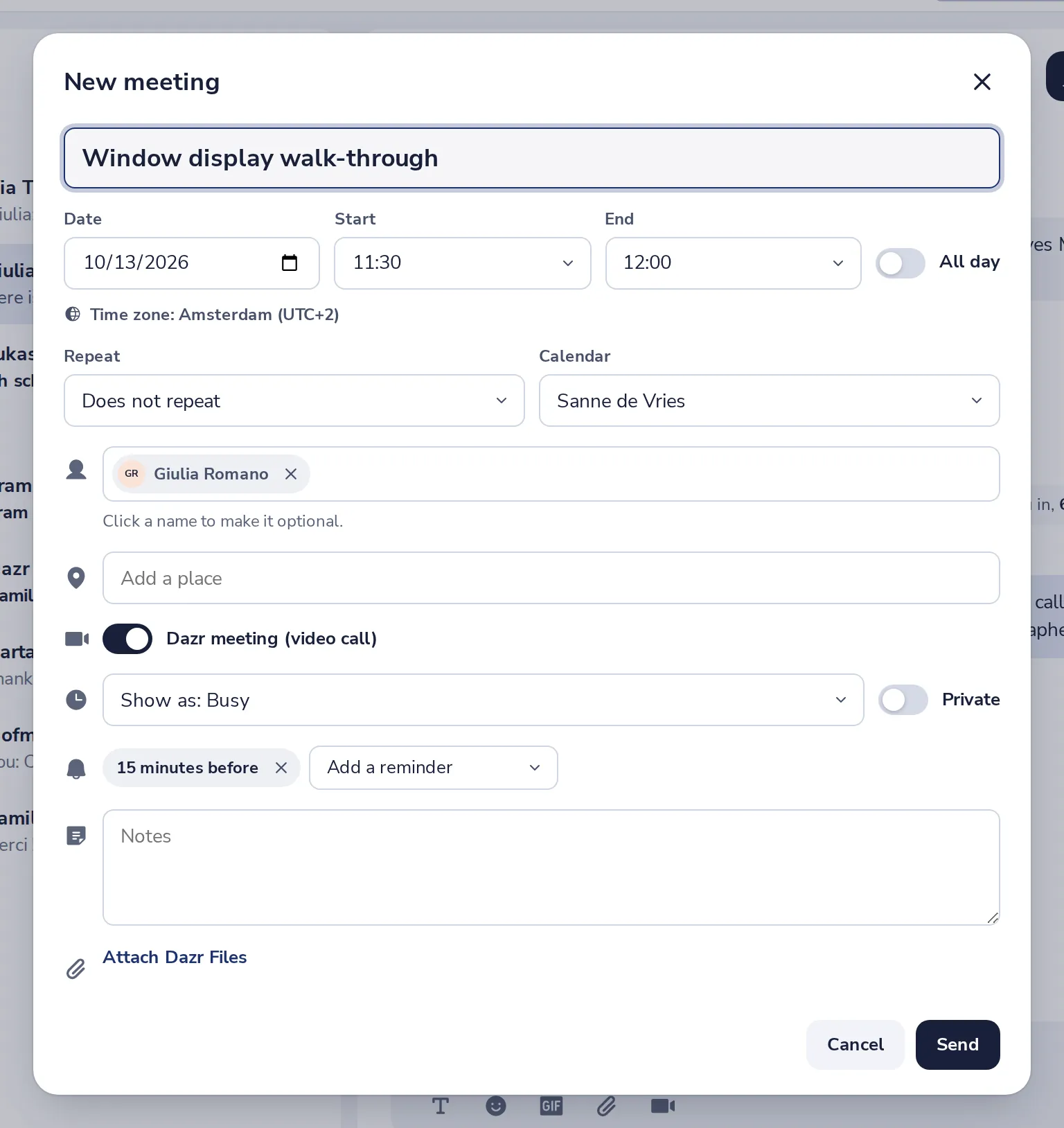
- 3
Press Send
Everyone gets the invitation in Dazr Calendar.
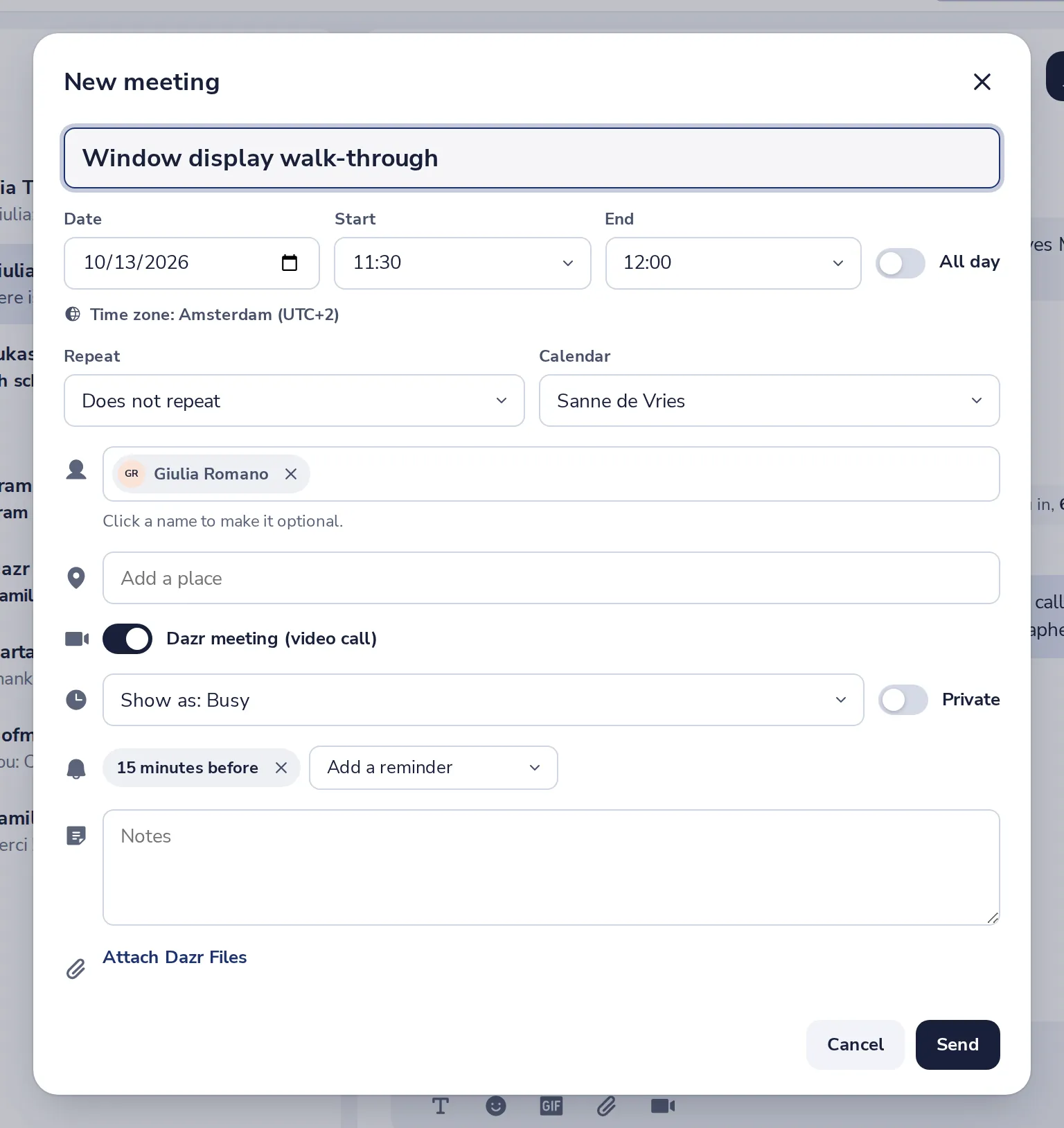
- 4
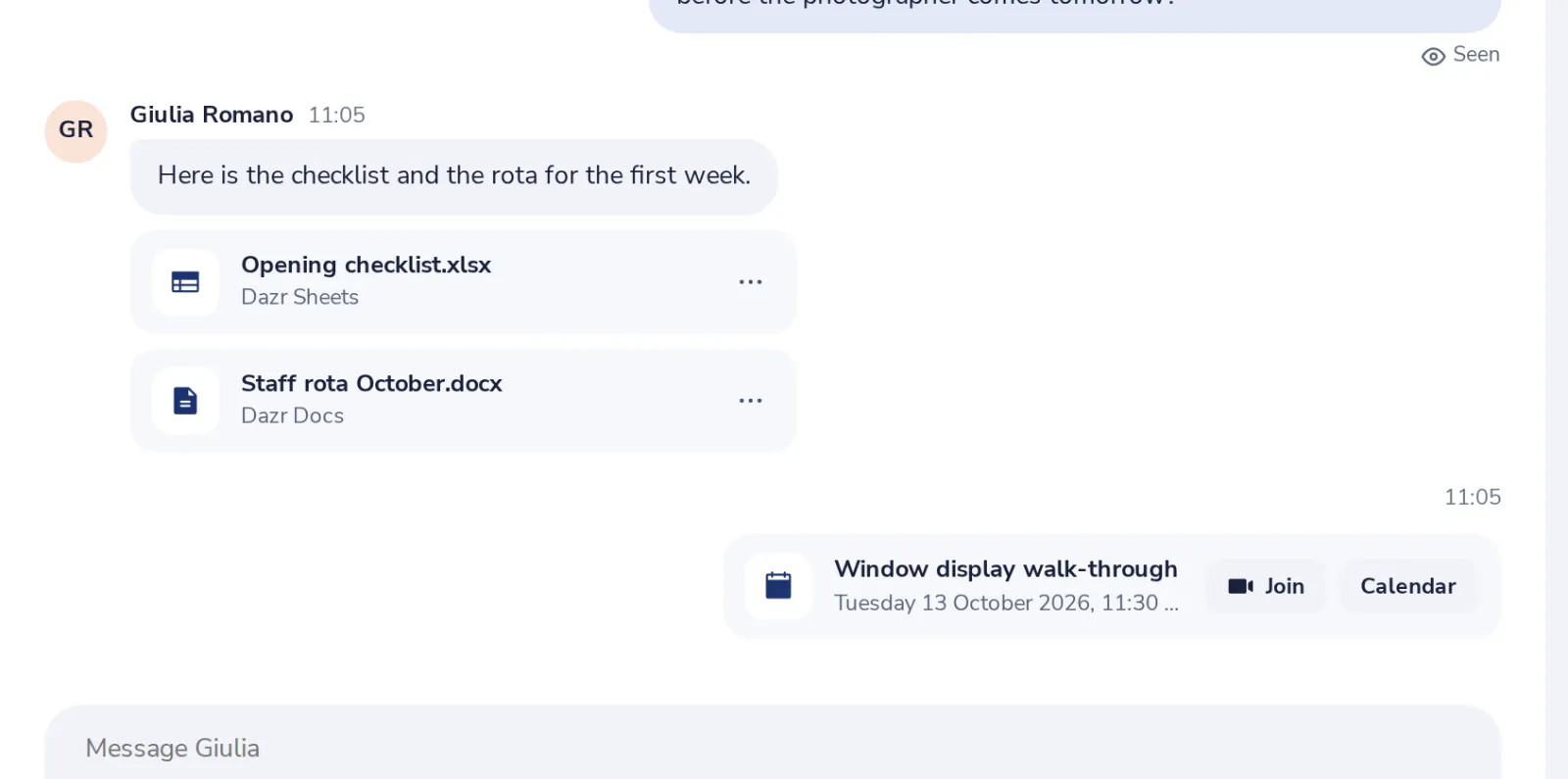
It shows in the chat
Everyone in the chat sees the meeting and its time.
Had je hier iets aan?
Wat ontbrak er?
Dank je.
We tellen ja en nee per artikel. Niets over jou wordt bewaard.