Start a group chat
A group chat is for a few people and one subject, like a project or an event.
- 1
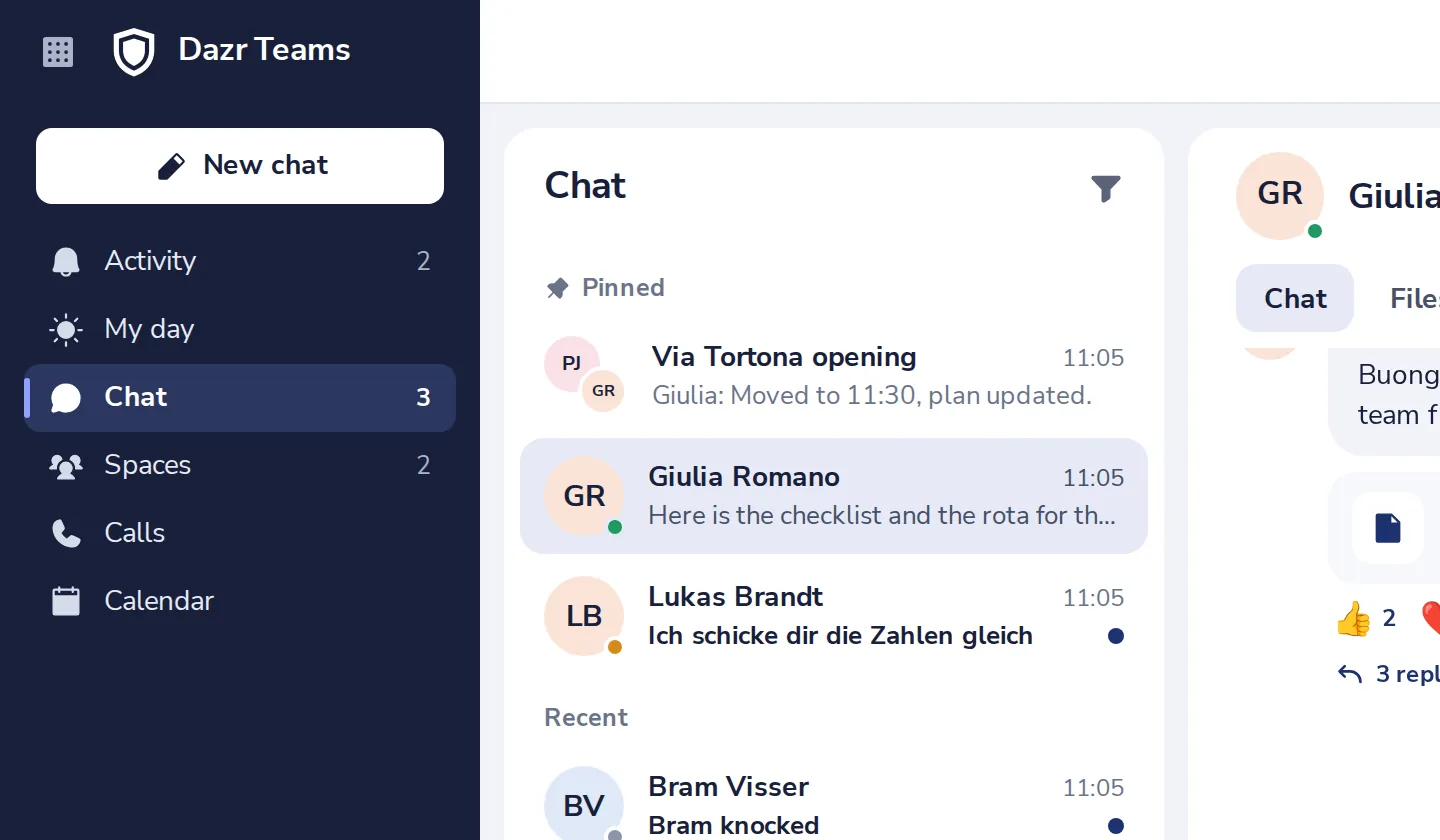
Press New chat
At the top left of Dazr Teams.
- 2
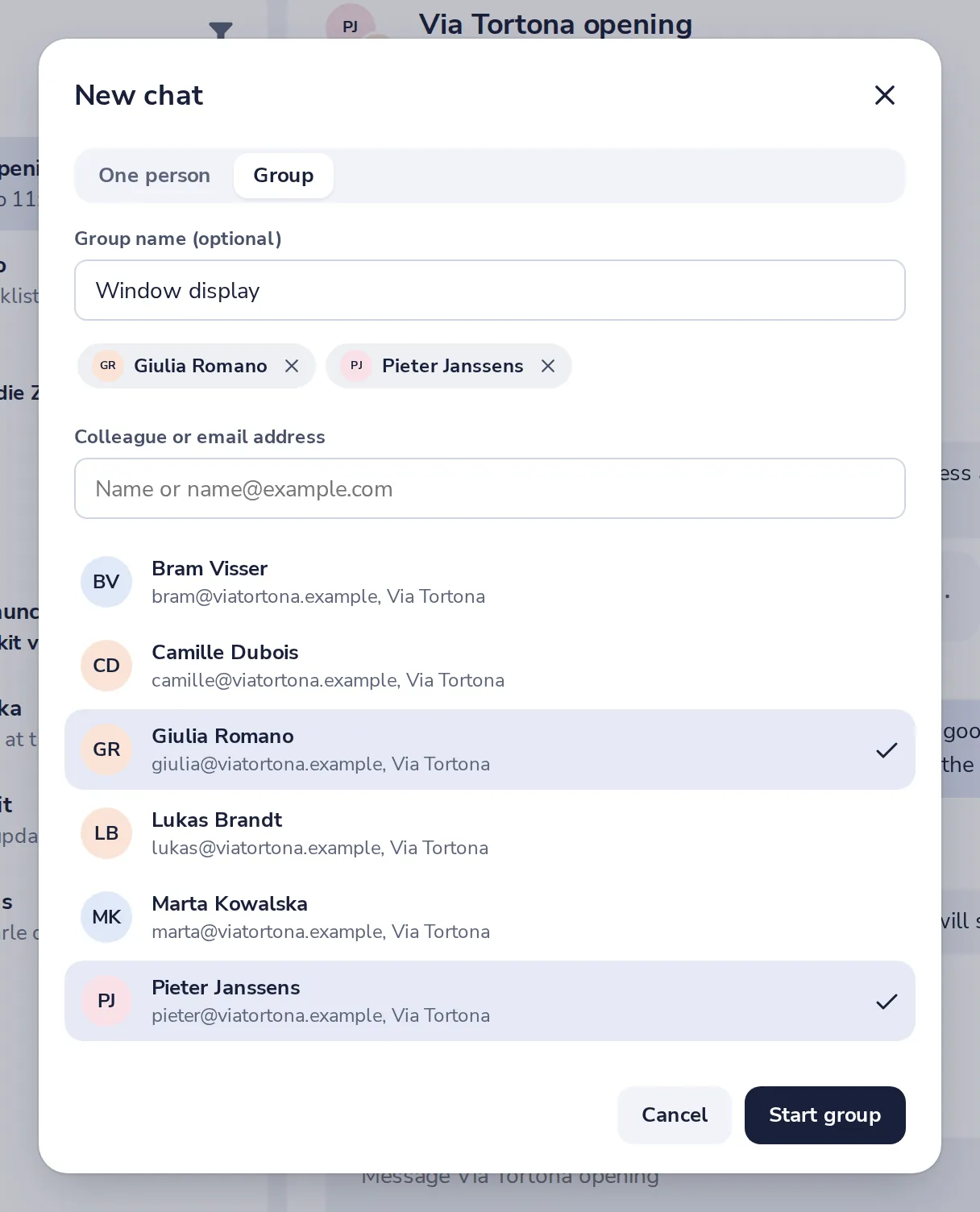
Choose Group
Give the group a name if you like, then add people one by one.
- 3
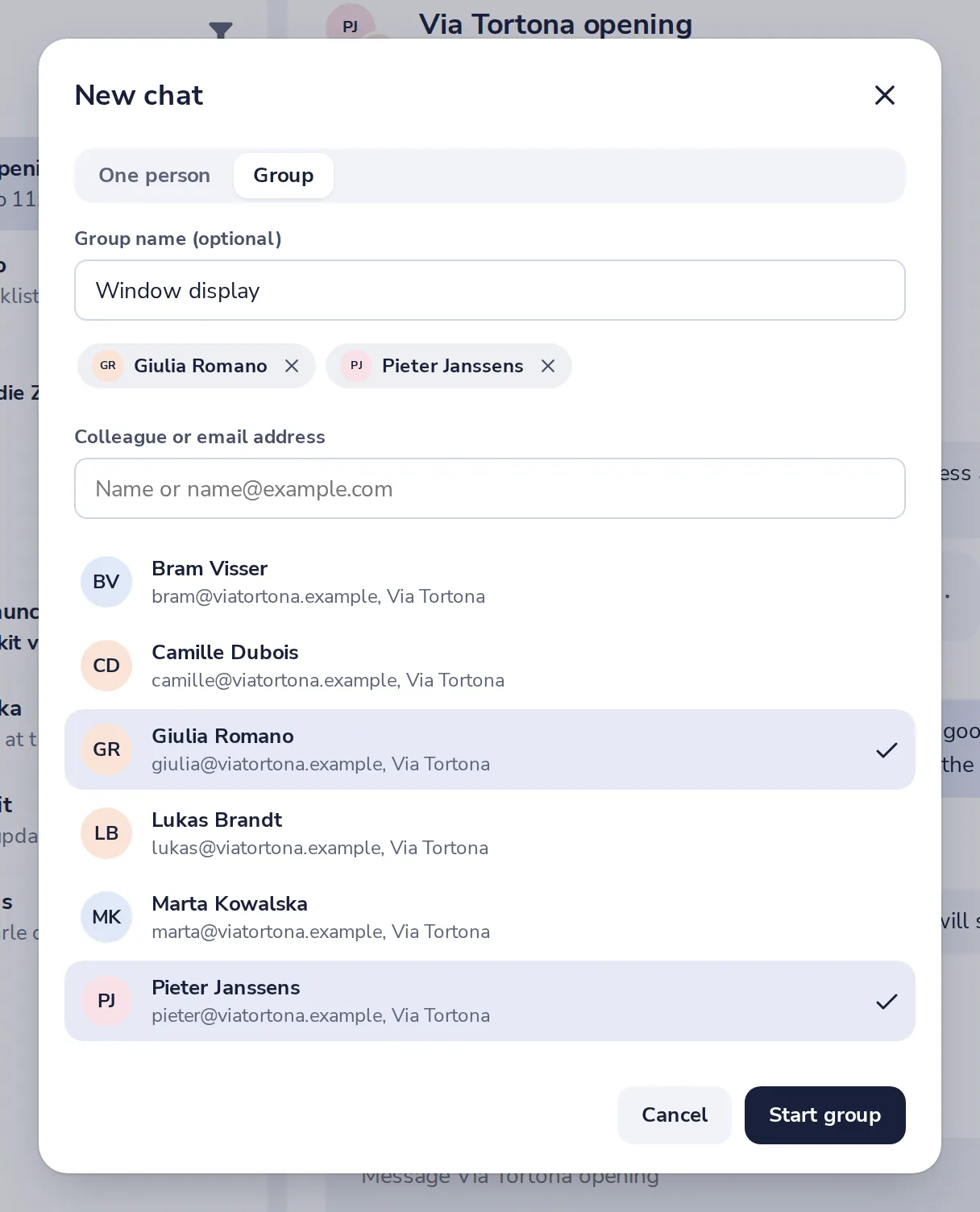
Press Start group
Everyone you added sees the group right away.
- 4
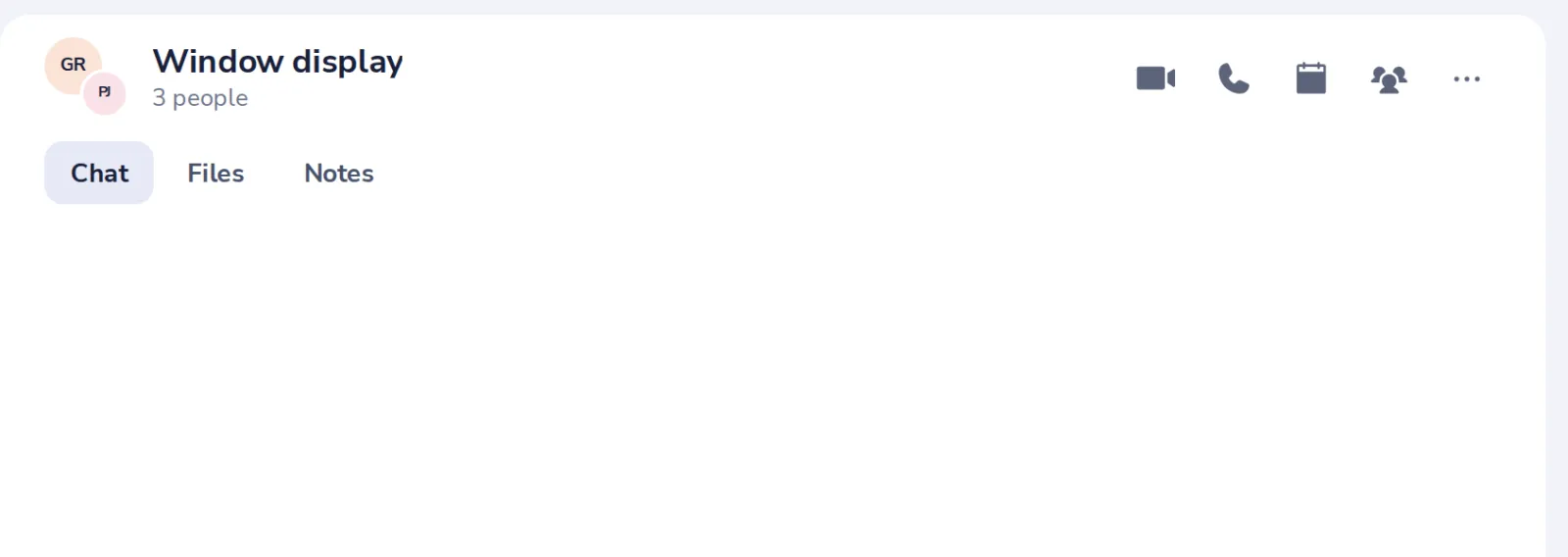
Write to everyone
The group opens, with everyone you added.
Had je hier iets aan?
Wat ontbrak er?
Dank je.
We tellen ja en nee per artikel. Niets over jou wordt bewaard.