See when a colleague is free
The side panel of a chat shows the other person's local time and when they are open for calls, focusing or away today.
- 1
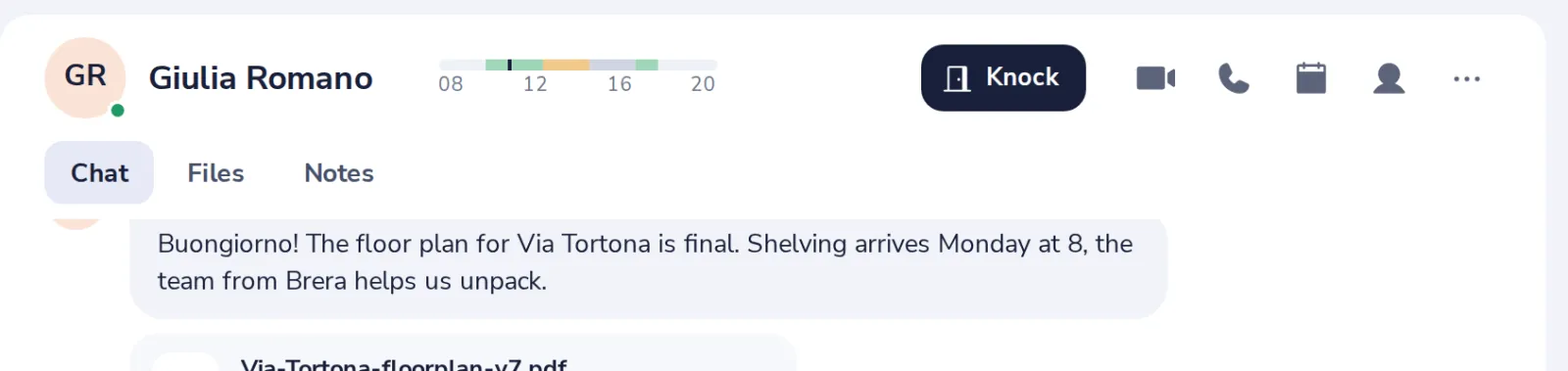
Press the person
At the top right of a chat with one person.
- 2
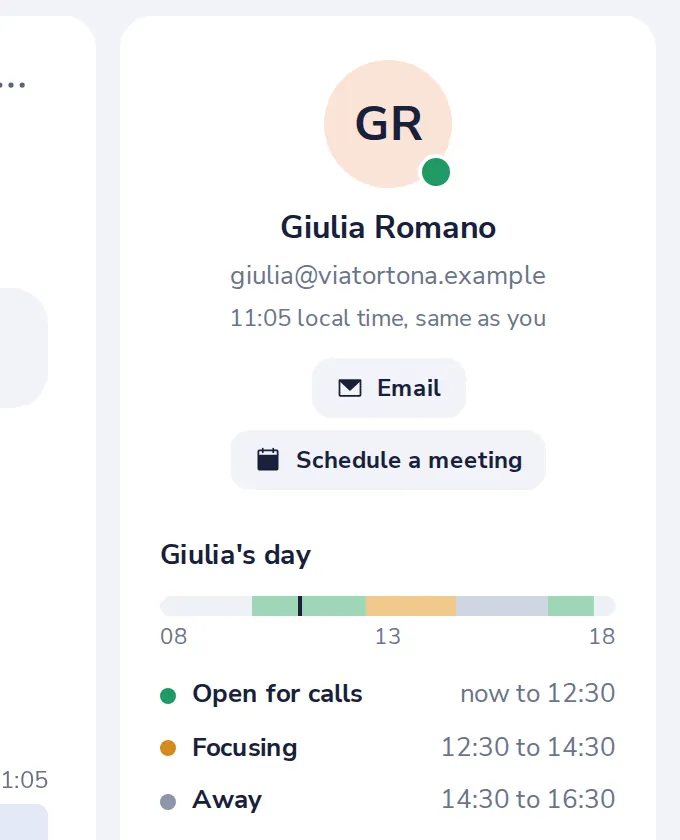
Their local time
Under their name, with their email address.
- 3
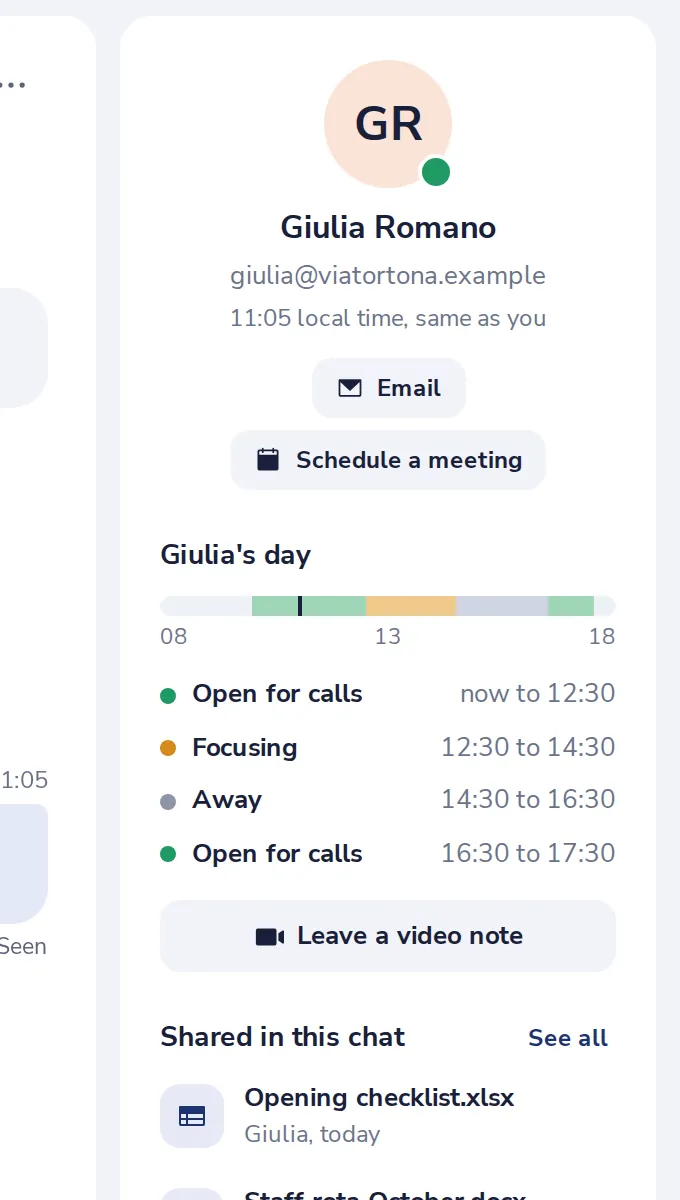
Their day
When they are open for calls, focusing or away today.
Czy to było pomocne?
Czego zabrakło?
Dziękujemy.
Liczymy odpowiedzi tak i nie dla każdego artykułu. Nie zapisujemy nic o tobie.