A sua primeira semana
30 tarefas, pela ordem em que a maioria precisa delas.
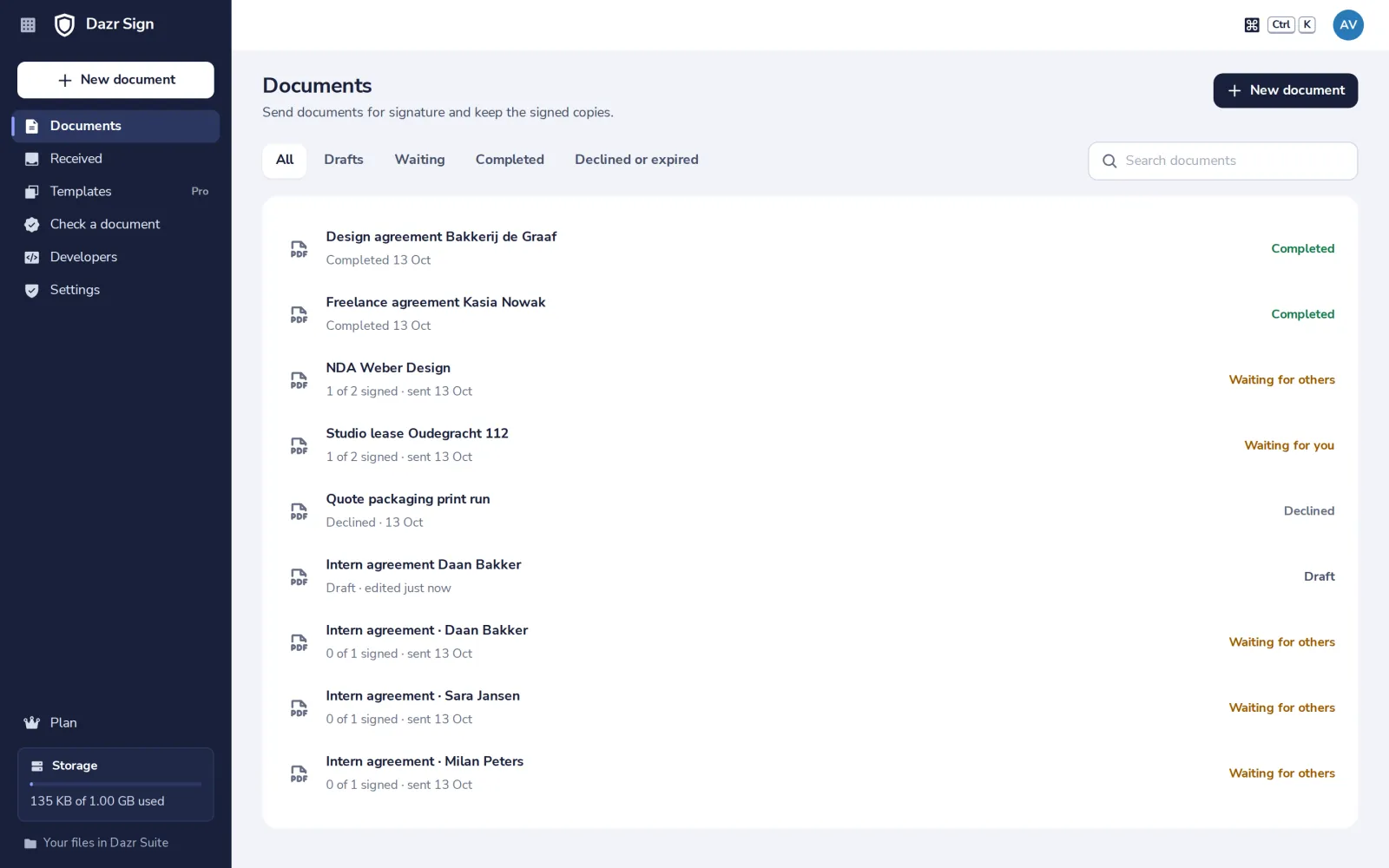
Enviar o seu primeiro documentoCarregue um PDF, mostre onde assinar, envie.Sign a document yourselfAdd your own signature to a PDF. Nobody else gets an email.Sign a document you receivedOpen it, fill in your fields, sign.See who has signedFollow every document you sent, step by step.Place signature and date fieldsShow each person where to sign.Add fields the signer fills inA start date, a company name or a tick box, filled in while they sign.Choose the signing orderEveryone at once, or one after another.Sign together with othersYou sign too, next to the people you send it to.Send someone a copyKeep a colleague or an accountant informed. They read, they do not sign.Add a message and a deadlineA note in the email, how long people have, and automatic reminders.Send a reminderNudge everyone who has not signed yet.Cancel a requestStop a document that is out for signature.Delete a documentRemove a draft or a finished document for good.Download the signed copyThe PDF with every signature and the history of who signed.Check a signed documentSee that nothing changed after signing, and who signed.Find a documentFilter by status or search by name.Decline to signSay no, with a reason the sender sees.Send a Word documentWord, OpenDocument, RTF and text files become a PDF first.Send a file from Dazr FilesPick a PDF or Word file you already keep in Dazr Files.Save a templateReuse the same document and fields, and only add the people.Send from a templateFill in the people and send, the fields are already there.Send to many people at onceOne template, a separate document for each person.Follow a bulk sendSee how many signed, remind the rest, or stop sending.Which signature do I need?Legally binding for most documents, qualified when a law or a partner asks for it.Ask for a qualified signatureFor documents that need the EU’s highest level of signature.Choose where signed copies are savedIn your own files, or in your organisation’s Signed documents folder.Free documents and Sign ProFive documents a month for free. Pro for unlimited sending.The Send button says NextIt names what is still missing before you can send.A signing link no longer worksThe request was cancelled, it expired, or it was already signed.A file will not uploadWhat Dazr Sign accepts, and what to do when a file is refused.
Ainda com dúvidas? Pergunte-nos.
Pessoas, não um bot. Respondemos no prazo de um dia útil.