I do not get notifications
Usually the browser blocks them, your status is Do not disturb, or the chat is muted. Check them in this order.
- 1
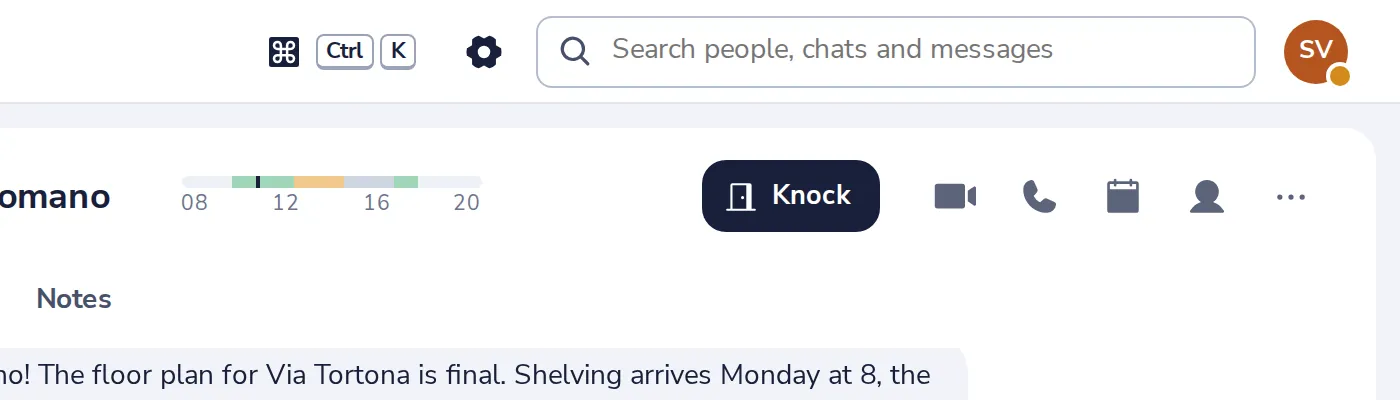
Open Settings
Press the gear at the top of Dazr Teams.
- 2
Is the browser blocking them?
A red line says so. Allow notifications for this site in your browser, then turn the switch on.
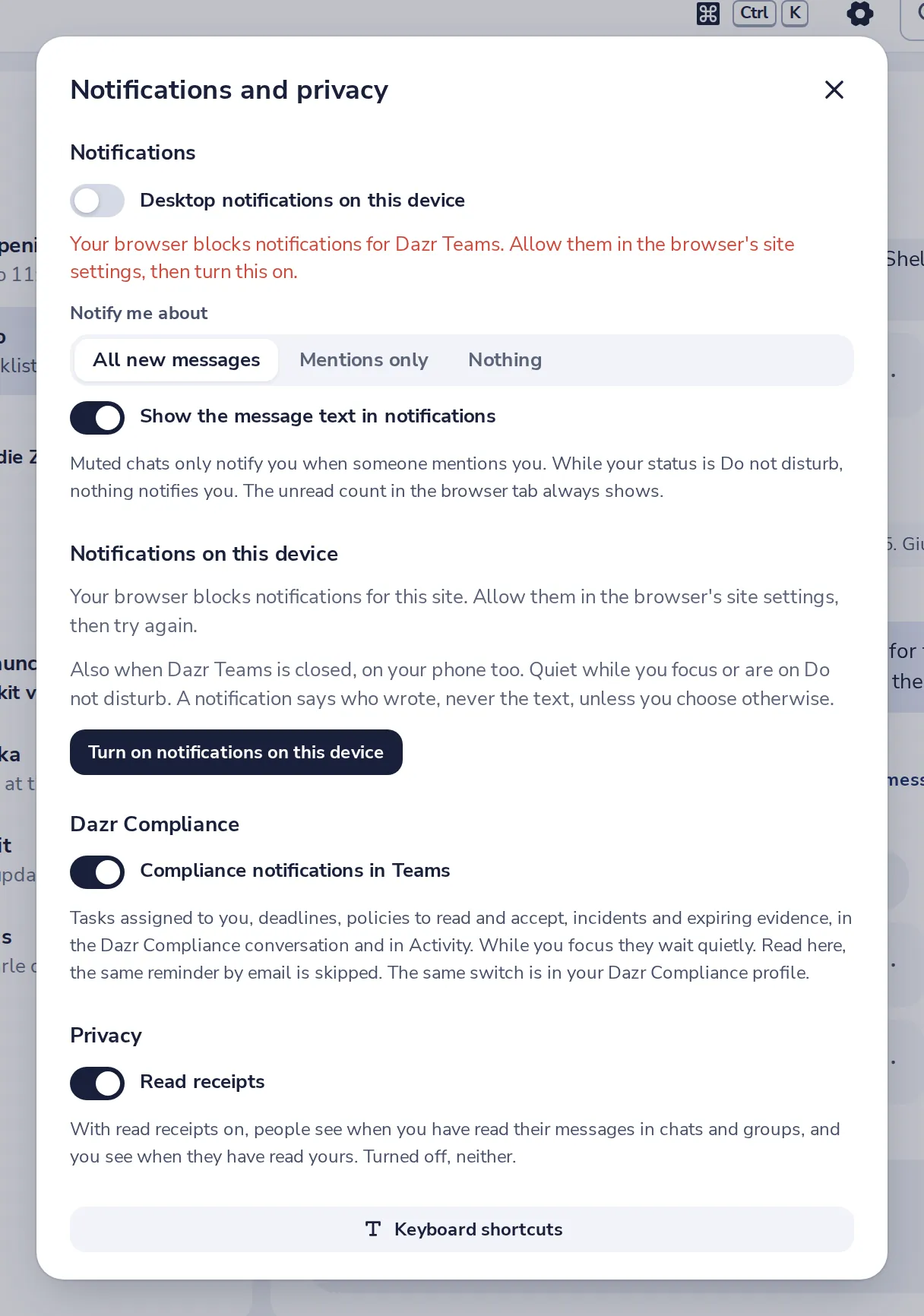
Look for the lock or the settings icon next to the web address.
- 3
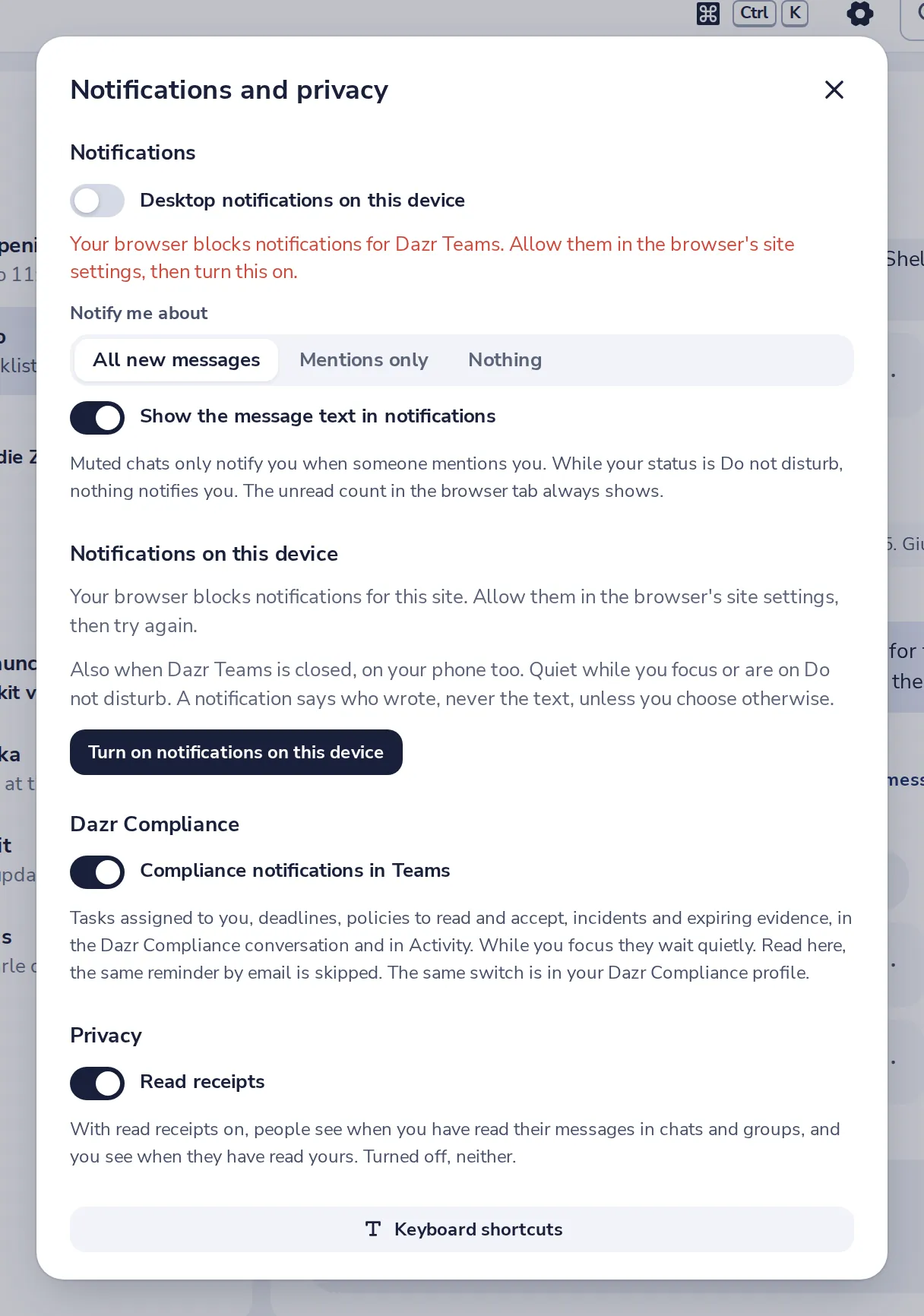
Check Notify me about
Nothing turns them all off. Choose All new messages or Mentions only.
- 4
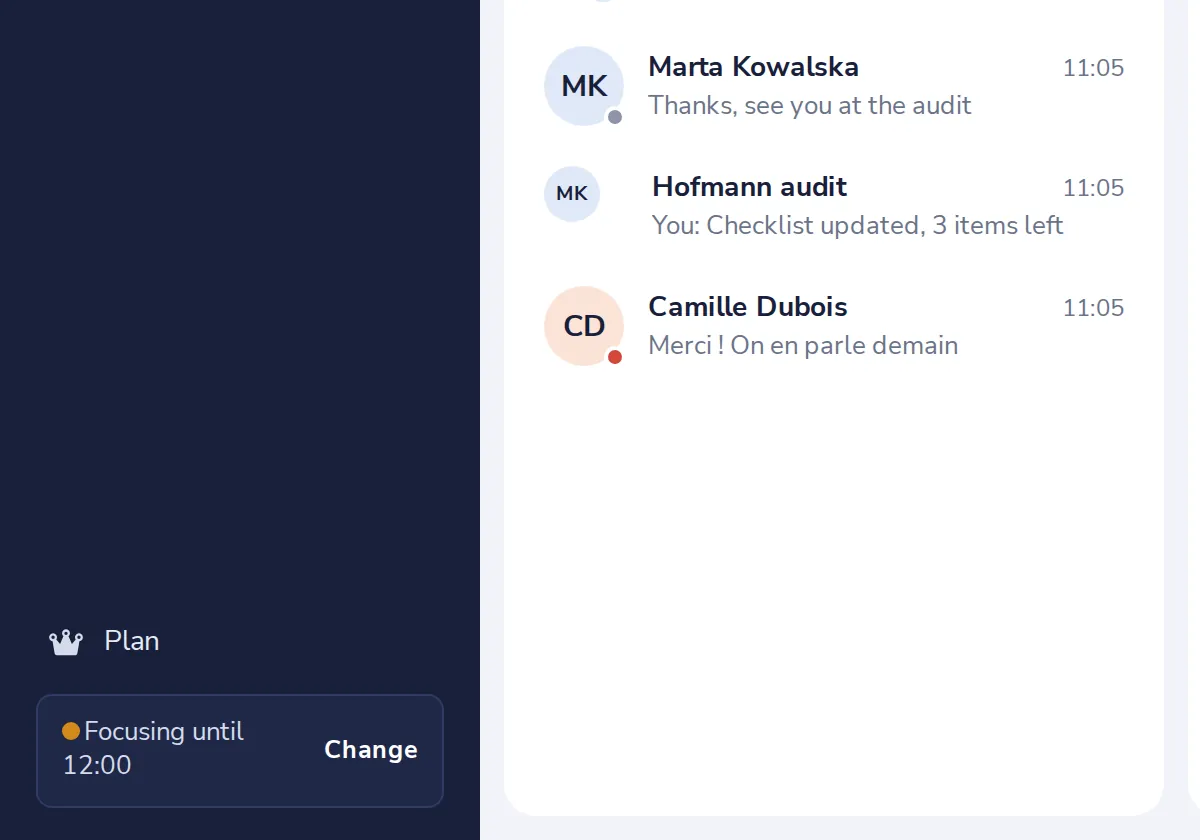
Check your status
While it says Do not disturb, nothing notifies you. Press Change to set it back.
- 5
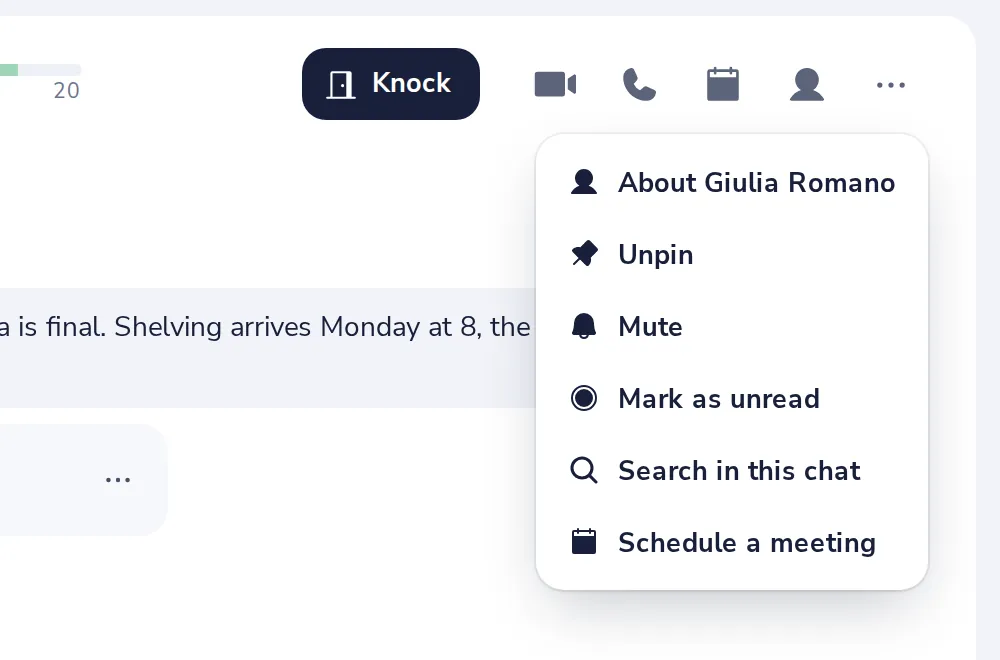
Is the chat muted?
A muted chat only notifies you when someone mentions you. Its menu has Turn notifications on.
Isto foi útil?
O que faltou?
Obrigado.
Contamos os sim e os não por artigo. Nada sobre si é guardado.