Mute a busy chat
A muted chat stays in your list, but new messages do not notify you.
- 1
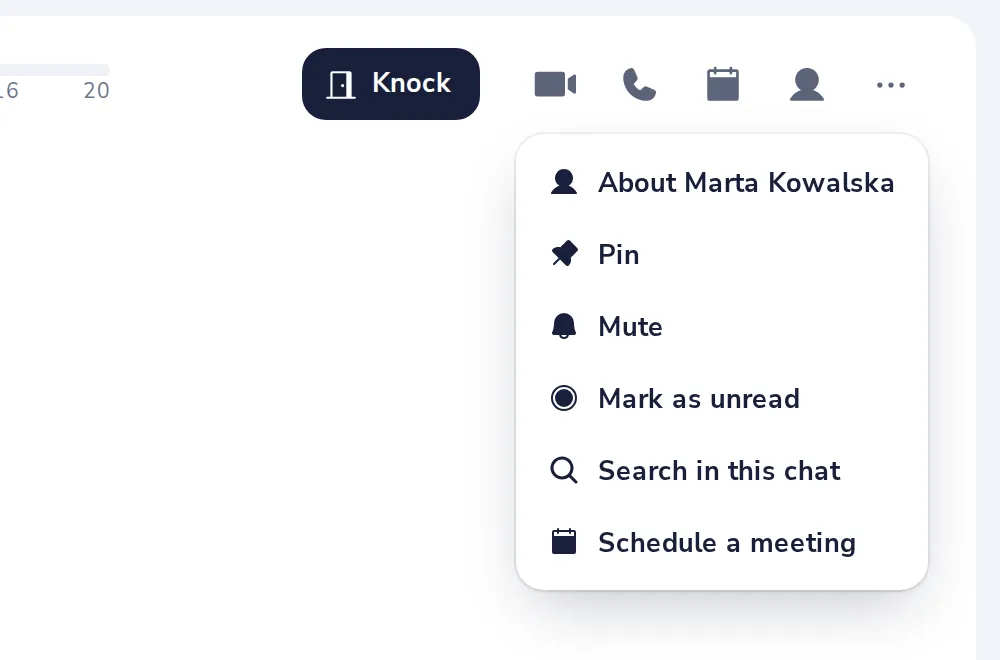
Open the chat menu
Press the three dots at the top right of the chat, then Mute.
- 2
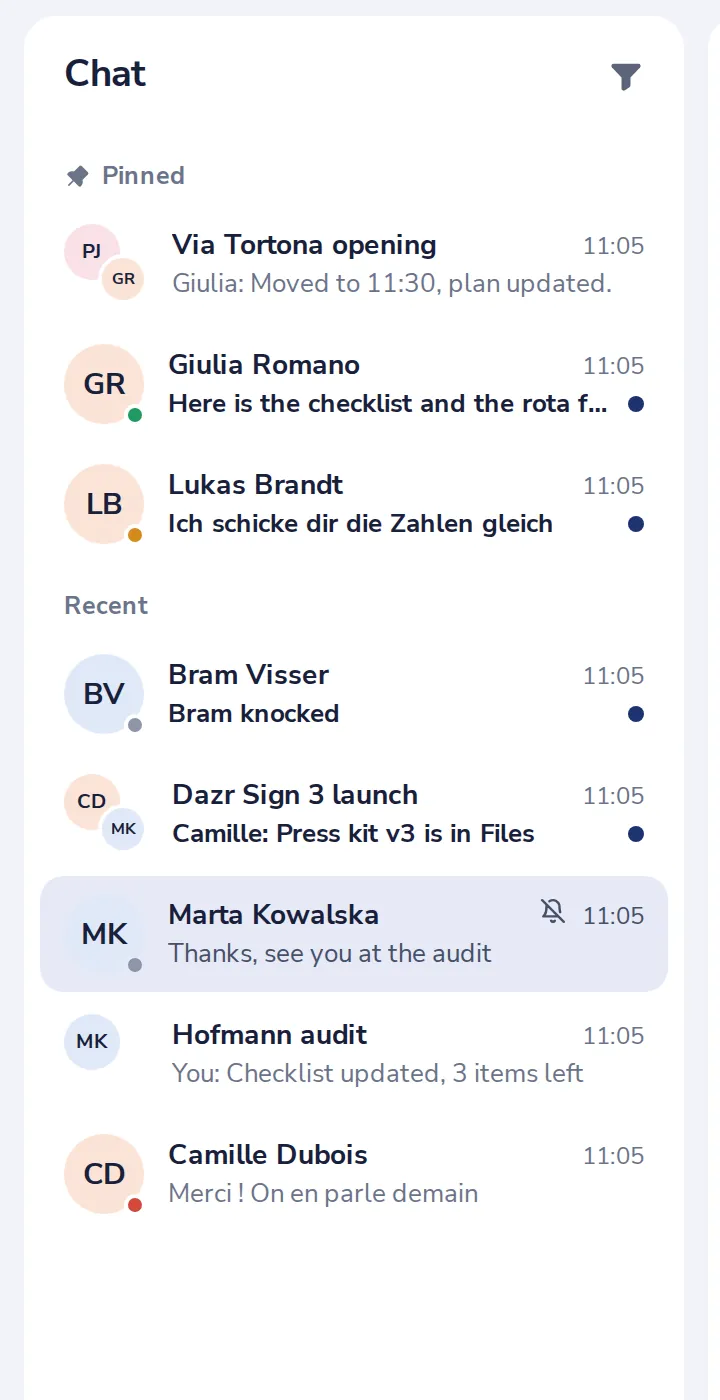
A bell shows it is muted
You still get a notification when someone mentions you.
- 3
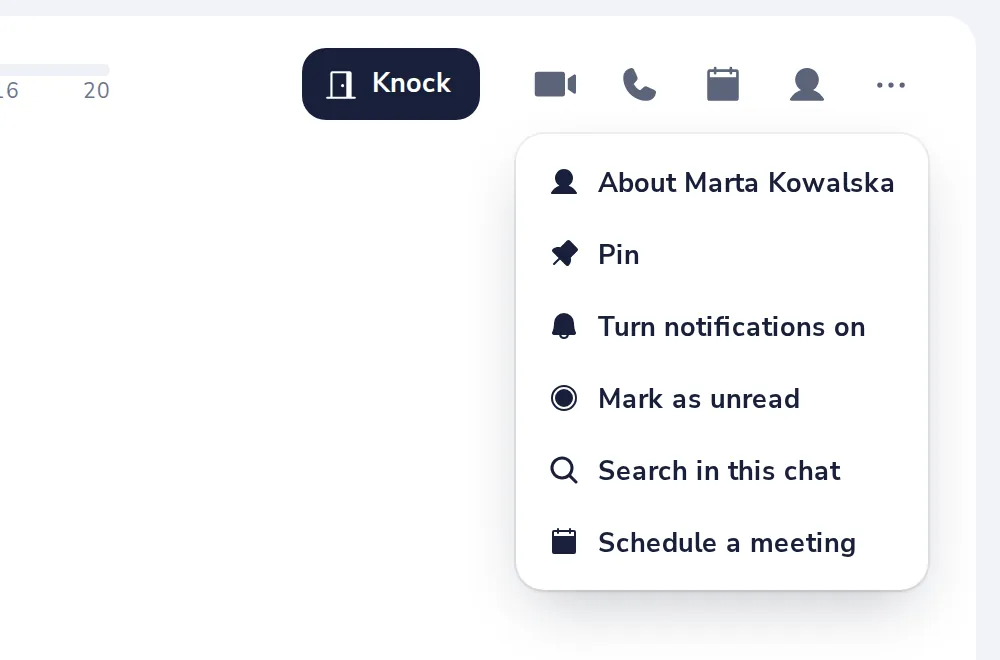
Turn it back on
Choose Turn notifications on in the same menu.
V-a fost de folos?
Ce a lipsit?
Mulțumim.
Numărăm răspunsurile da și nu pe articol. Nu păstrăm nimic despre dumneavoastră.