Accept an invitation to a chat
When someone invites you to a chat, the invitation waits in Activity, and you get an email about it.
- 1
Open Activity
The invitation says who invited you, and to which chat.
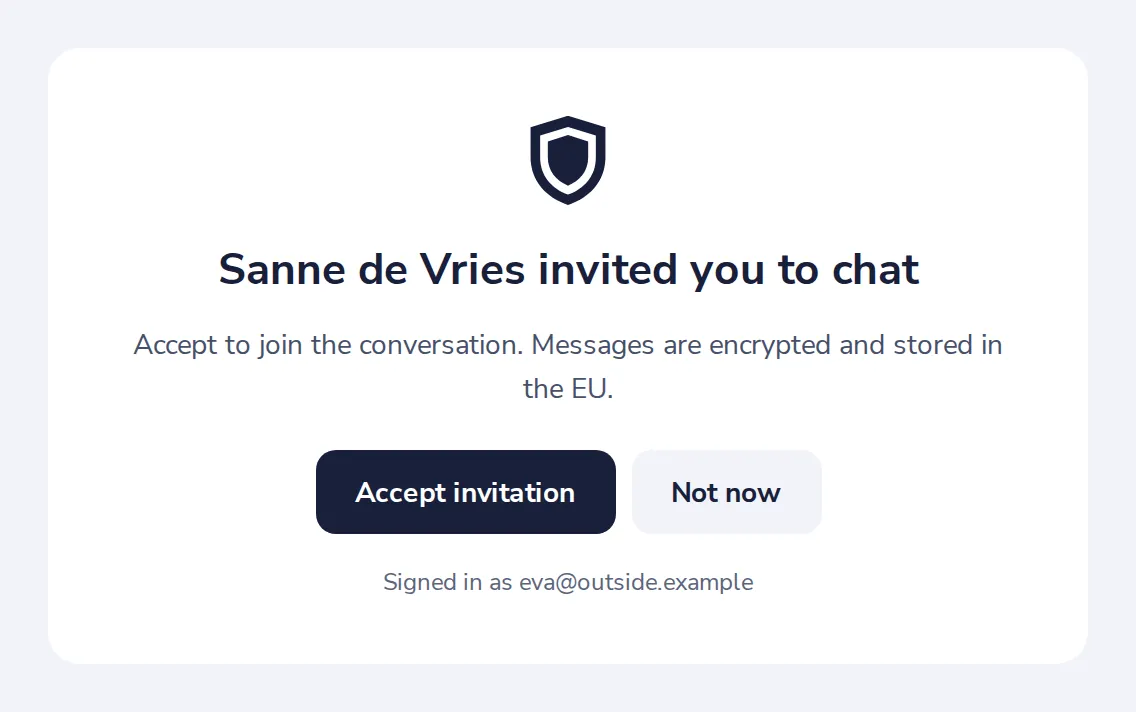
The email you got has a link that opens Dazr Teams too.
- 2
Press Accept
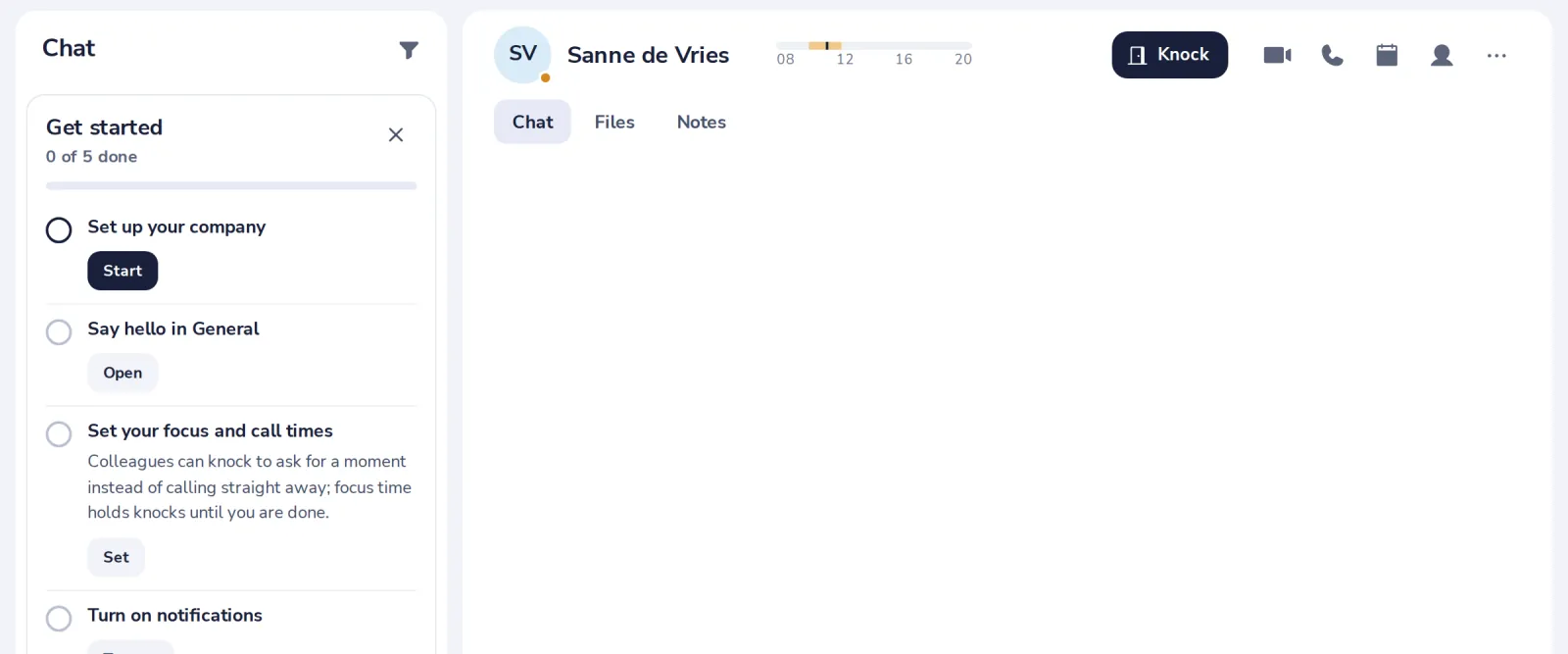
The chat joins your list. Decline if you do not want to join.
Var det här till hjälp?
Vad saknades?
Tack.
Vi räknar ja och nej per artikel. Inget om dig sparas.