Choose who opens Analytics
Owners, admins and read-only admins of your organisation always open Analytics, with full access. Give the Analytics viewer permission to others: they see team reports only, never one person.
- 1
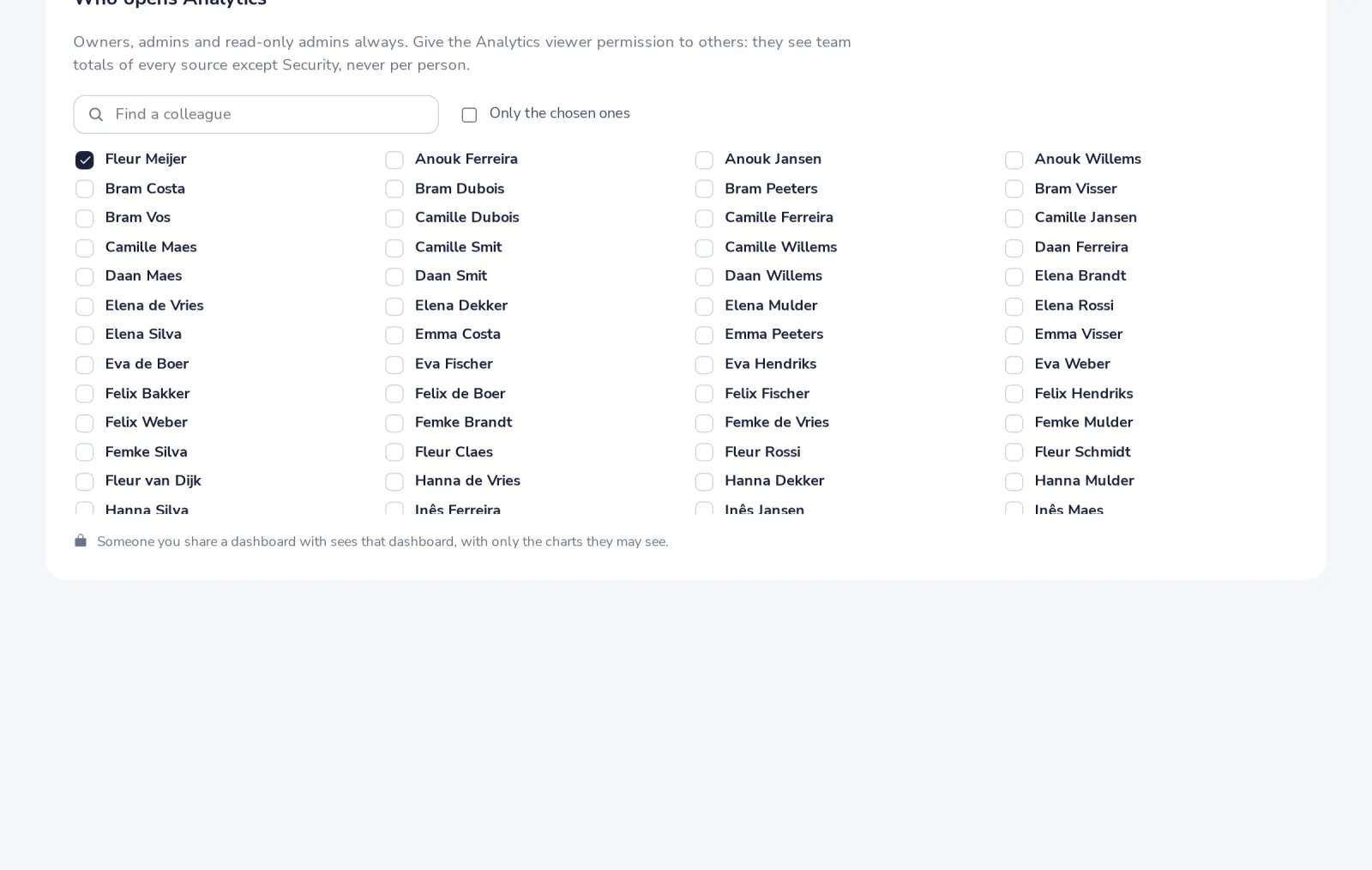
Open Settings, Who opens Analytics
Tick the colleagues who get the Analytics viewer permission, then Save.
- 2
Know what full access shows
Every metric and filter. Per person only for hours logged, Desk agents and security.
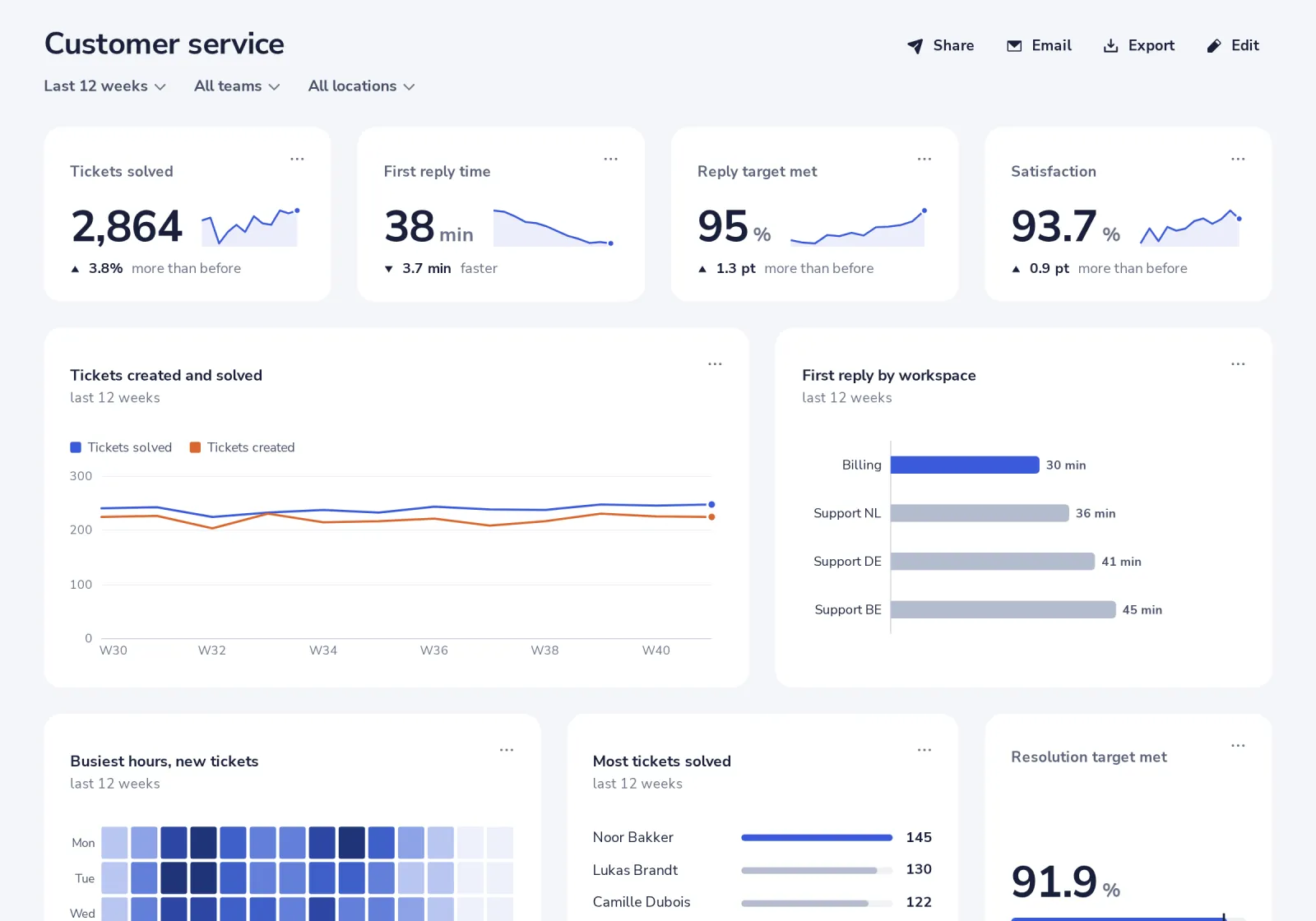
Groups under 5 people are hidden, also with full access.
- 3
Know what a viewer sees
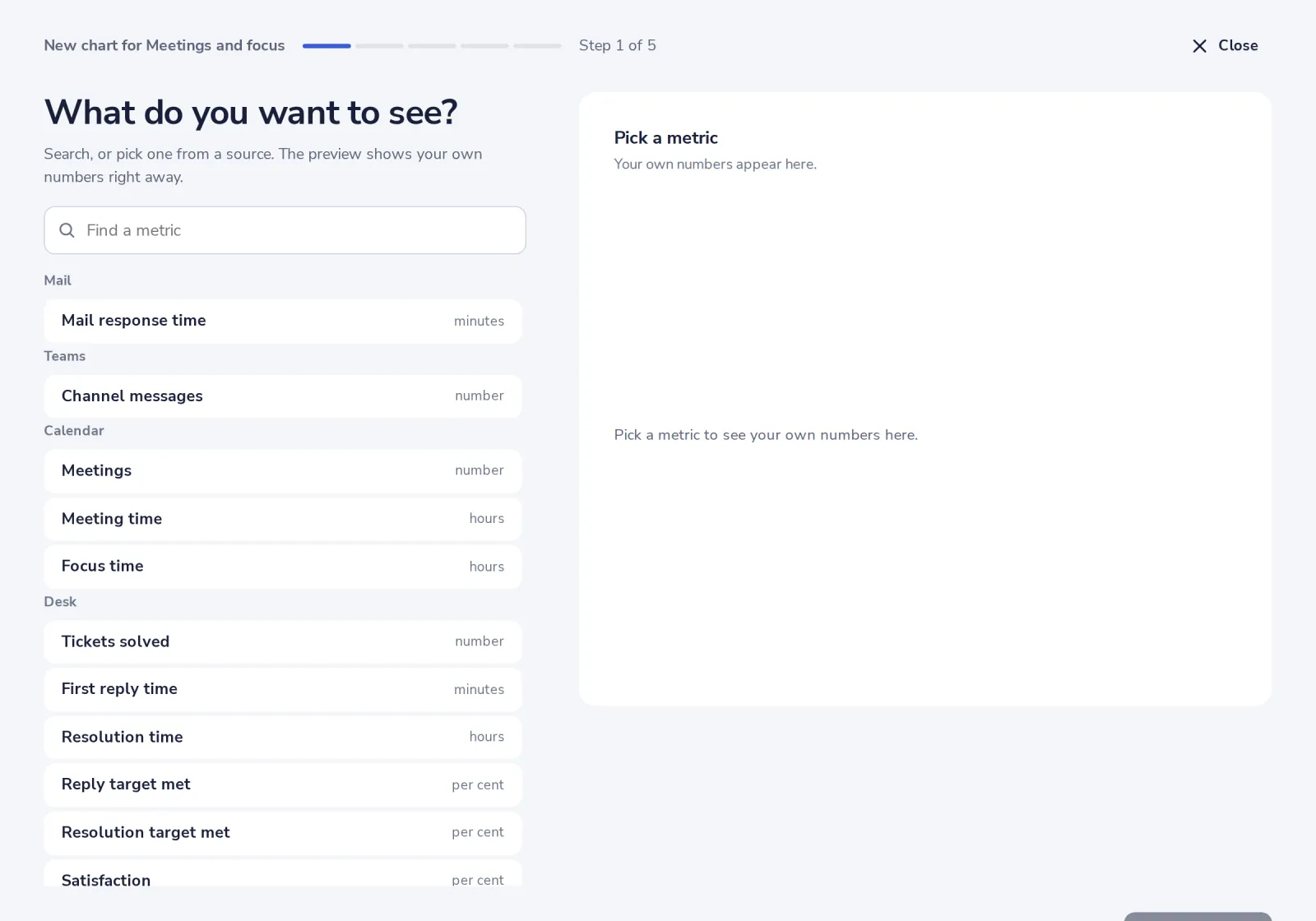
Team reports of every source except Security: team totals over completed weeks only. Only those metrics are in their builder.
Was this helpful?
What was missing?
Thank you.
We count yes and no per article. Nothing about you is stored.