Share a dashboard or email it every week
Share a dashboard with colleagues in your organisation, to view or to edit, send it by email every week or month, or export it.
- 1
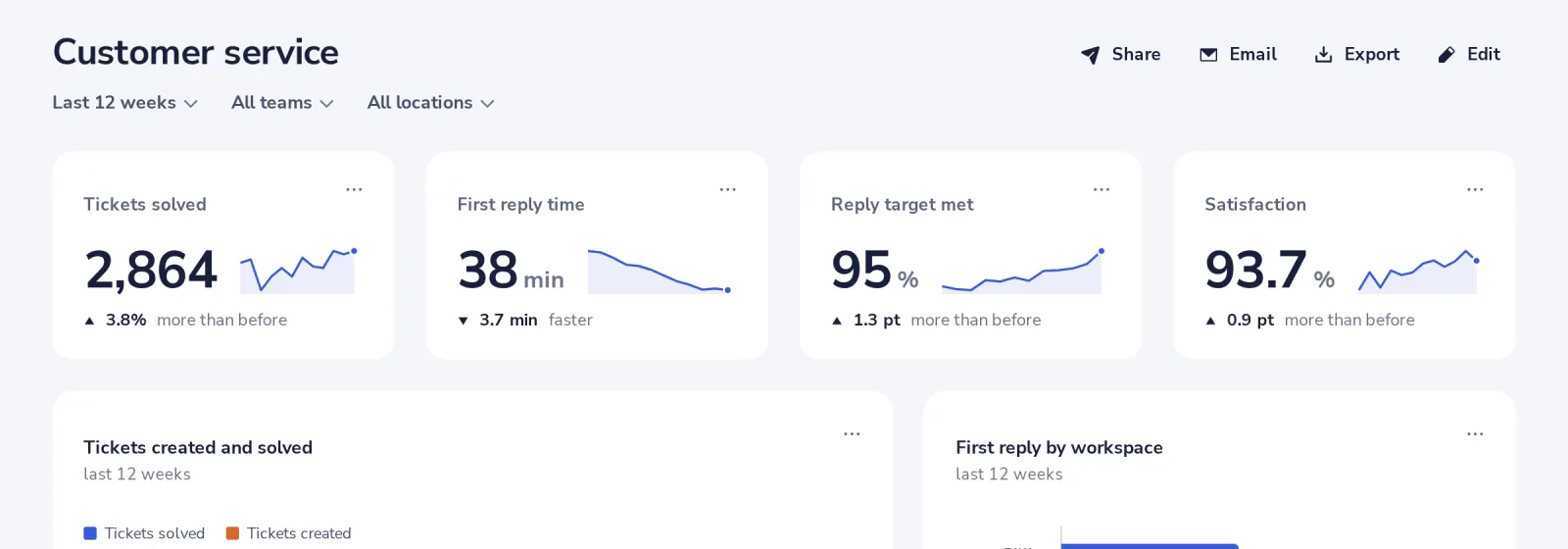
Press Share
At the top of the dashboard.
- 2
Add colleagues and choose what they may do
Can view or Can edit, then Save.
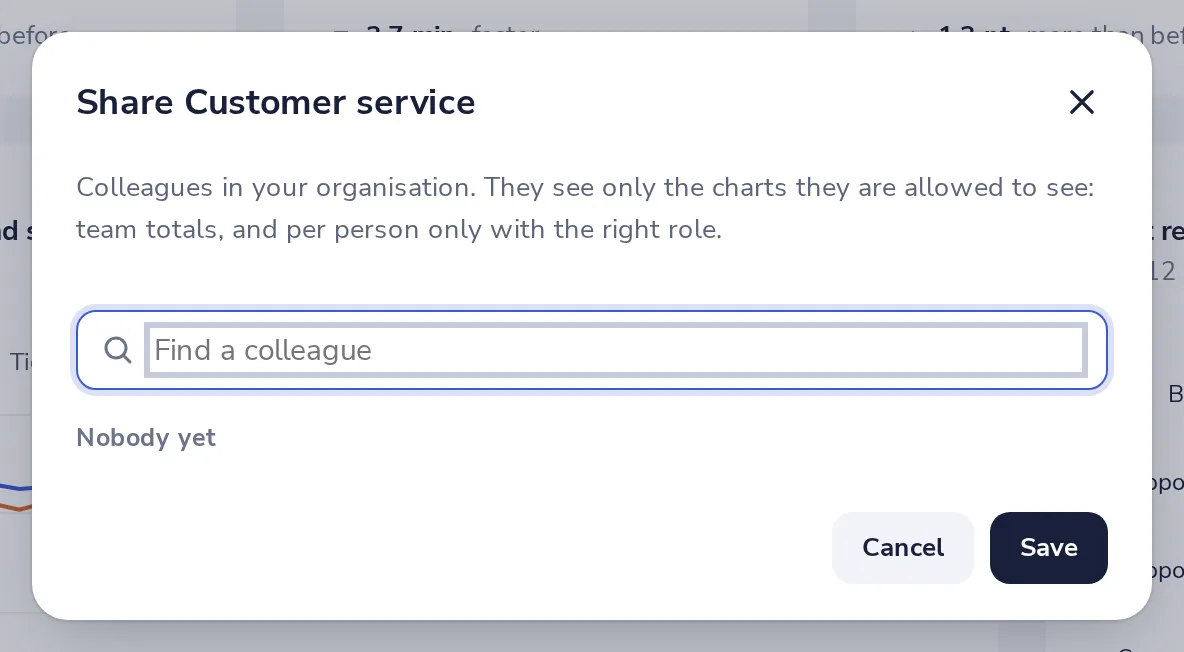
They see only the charts their role allows. Someone without Analytics access sees what a viewer may see.
- 3
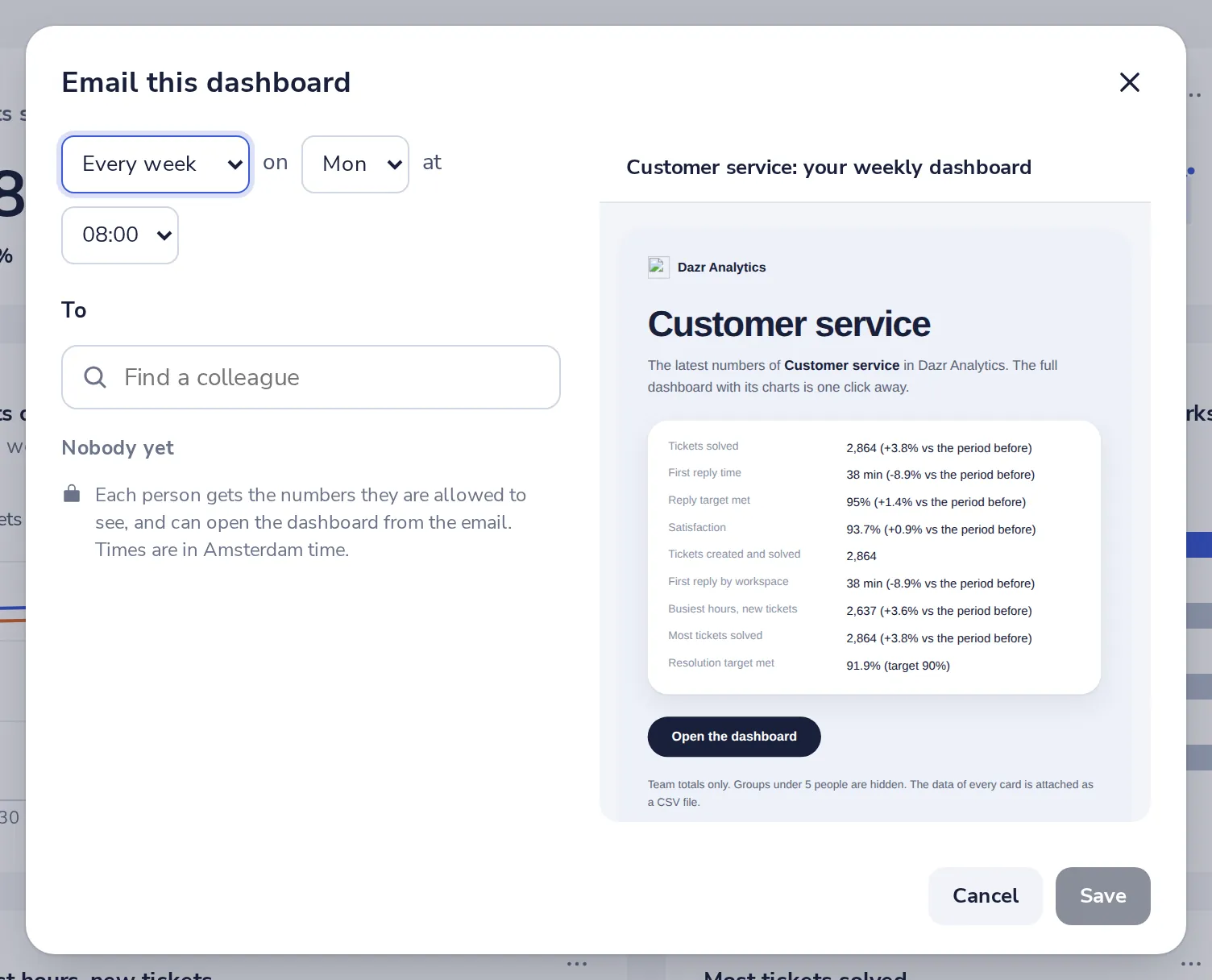
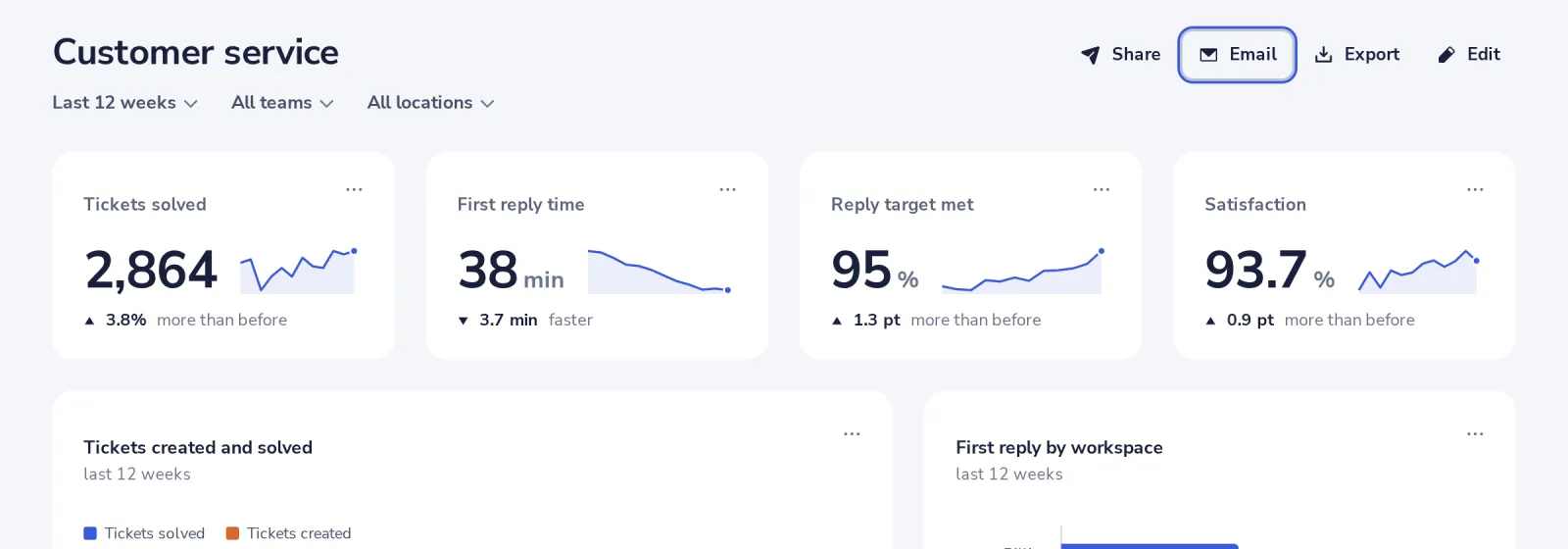
Press Email to send it on a schedule
Every week or every month, on the day and time you pick. Each person gets the numbers they are allowed to see.
- 4
Or export it
Export saves the dashboard as an image (PNG), a PDF or the data as CSV.
Was this helpful?
What was missing?
Thank you.
We count yes and no per article. Nothing about you is stored.