Set up teams and locations
Owners and admins choose the teams and where each person works. Charts can then be split and filtered by team and location. Without teams, numbers are for the whole organisation.
- 1
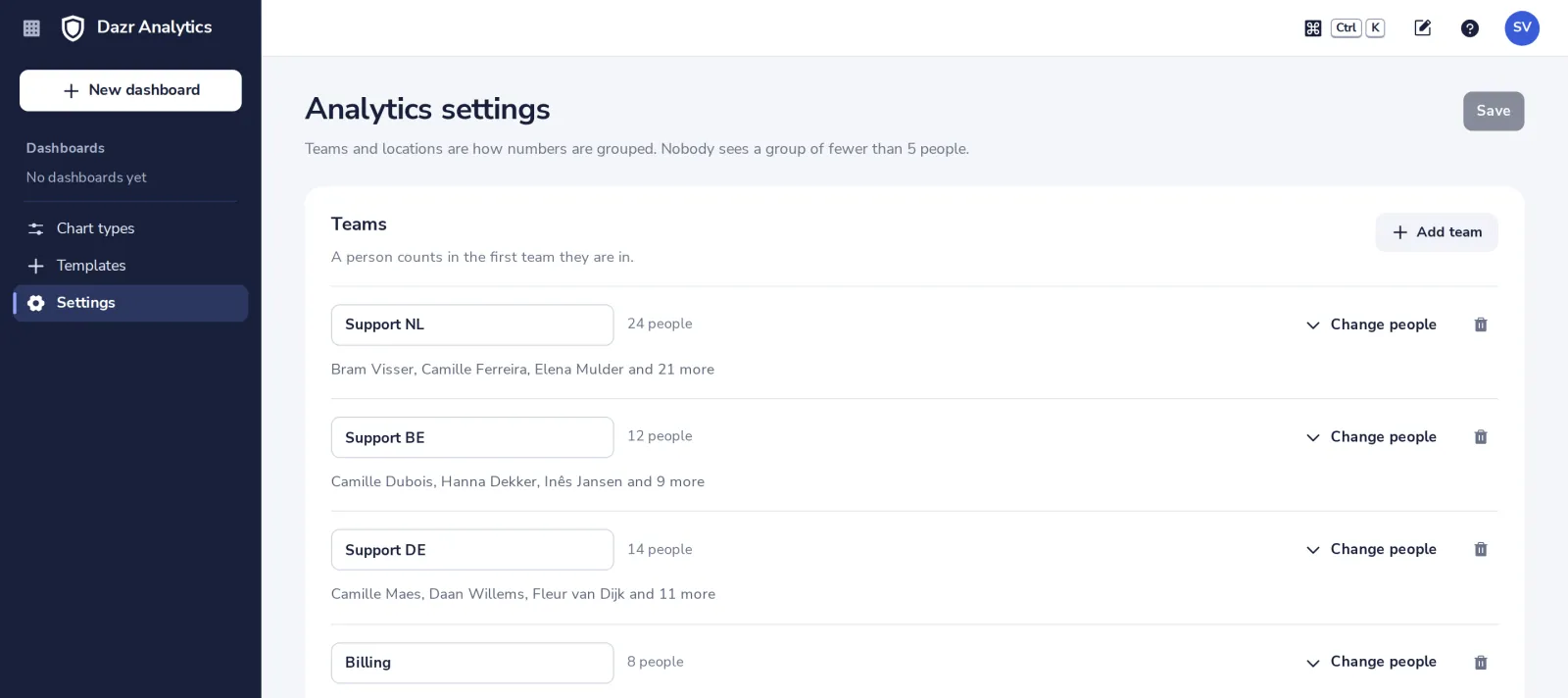
Open Settings
In the side panel. Owners and admins change the settings; read-only admins can see them.
- 2
Add a team, or change its people
Tick the colleagues who are in it. A person counts in the first team they are in.
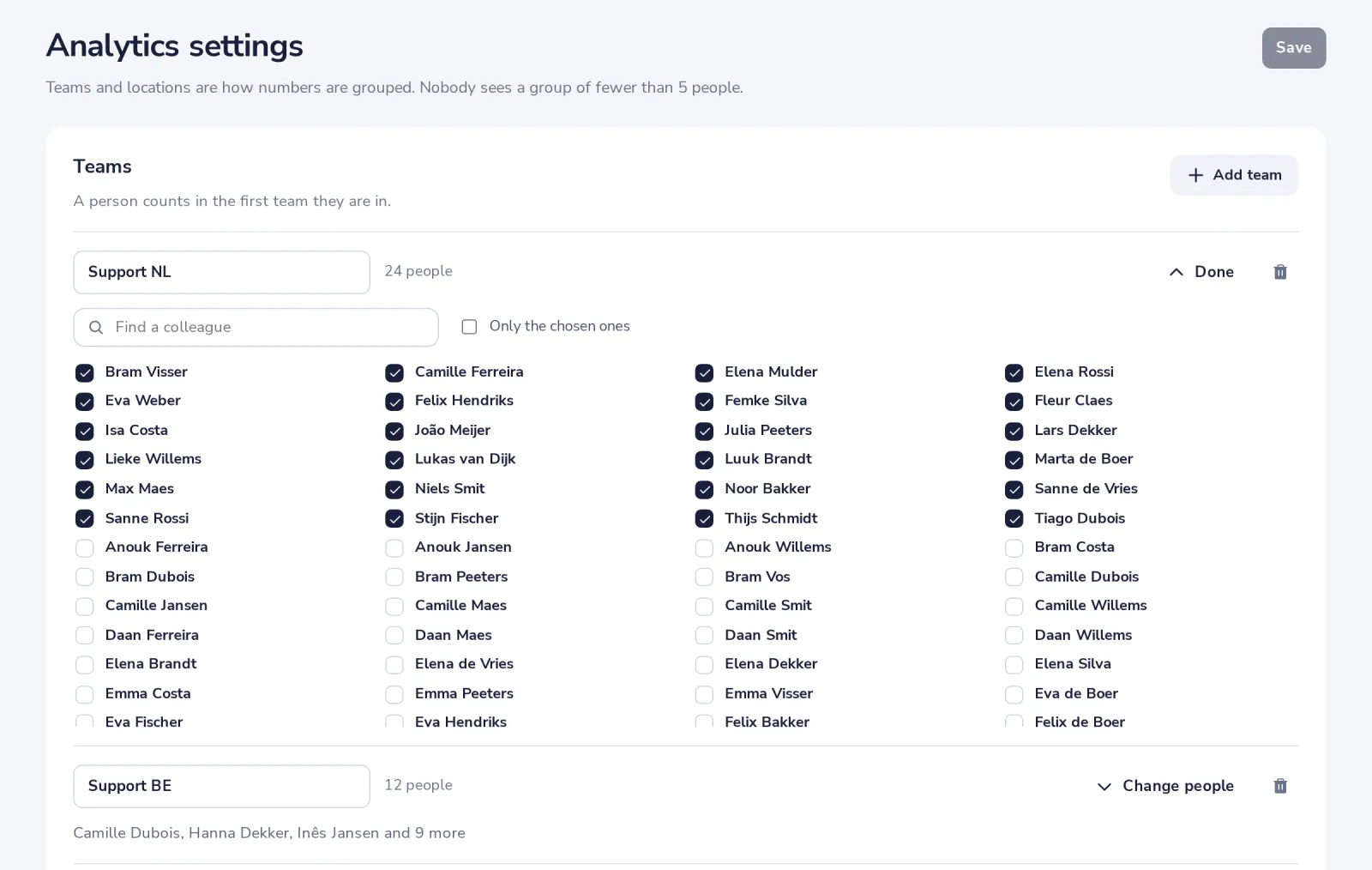
A team of fewer than 5 people is hidden in charts.
- 3
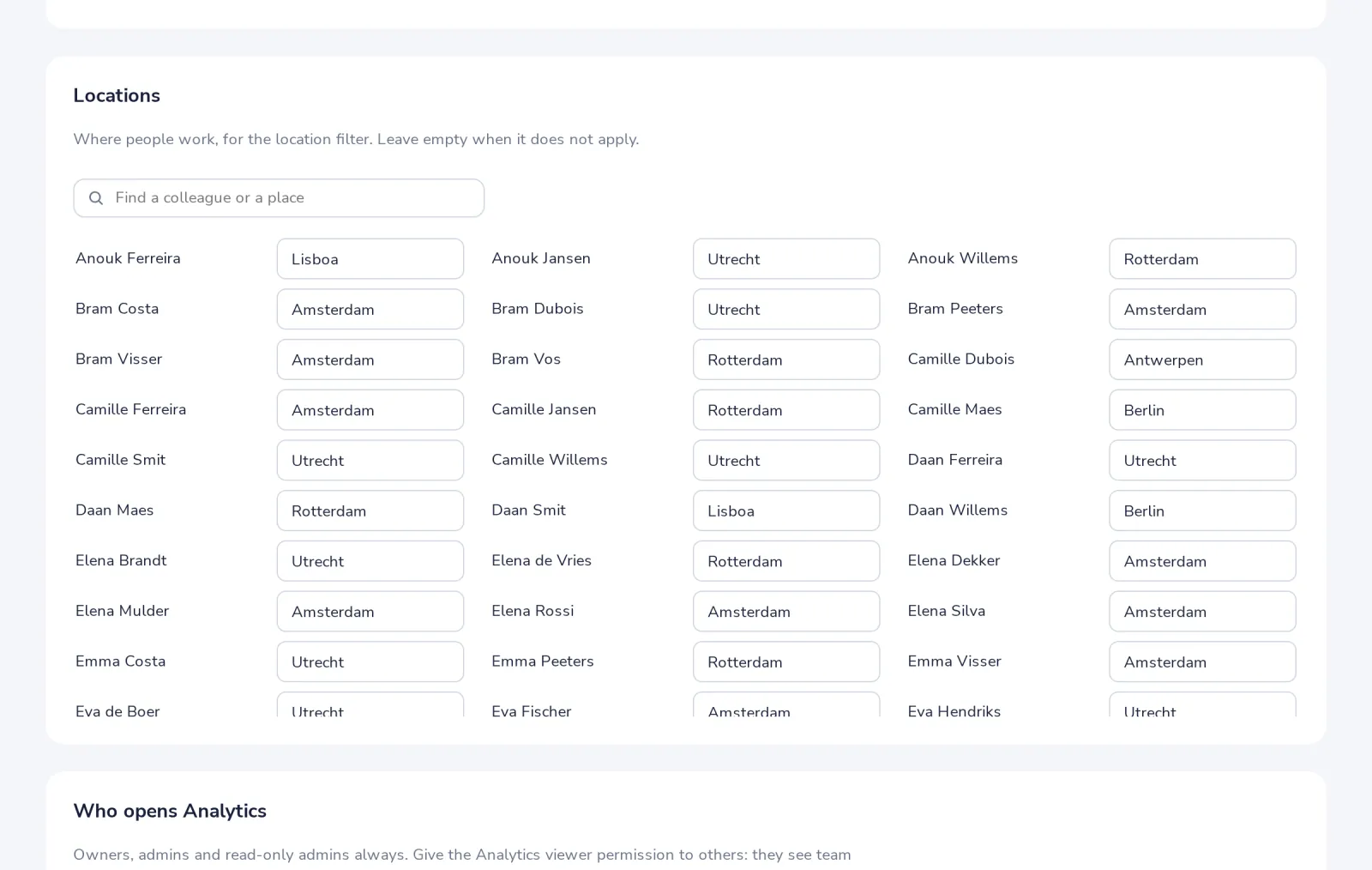
Fill in where people work
Under Locations, for the location filter. Leave it empty when it does not apply.
- 4
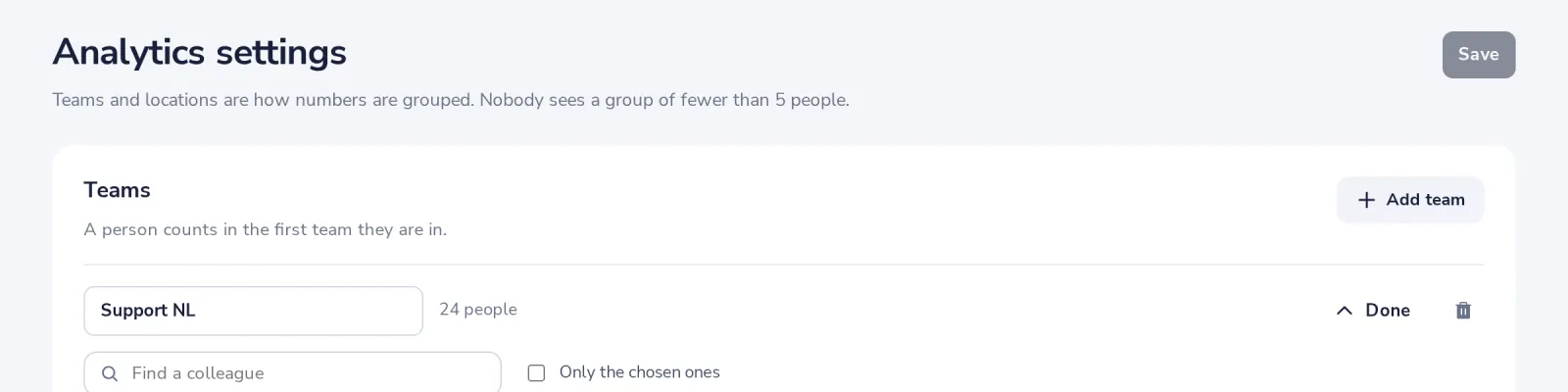
Save
The last 90 days are counted again with these teams.
Was this helpful?
What was missing?
Thank you.
We count yes and no per article. Nothing about you is stored.