Assign a control and set its due date
Every control can have an owner, a due date and a repeat. Owners get a reminder before it is due.
- 1
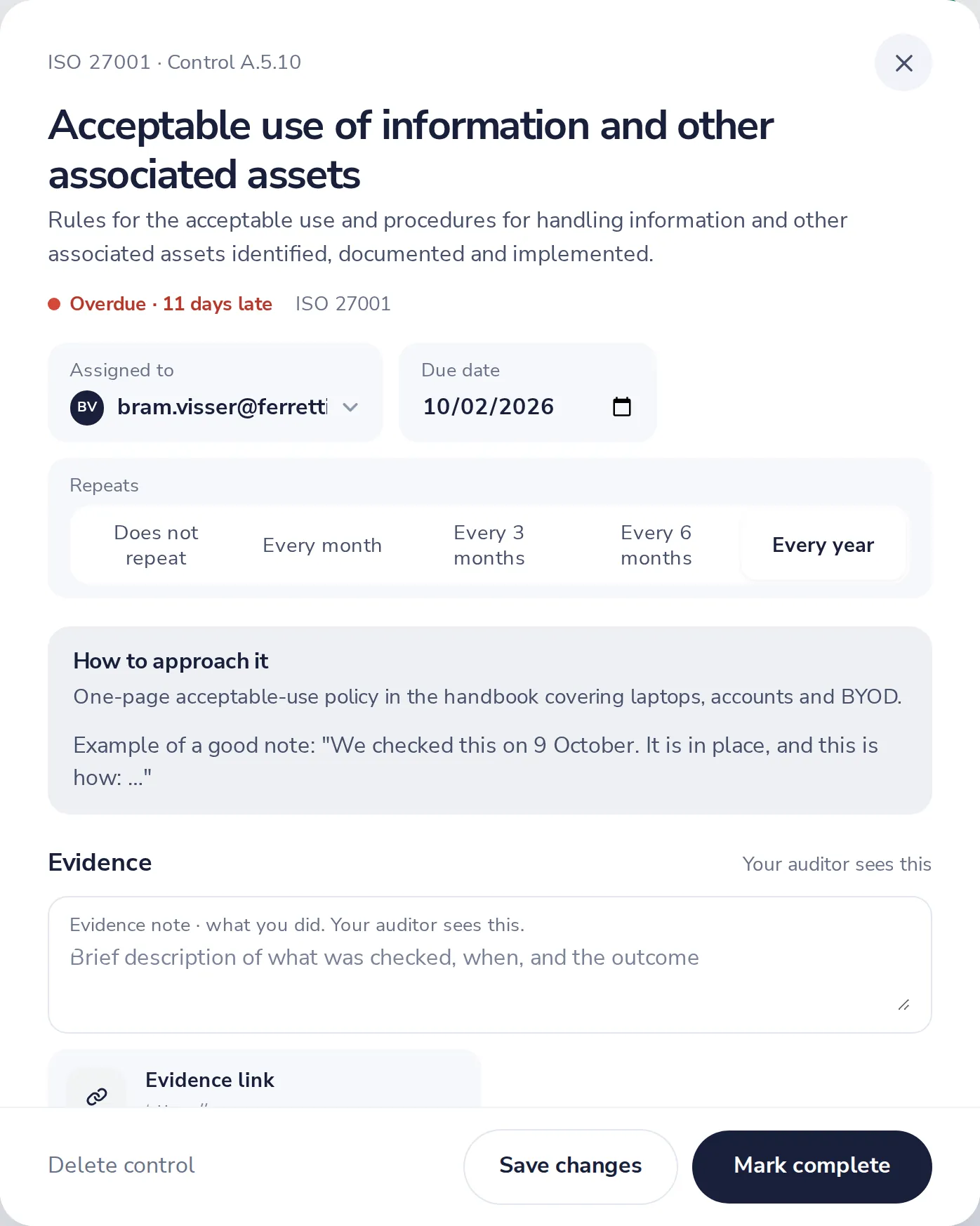
Open the control
Click it in Controls.
- 2
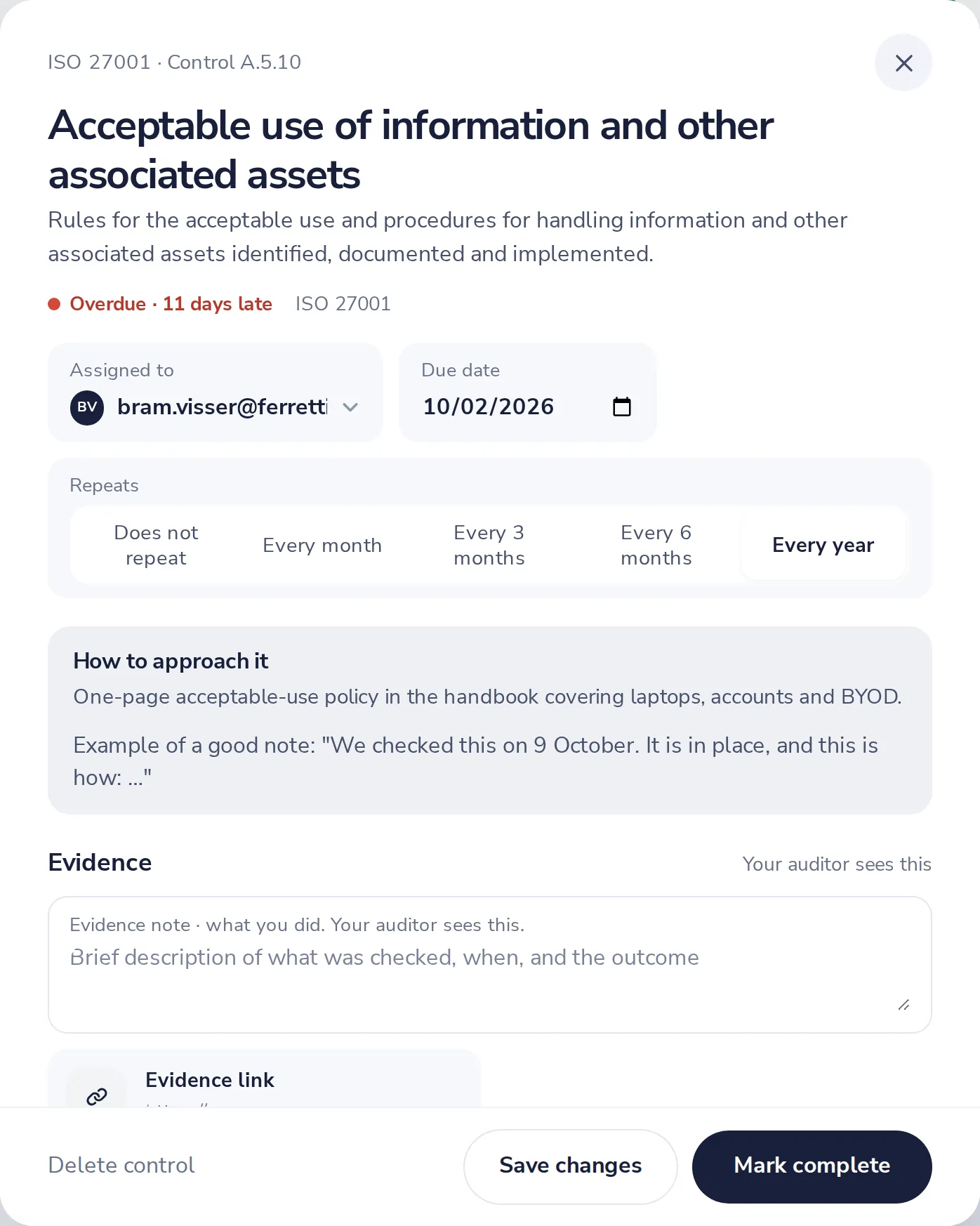
Pick who and when
Assigned to and Due date, at the top of the control.
- 3
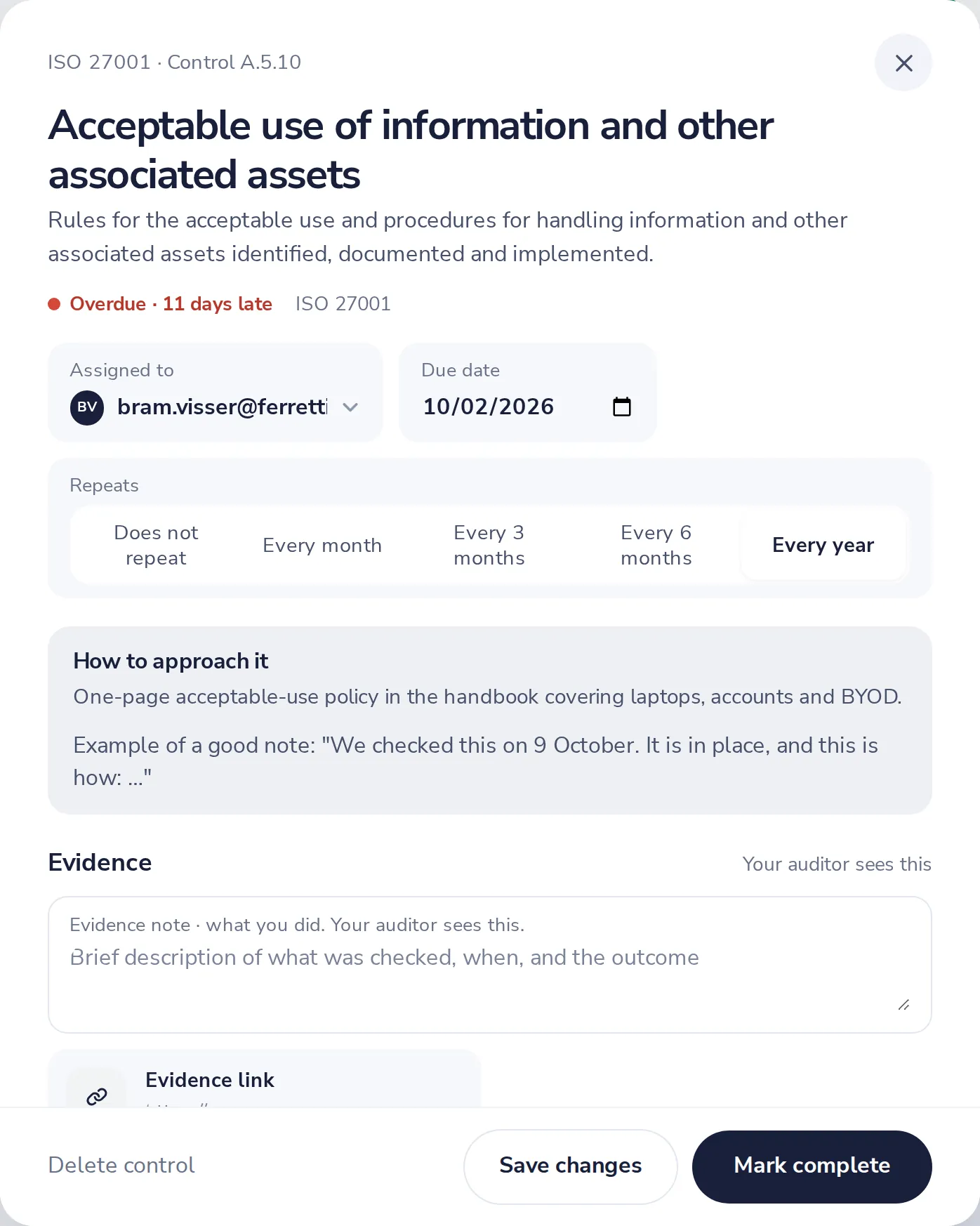
Choose how often the control repeats
Every month, every 3 or 6 months, every year, or not at all.
Was this helpful?
What was missing?
Thank you.
We count yes and no per article. Nothing about you is stored.