Choose your email reminders
Choose which emails you get: when someone gives you a control, a week before it is due, while it is overdue, and more.
- 1
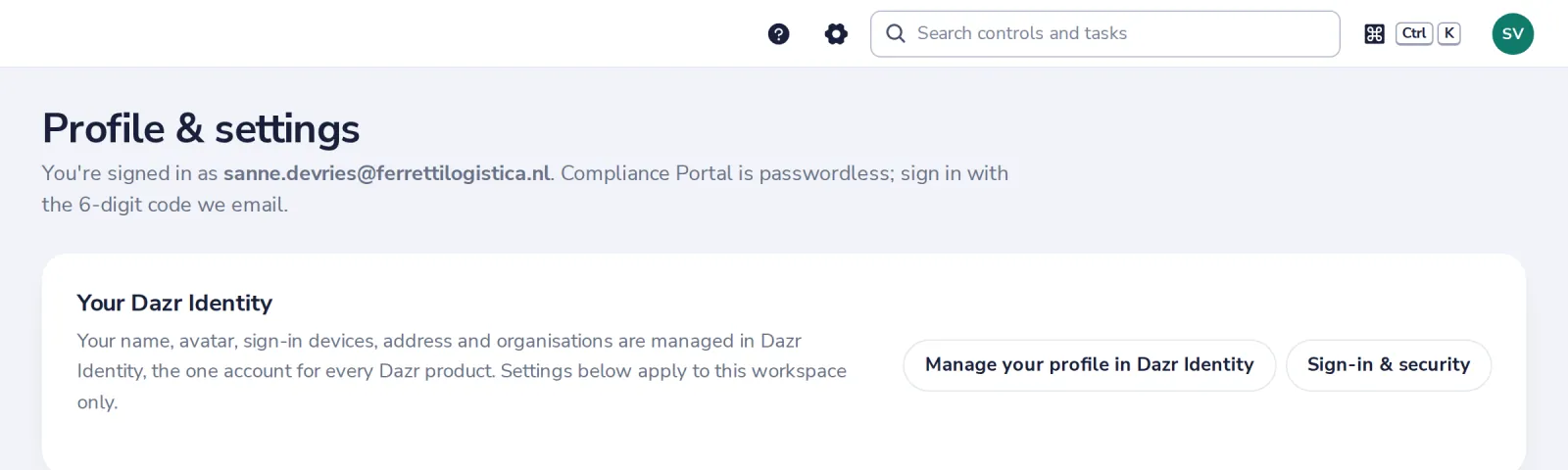
Open Profile & settings
The gear at the top, or under Settings.
- 2
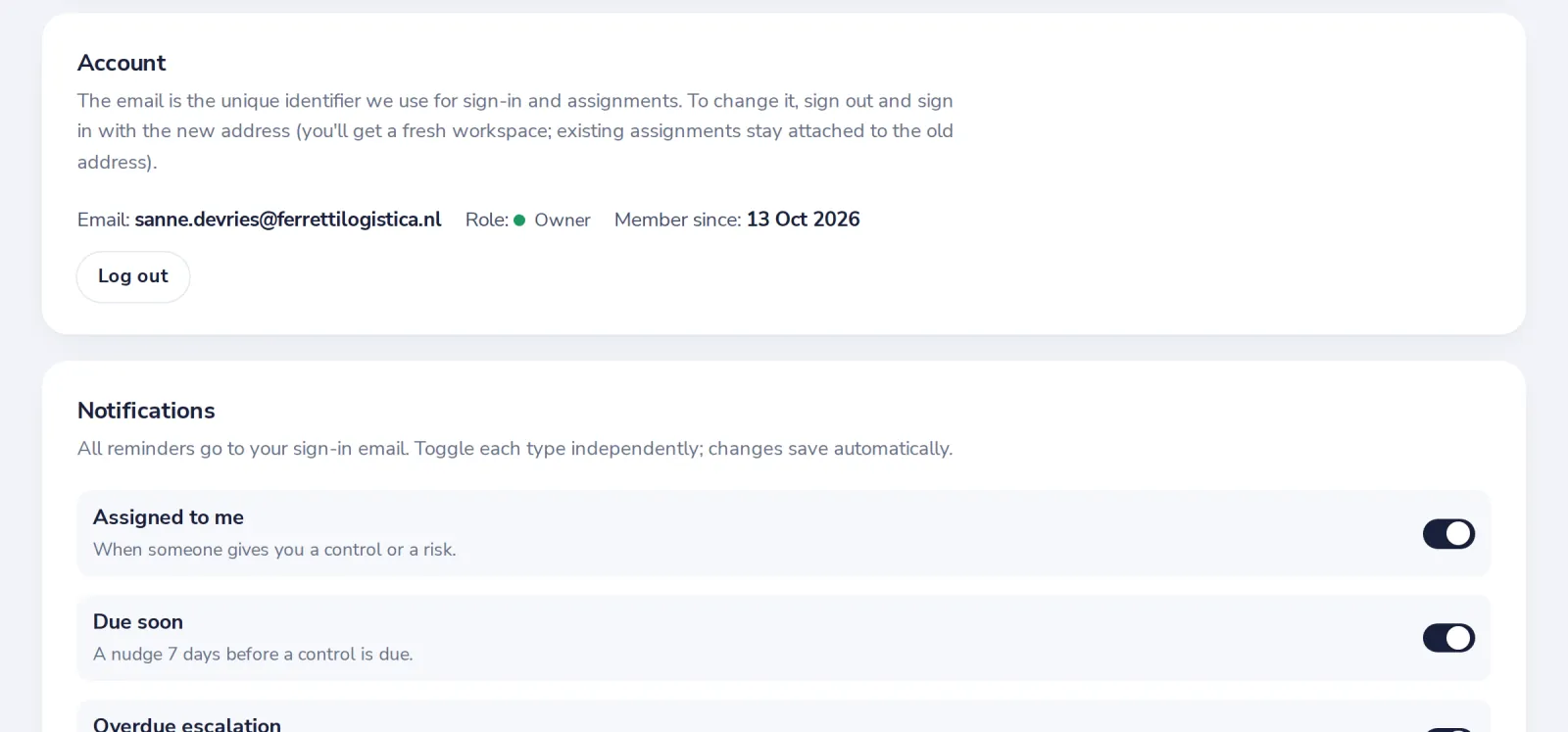
Switch on what you want
Each one says when it is sent. Changes save by themselves.
Was this helpful?
What was missing?
Thank you.
We count yes and no per article. Nothing about you is stored.