Run a practice incident
See what happens in a real incident without any risk. The practice shows the deadlines you would have. Nothing is reported to anyone.
- 1
Open Run a practice incident
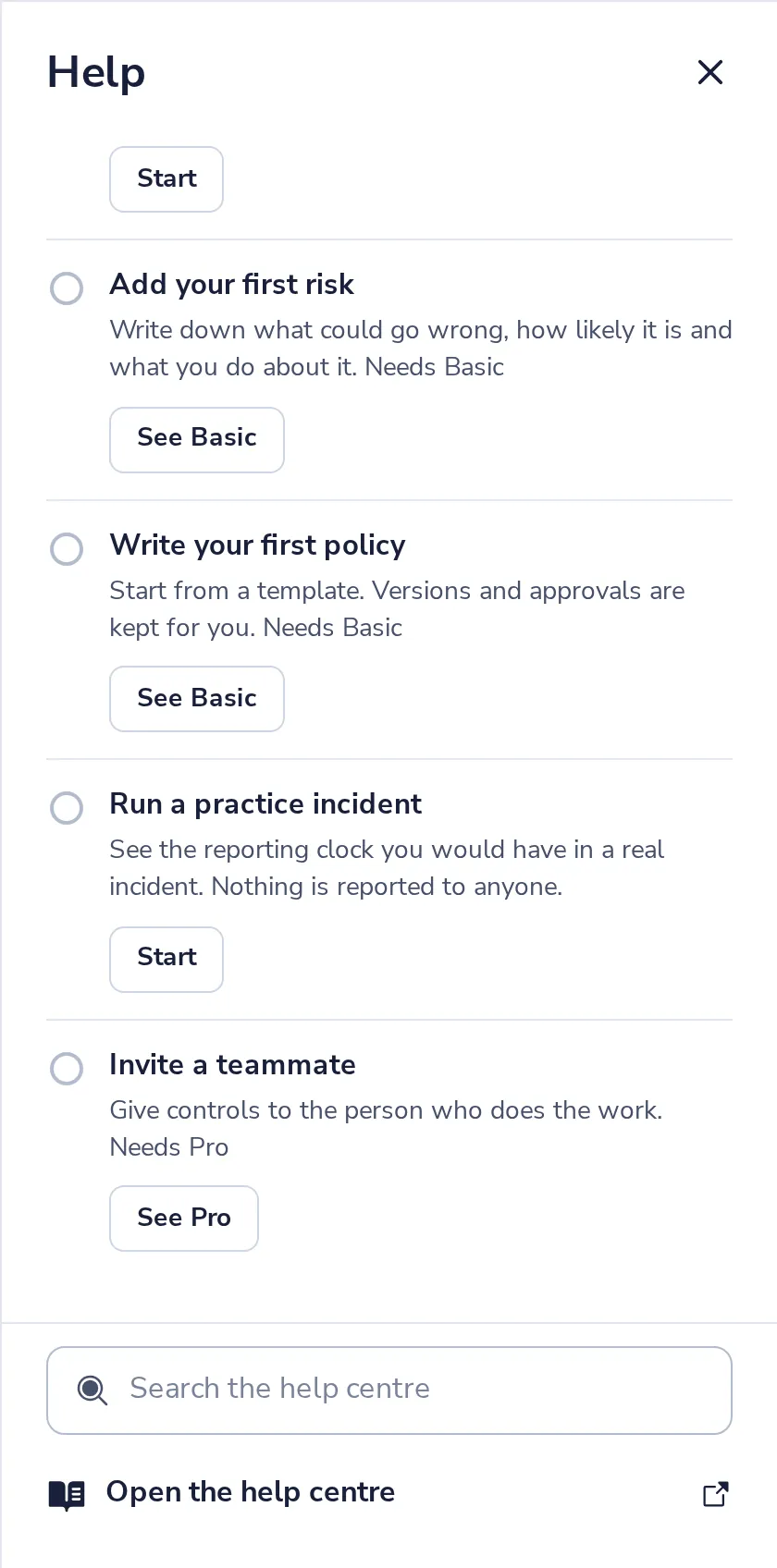
In Get started, in Help (?) at the top. Press Start.
- 2
Watch the clock
It counts down from the moment you notice an incident, for example 72 hours for a GDPR notice.
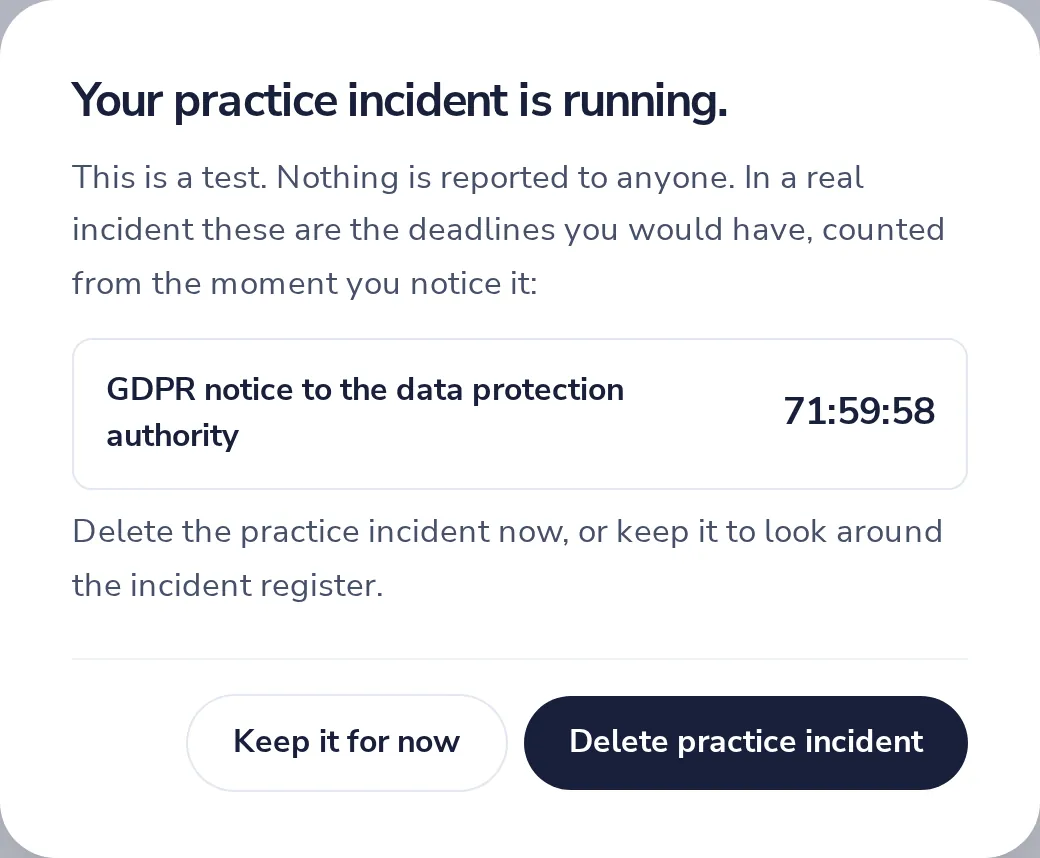
The deadlines depend on your frameworks: GDPR and NIS2 each have their own.
- 3
Delete it, or keep it to look around
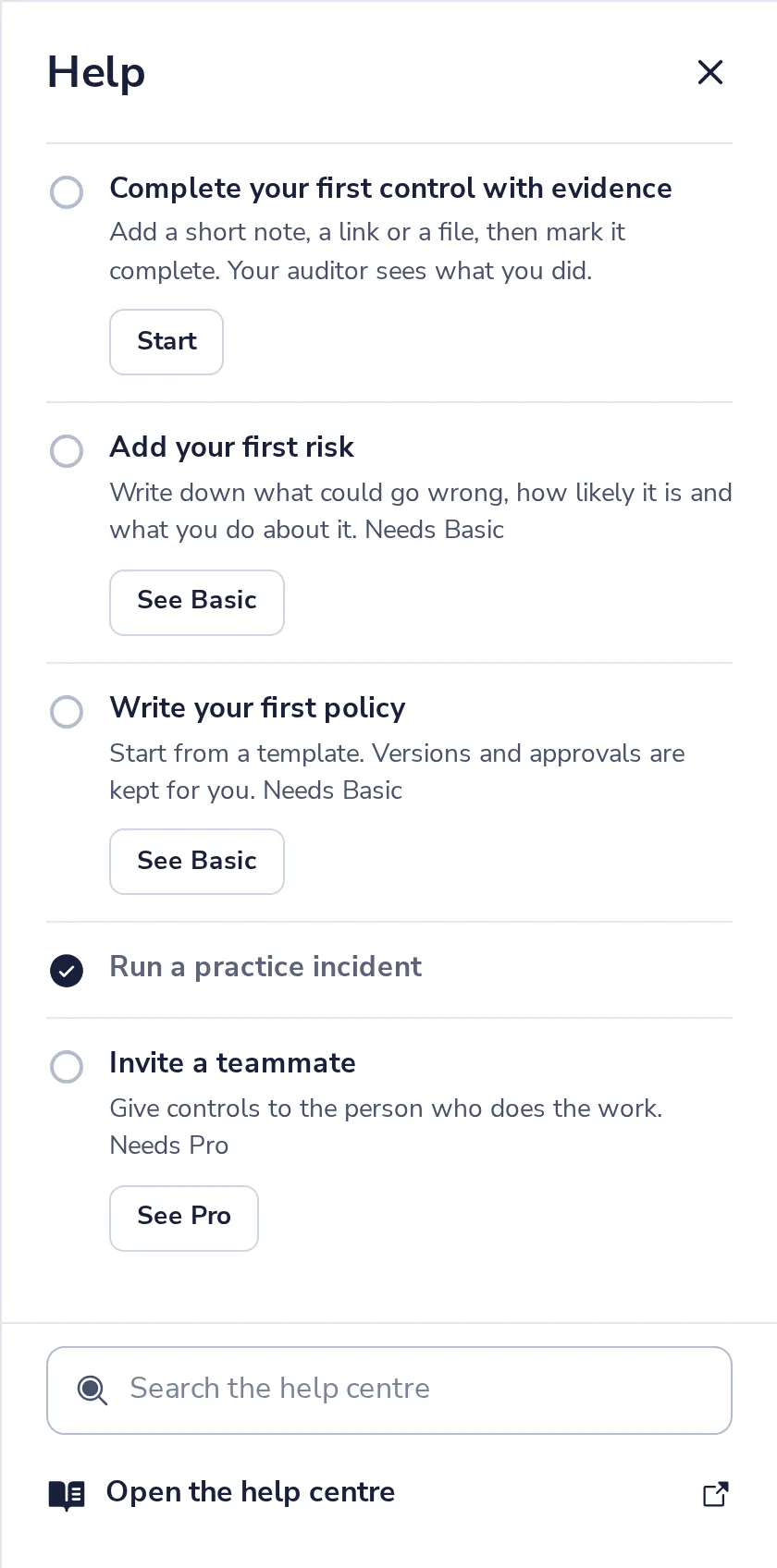
Delete practice incident removes it. The step is marked done.
Was this helpful?
What was missing?
Thank you.
We count yes and no per article. Nothing about you is stored.