Comment on a document
Select the words you are talking about and add a comment. Others can reply, and resolve it when it is done.
- 1
Select the text
The words your comment is about.
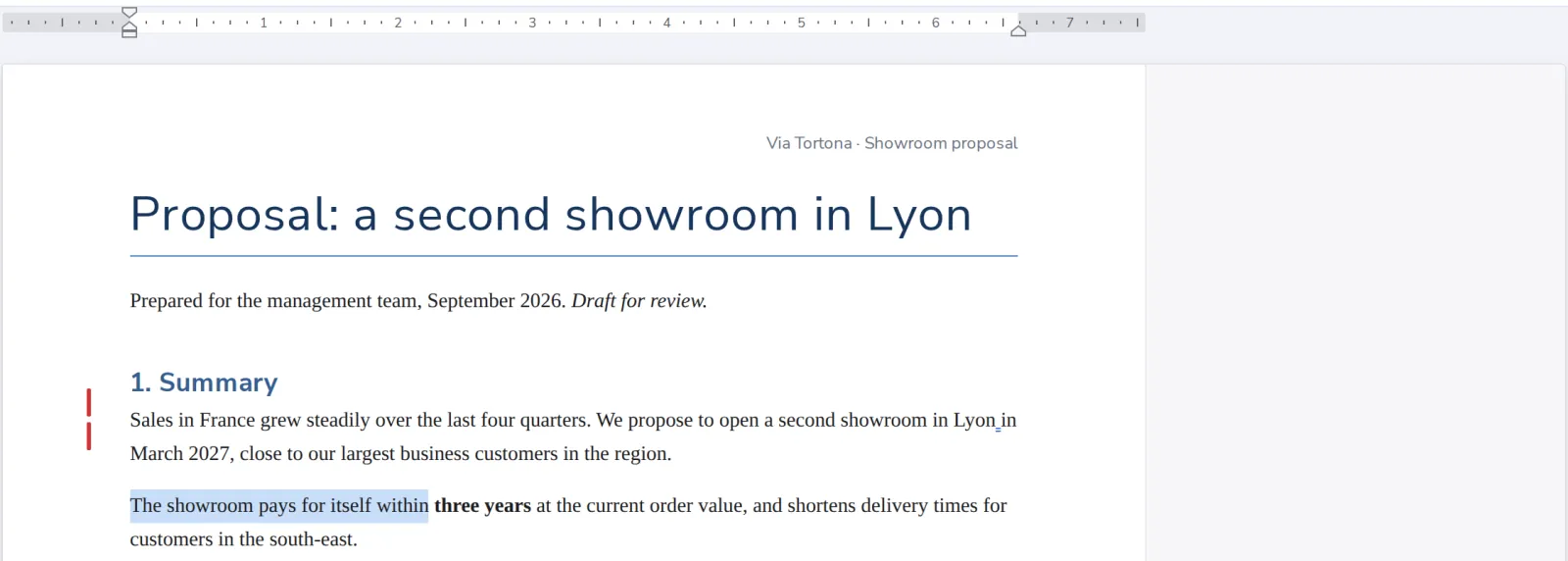
- 2
Press New Comment
On the Review tab, or Comment on the Insert tab.

- 3
Write it and post it
The comment shows next to the text, with your name.
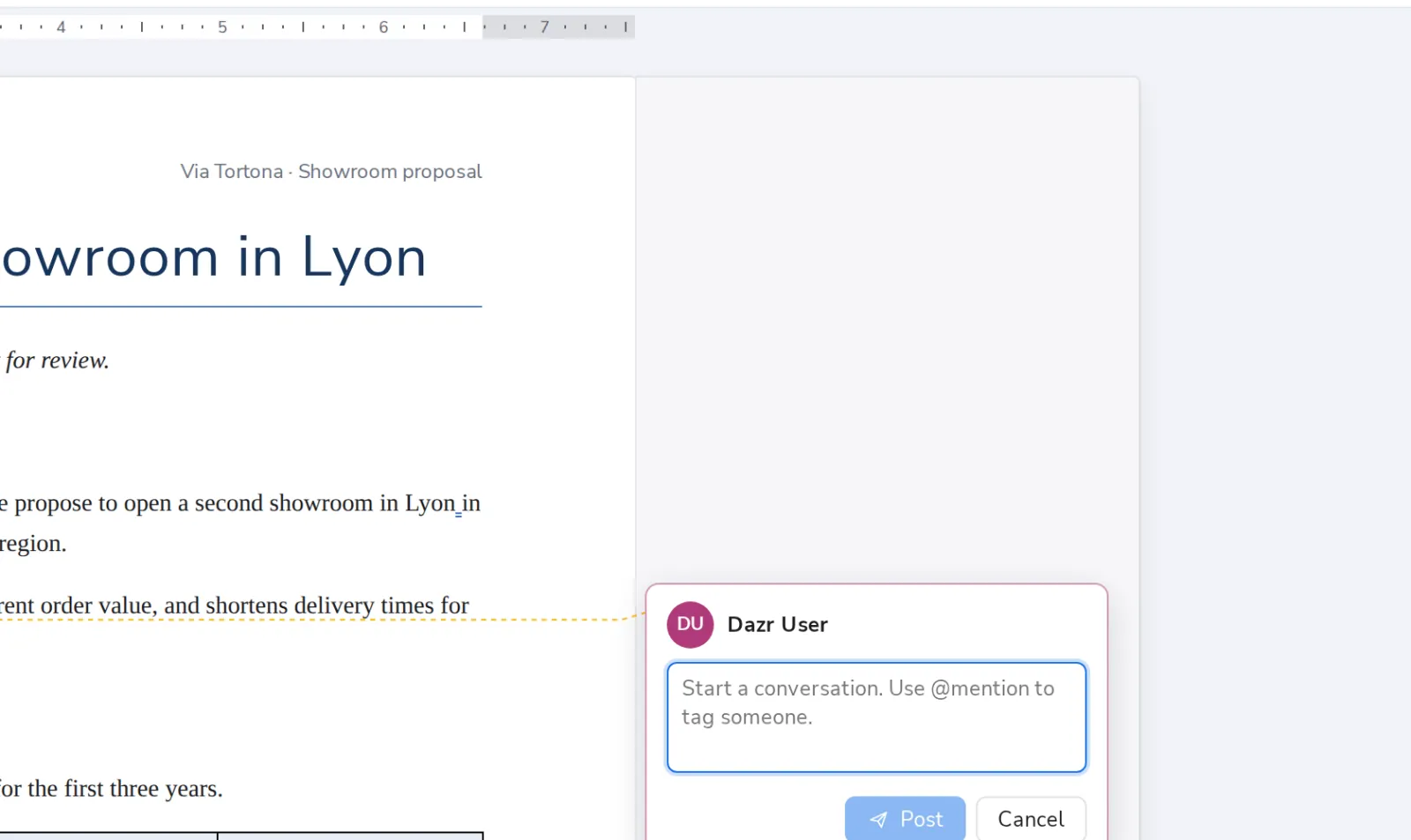
- 4
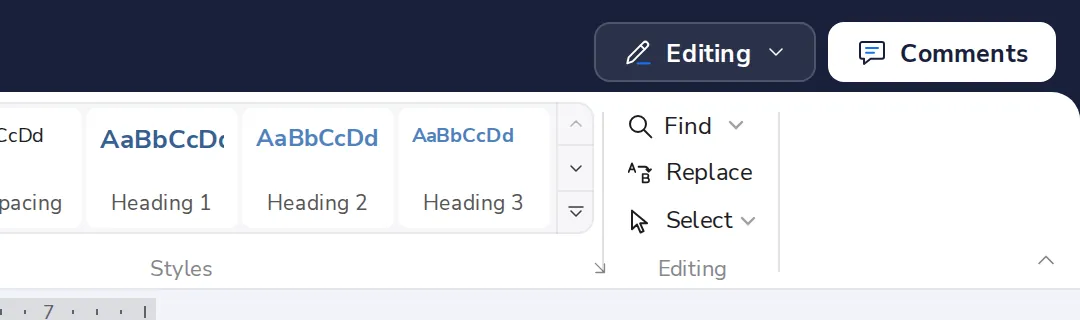
See all comments
Press Comments at the top right.
Was this helpful?
What was missing?
Thank you.
We count yes and no per article. Nothing about you is stored.