Make a bulleted or numbered list
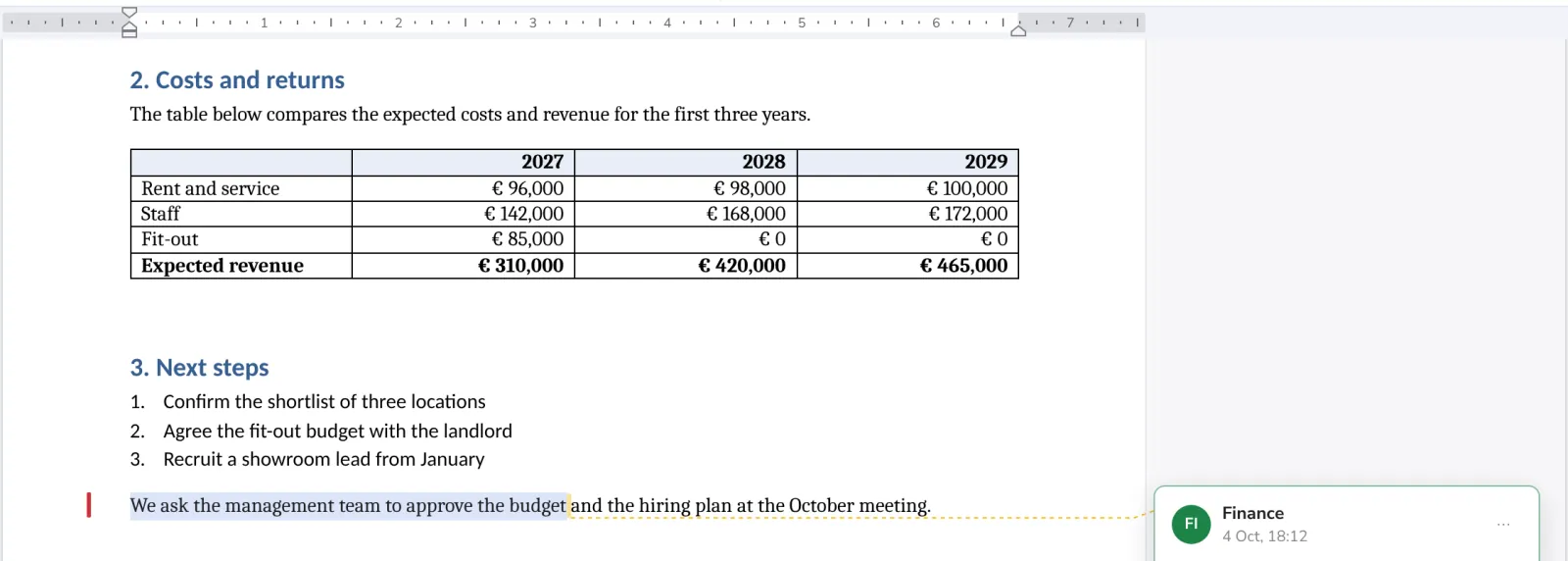
Lists make steps and options easy to read. Select the lines and press Bullets or Numbering.
- 1
Select the lines
Or click where the list should start.
- 2
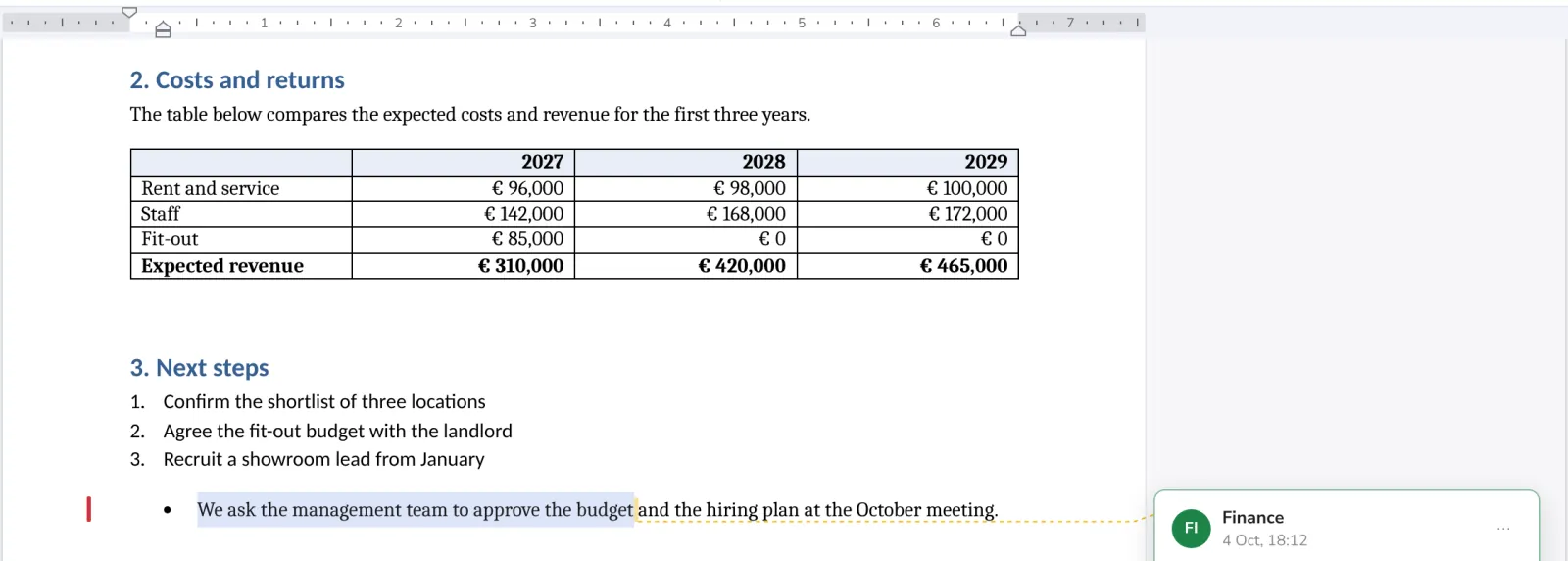
Press Bullets or Numbering
In Paragraph, on the Home tab. The arrow next to each picks another style.

- 3
Keep typing
Enter starts the next item. Press Enter twice to end the list.
Tab moves an item one level in, Shift+Tab moves it back out.
Was this helpful?
What was missing?
Thank you.
We count yes and no per article. Nothing about you is stored.