Add a table of contents
The table of contents is made from your headings. Update it after you change them.
- 1
Click where the table of contents goes
Usually on the first page, under the title.

- 2
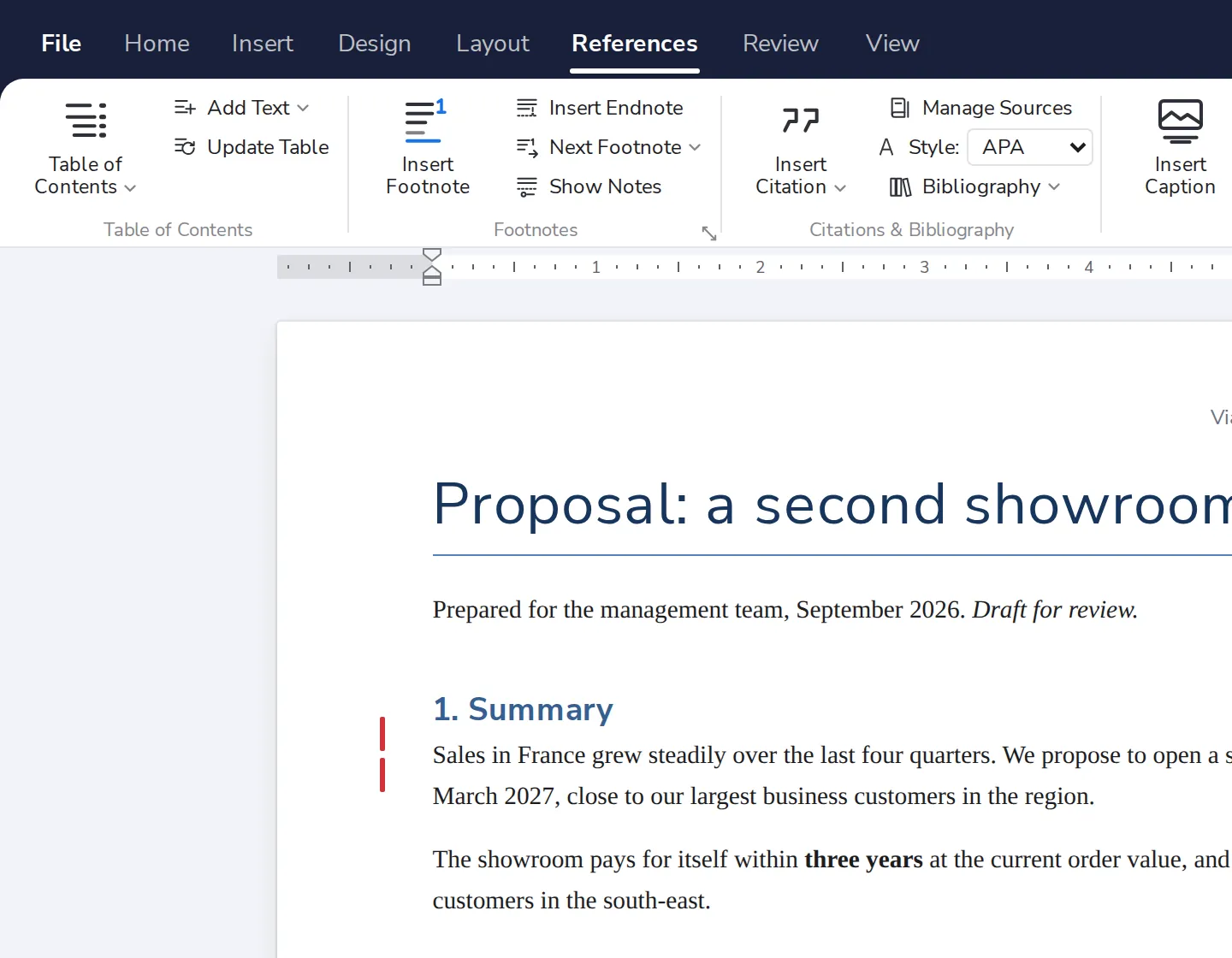
Open References
Press Table of Contents and pick a style.
- 3
Update the table after changing headings
After changing headings, press Update Table.

Was this helpful?
What was missing?
Thank you.
We count yes and no per article. Nothing about you is stored.