Get started with Dazr Sheets
Spreadsheets with formulas and charts, and your Excel files. These are the first things to do. The same list is in Help, under Get started, and ticks itself off as you go.
- 1
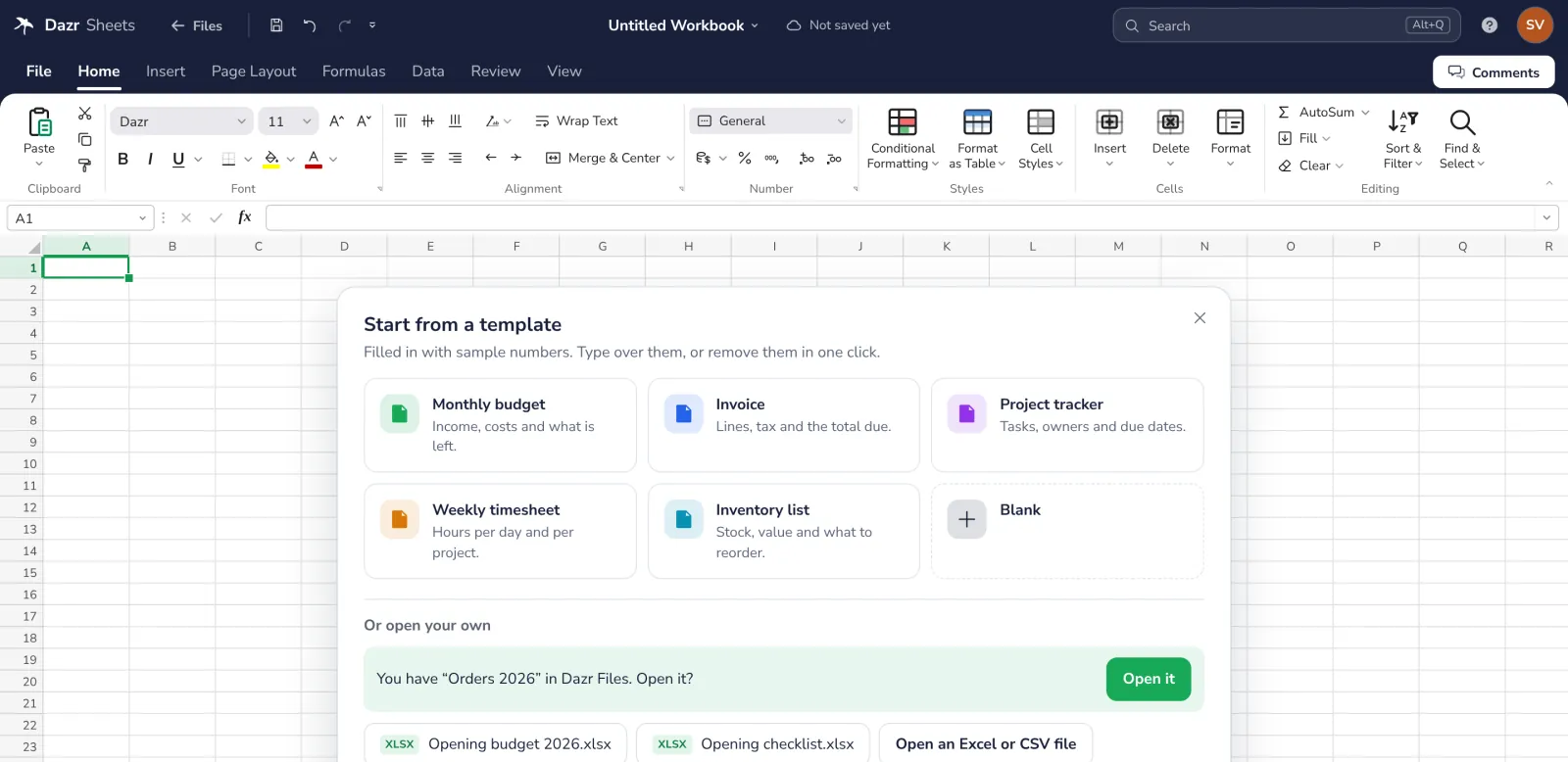
Start from a template
Start a workbook from a template. A budget, an invoice or a timesheet, ready to fill in.
- 2
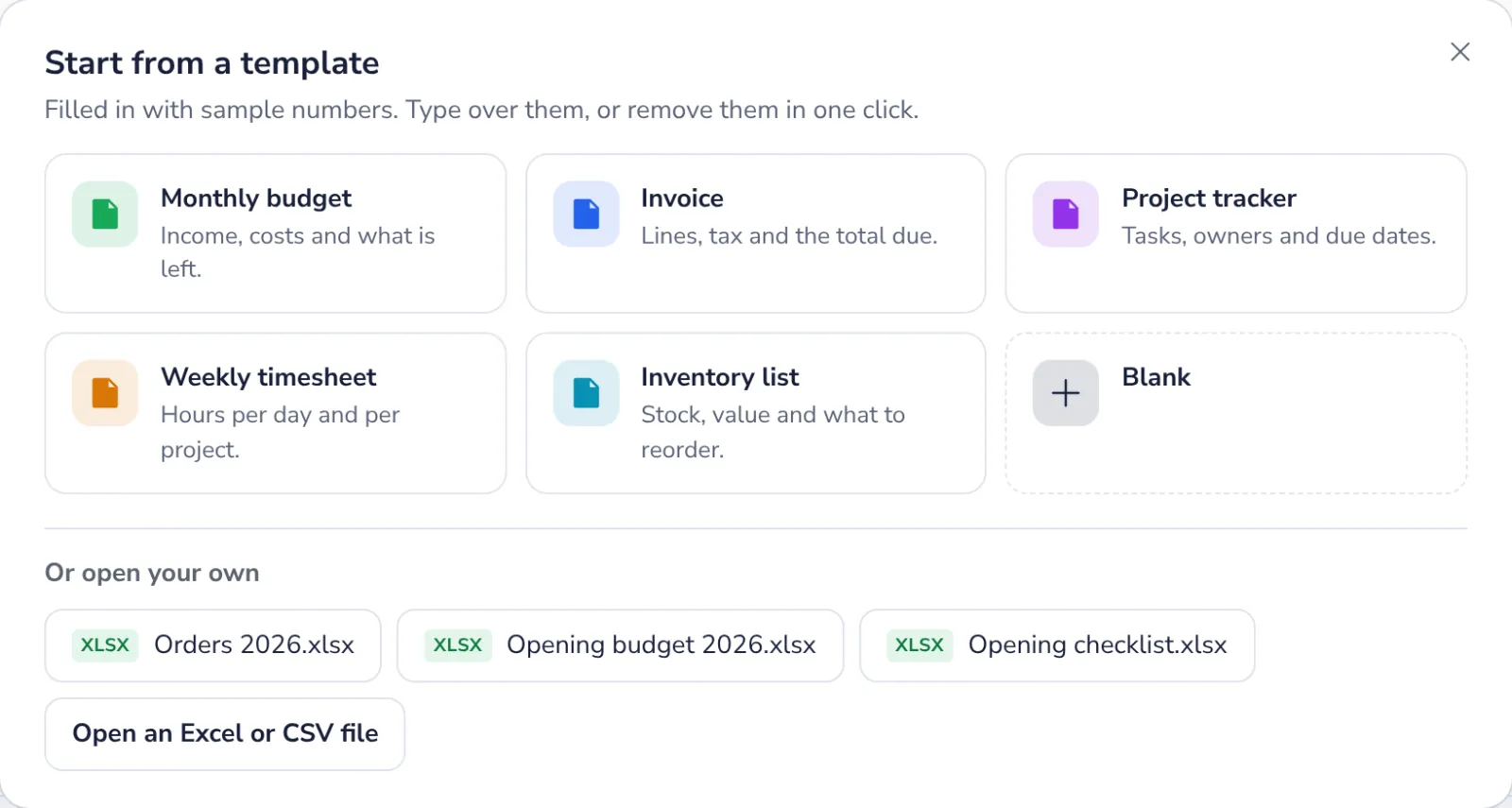
Open an Excel or CSV file
On a new sheet, Or open your own lists your spreadsheets in Dazr Files. Or press Open an Excel or CSV file. Excel files open as they are. A CSV comes in as a new sheet.
- 3
Make a chart
Make a chart from your data. Turn numbers into a picture.

- 4
Share
Share a file while you edit it. The Share button, at the top.

Stuck? Press ? at the top of Dazr Sheets: Get started, a Show me tour for each step, and search. Or write to us: people answer, not a bot.
Was this helpful?
What was missing?
Thank you.
We count yes and no per article. Nothing about you is stored.