Turn a list into a table
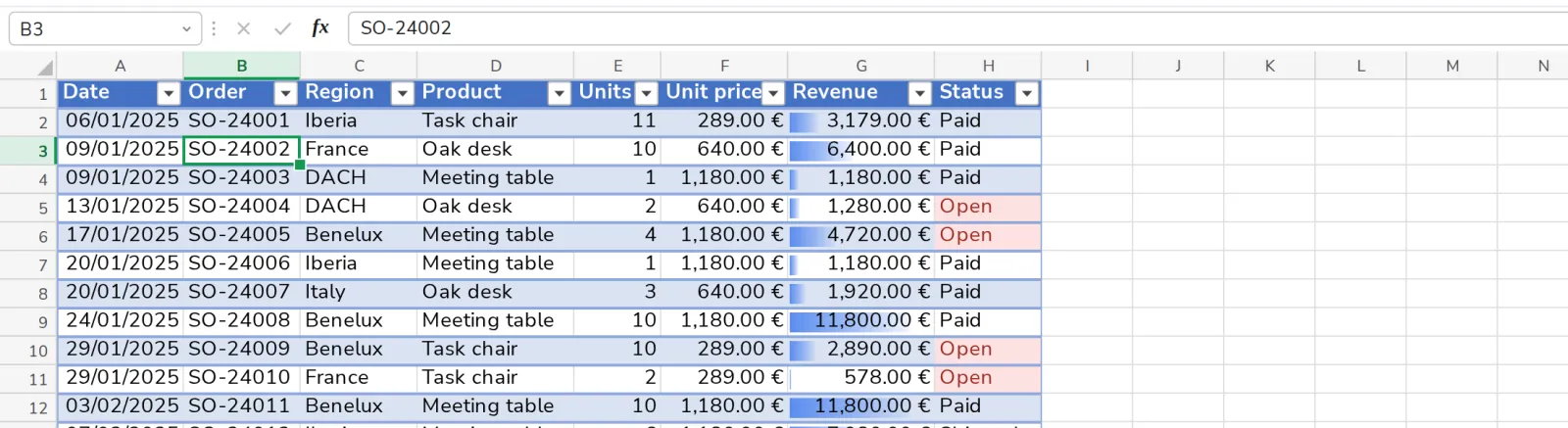
A table grows with your list. New rows get the same format and the same formulas.
- 1
Click in the list
Any cell with data.
- 2
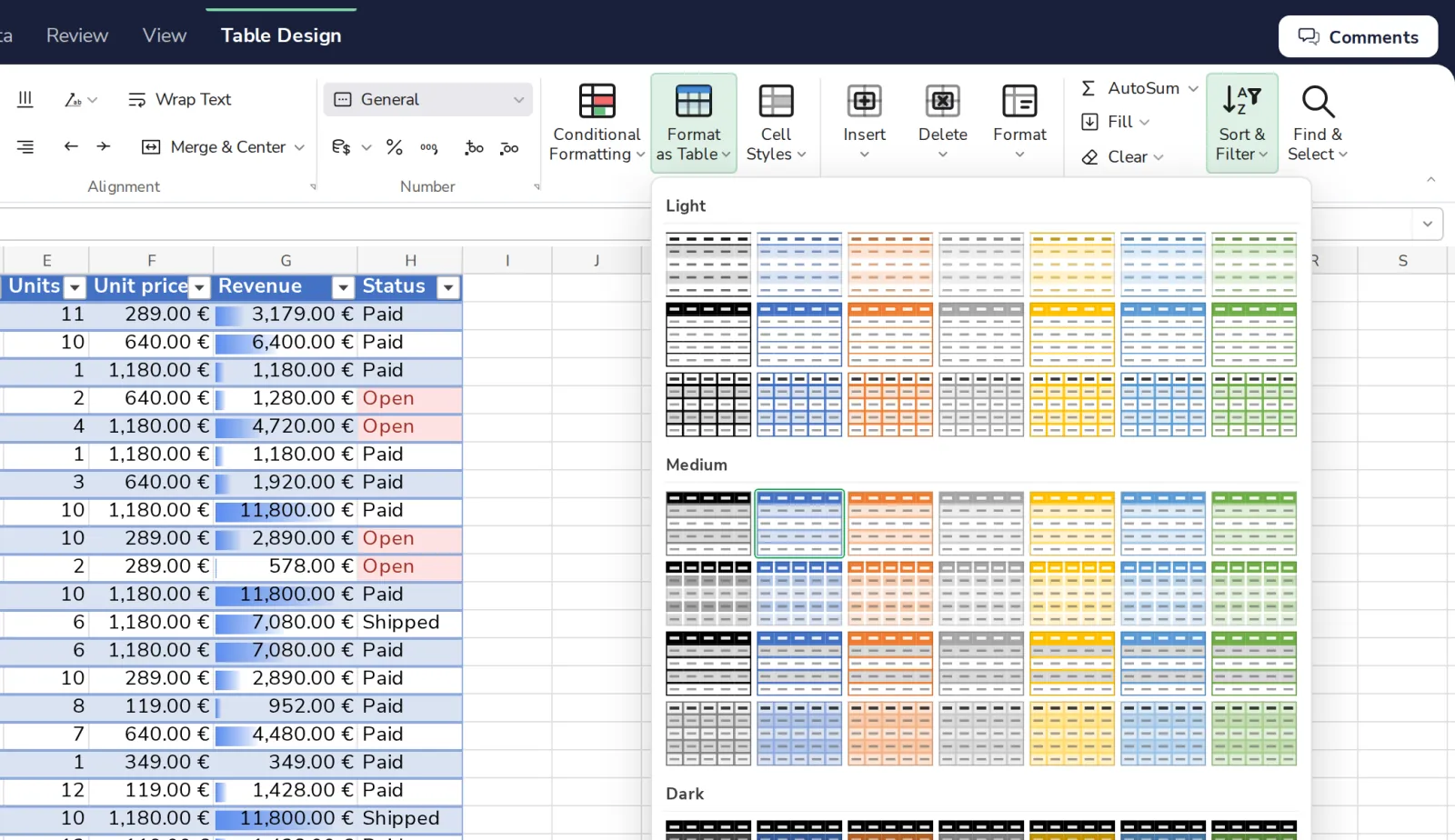
Press Format as Table
On the Home tab. Pick a style.
Was this helpful?
What was missing?
Thank you.
We count yes and no per article. Nothing about you is stored.