Filter a list
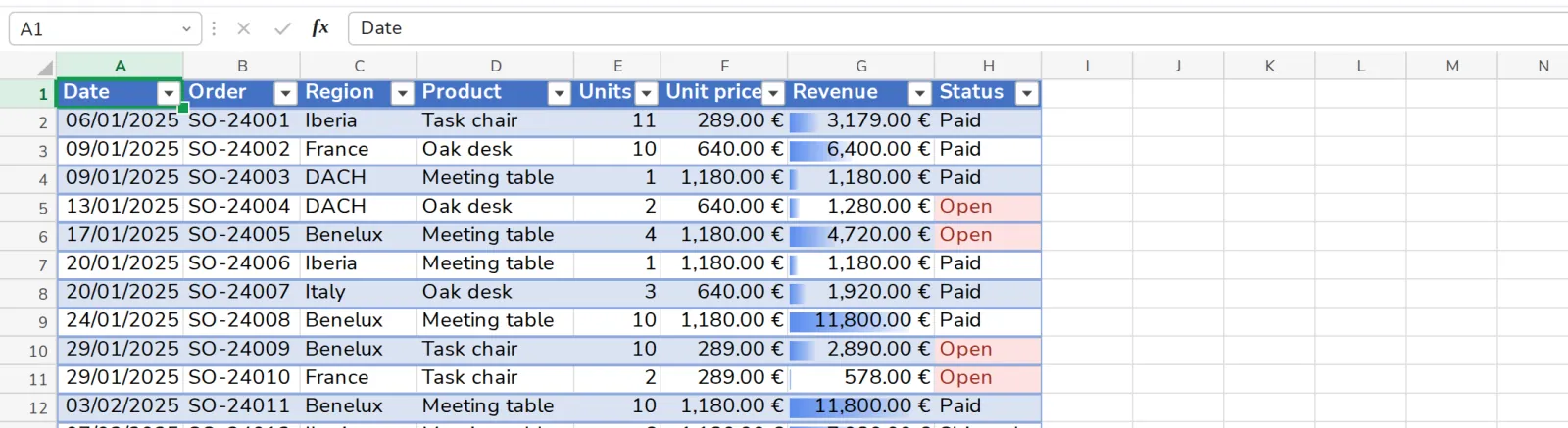
A filter hides the rows that do not match. Nothing is deleted.
- 1
Press Filter
On the Data tab. Each column title gets an arrow.

- 2
Press the arrow on a column
Tick the values to show, then press OK.
Clear, next to Filter, shows every row again.
Was this helpful?
What was missing?
Thank you.
We count yes and no per article. Nothing about you is stored.