Sort a list
Sorting keeps each row together. Sort by one column, or add levels for more.
- 1
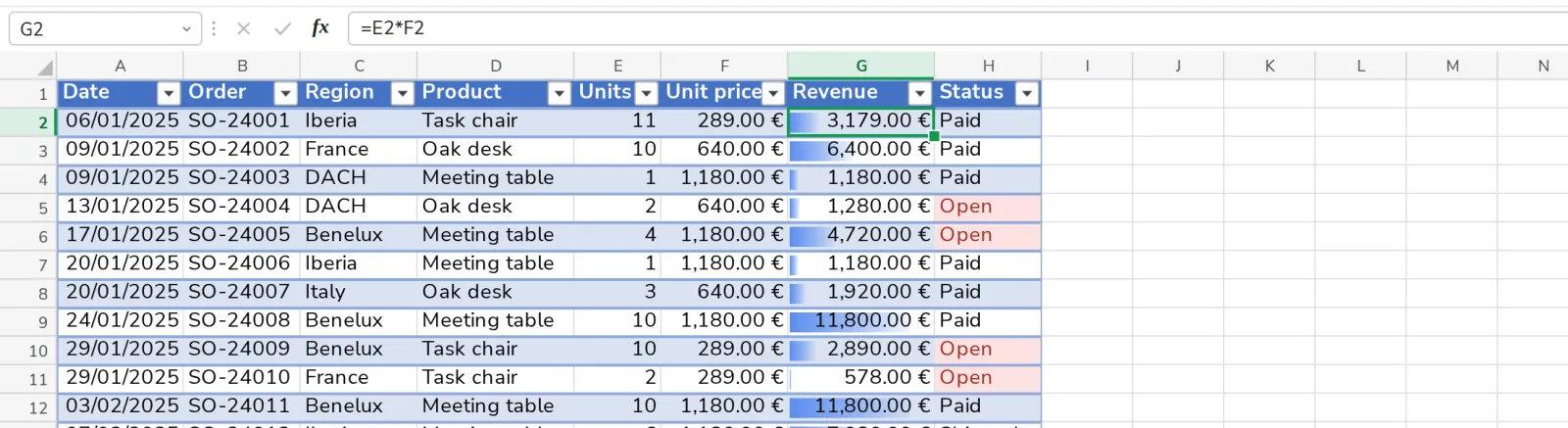
Click in the list
Any cell of the column you want to sort by.
- 2
Press Sort
On the Data tab.

- 3
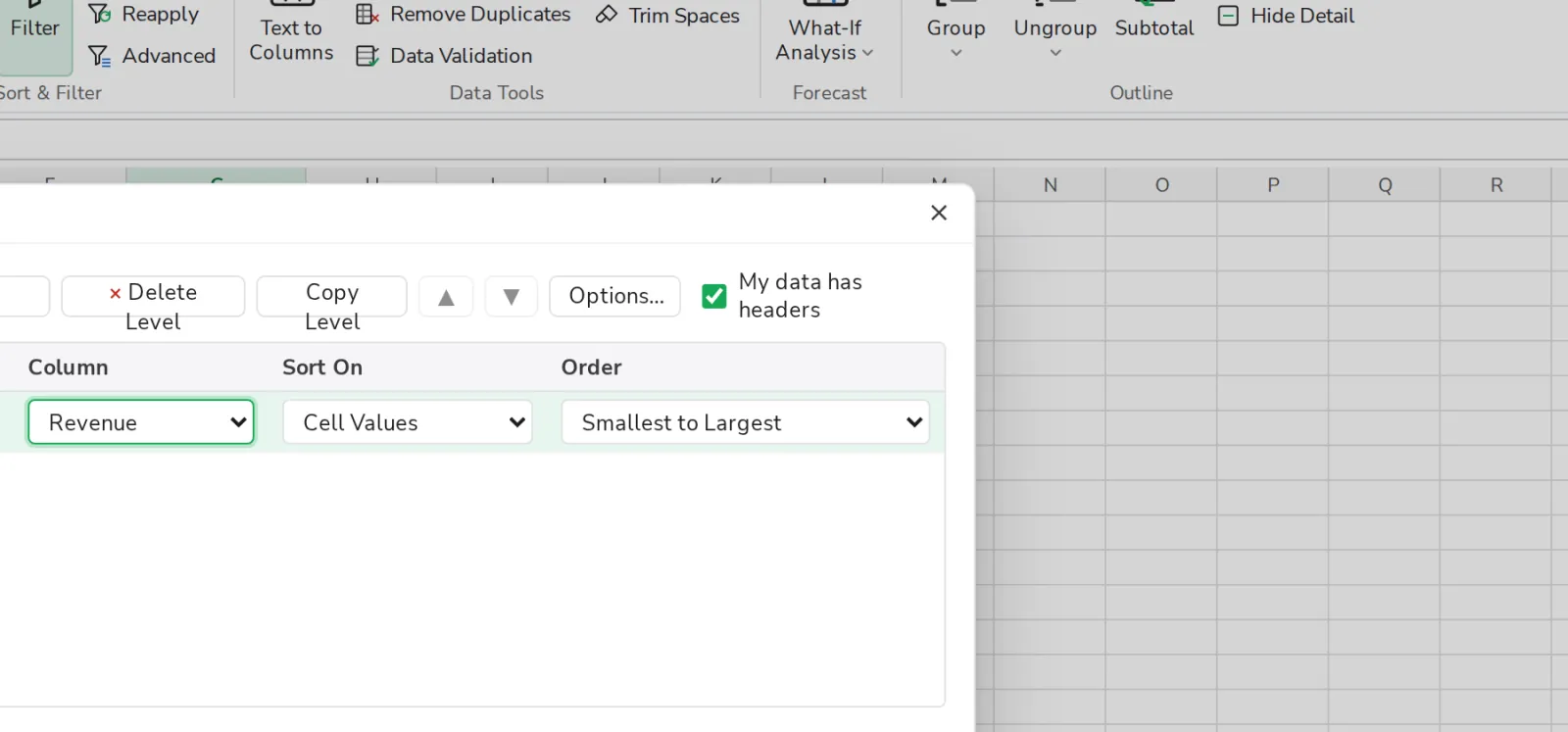
Choose the order
Smallest to Largest or the other way round. Add Level sorts by a second column.
Was this helpful?
What was missing?
Thank you.
We count yes and no per article. Nothing about you is stored.