Remove duplicate rows
Remove Duplicates keeps the first of each row and deletes the copies.
- 1
Click in the list
Any cell with data.
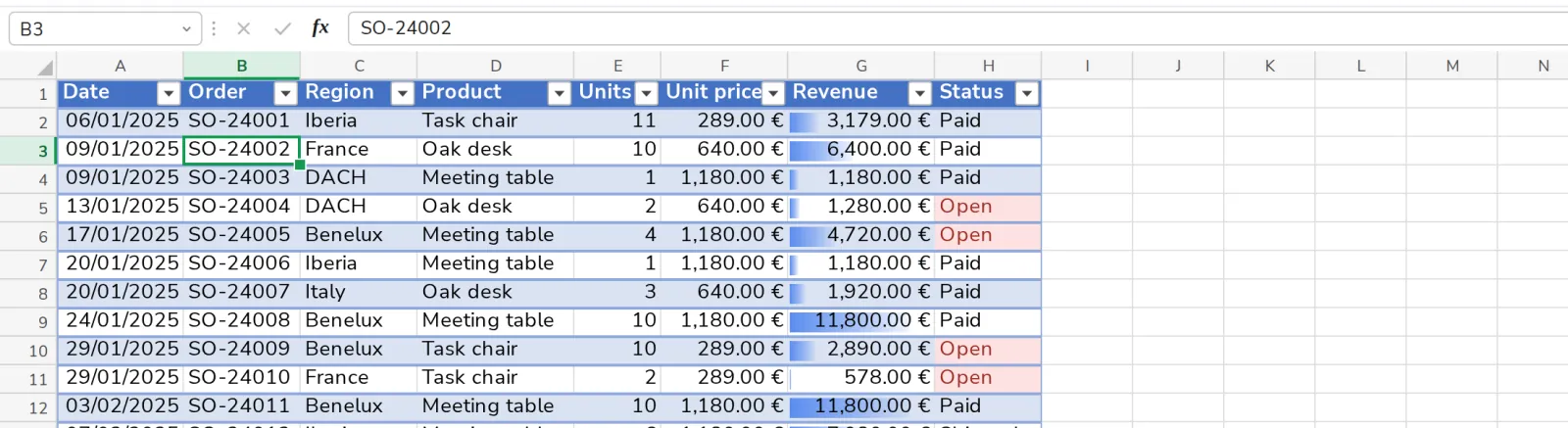
- 2
Press Remove Duplicates
On the Data tab. Choose the columns that must match, then press OK.

Was this helpful?
What was missing?
Thank you.
We count yes and no per article. Nothing about you is stored.