Save slides as pictures
Each slide becomes a sharp picture for a post, a message or another document.
- 1
Press File
At the top left of the ribbon.

- 2
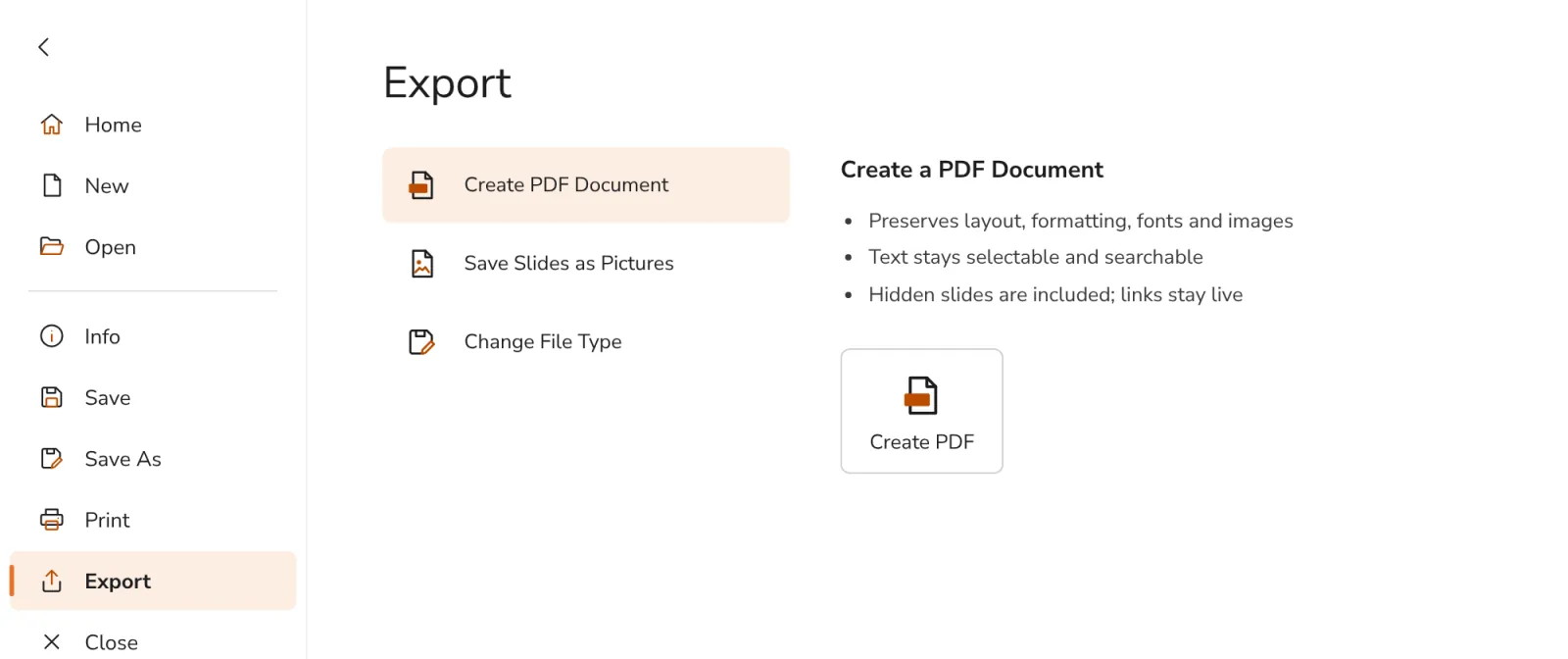
Choose Export, then Save Slides as Pictures
On the left, then in the list.
- 3
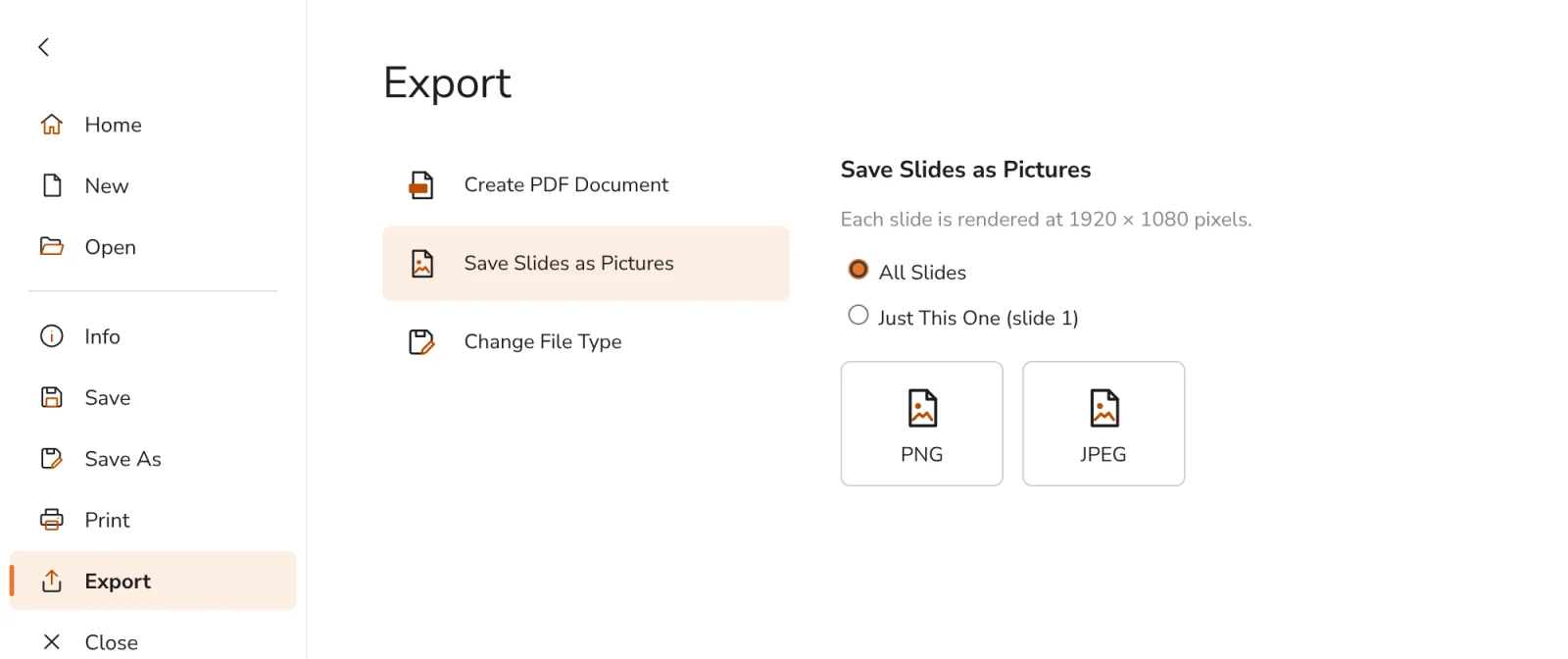
Press PNG or JPEG
All slides come as one .zip file, or pick Just This One for the slide you are on.
Was this helpful?
What was missing?
Thank you.
We count yes and no per article. Nothing about you is stored.